


Photo Gallery won't load

https://disneyworld.disney.go.com/dining/magic-kingdom/aloha-isle/
Click on "View Gallery", the pop-up box appears, but it just shows the spinning dots not the photos. This happens with all the restaurant galleries on WDW's site not just this particular one. Works fine in Chrome.
I verified FF and Flash are updated, enabled all pop-ups, restarted in safe mode. No joy. Next troubleshooting steps?
Keazen oplossing
Duh. Clearing cookies and cache solved it. Feeling stupid I didn't try that first.
Dit antwurd yn kontekst lêze 👍 0Alle antwurden (9)

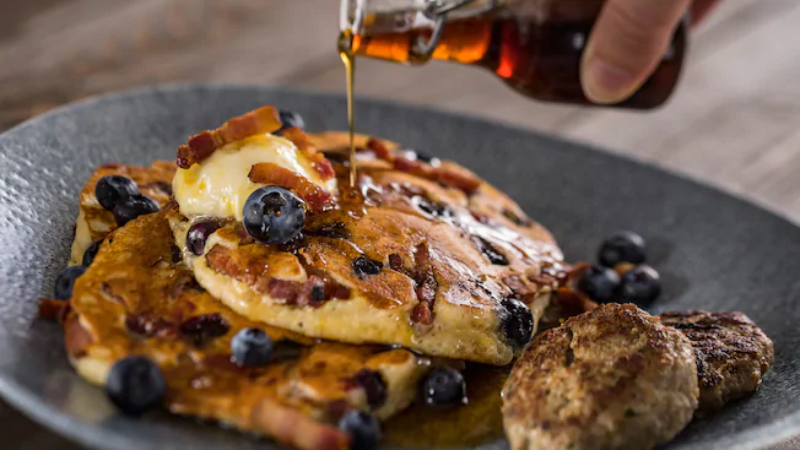
Hi CharleneTX, Those blueberry pancakes at the Ale & Compass Restaurant look great!
Try Firefox in Safe Mode: Troubleshoot Firefox issues using Safe Mode
As stated in my original post, I've already tried it in Safe Mode.
Hi again, This article presents quite a few troubleshooting steps: Troubleshoot and diagnose Firefox problems
Of course, the problem could be outside of Firefox, e.g. anti-virus. So, it might be easier to look at those kind of things before you pursue the more involved steps.
Keazen oplossing
Duh. Clearing cookies and cache solved it. Feeling stupid I didn't try that first.
Next time, don't get so excited about those pancakes!
Enjoy!
FYI There's a Forget About This Site option which clears everything in regard to a specific site (also logins & passwords). Delete browsing, search and download history on Firefox Scroll down to Remove a single website from your history.
My_Cheese_Is_Slippin' said
Next time, don't get so excited about those pancakes! Enjoy!
Actually, I was originally looking at the Dole Whip. :-D
Good to know you can clear a single site now. I hate having to reset all the sites after I've cleared cookies.