


images have not been loading properly or are only partially visible.

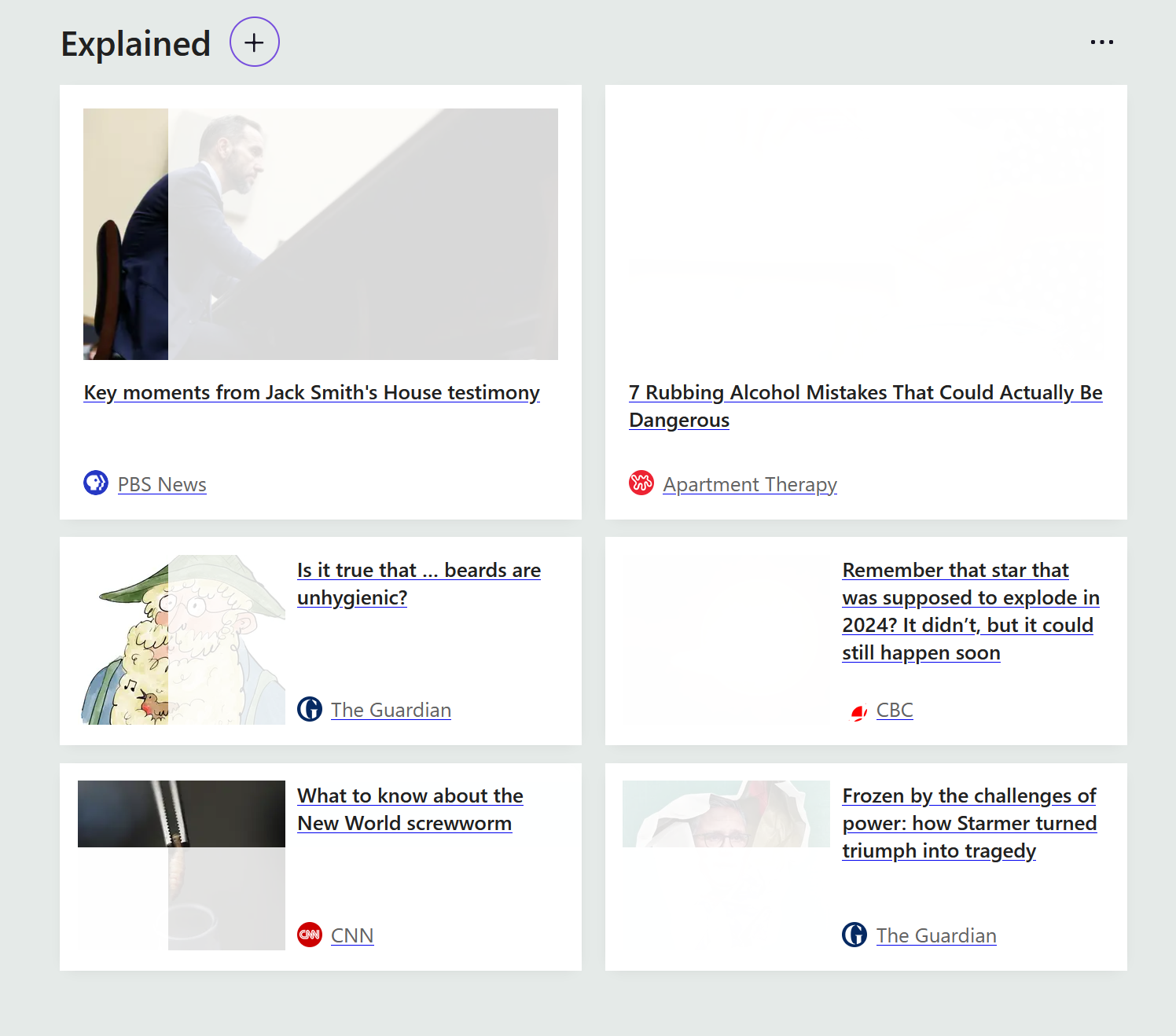
Images have not been displaying properly. Or when they display properly, the images may go blank when scrolling past them or hovering the cursor over them. This is specifically troublesome with buttons to click on to confirm "yes" or "no", "next" or "start" where the text within those buttons is not visible. I've included a screen shot showing how some of the images appear on screen. Thank you for any suggestions you may have.
Chosen Solution
The easiest things to check are your addons to disable anything running, and also switch any custom theme back to the default factory one.
The full writeup is here: Troubleshoot extensions, themes and hardware acceleration issues to solve common Firefox problems
All Replies (11)
Hi.
Can you check what resources your system has and how much is available. It could be an overload.
Have you checked the cache and deleted old stuff?
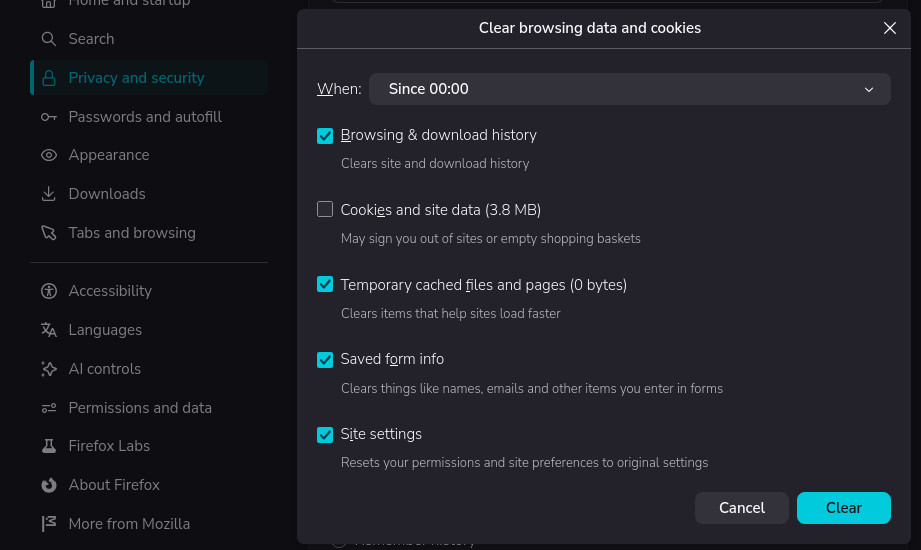
The local disk had 20 GB free of 118 GB. I have now deleted some items and checked the cache which has freed up some space. Now the local disk has 29.7 GB free. I have restarted the computer but the problem has not resolved. I appreciate the suggestions though.
Just searching for this issue.
Is this a recent issue and do videos work fine, i.e the graphics chip is working fine in that sense.
Is it only Firefox, can you use another browser?
By the way if you use Windows do you ever use [Restart] and not [Shut Down] . The latter keeps setups in memory.
Modified by amoun
Hi,
Your screenshot shows the default New Tab page. Do you experience this issue with any websites?
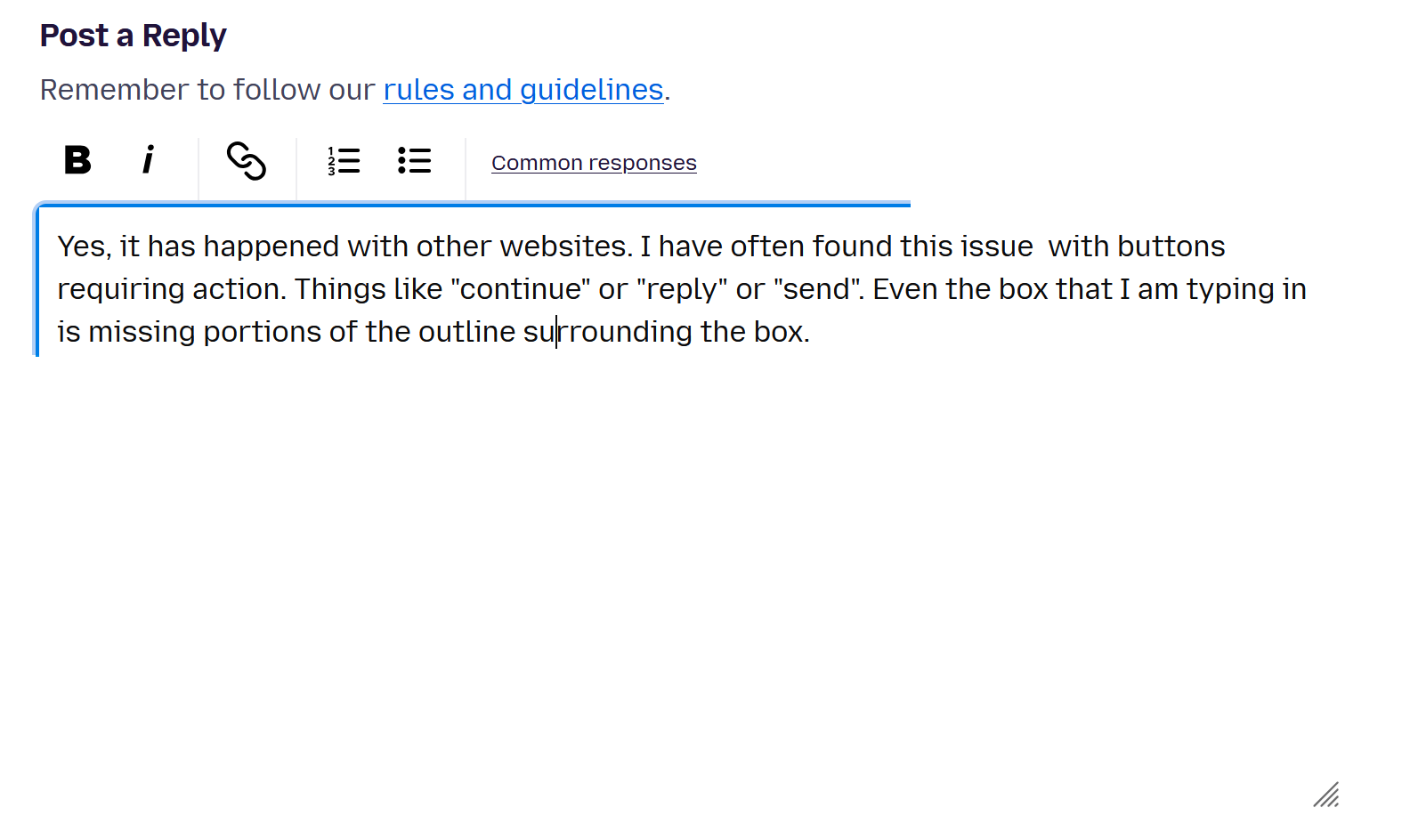
Yes, it has happened with other websites. I have often found this issue with buttons requiring action. Things like "continue" or "reply" or "send". Even the box that I am typing in is missing portions of the outline surrounding the box.
amoun said
Just searching for this issue. Is this a recent issue and do videos work fine, i.e the graphics chip is working fine in that sense. Is it only Firefox, can you use another browser? By the way if you use Windows do you ever use [Restart] and not [Shut Down] . The latter keeps setups in memory.
Thank you for asking about it. I have tried Chrome and have not noticed issues. Videos in Firefox seem to be working fine as well. But strangely, even as I am typing this, the box with my reply is changing colors in sections and parts of the box outline is going blank.
Just to verify it's not a profile issue or an addon interfering, could you please restart into Troubleshoot Mode from your Help menu, and see if the same happens on the affected sites running that mode for a bit? Thanks.
I am replying after going into Troubleshoot Mode. I have tried a few websites and they seem to work with no issue. Is there a way to pinpoint the actual cause?
monsourmail said
I am replying after going into Troubleshoot Mode. I have tried a few websites and they seem to work with no issue. Is there a way to pinpoint the actual cause?
Yep! Please see Troubleshoot extensions, themes and hardware acceleration issues to solve common Firefox problems.
Chosen Solution
The easiest things to check are your addons to disable anything running, and also switch any custom theme back to the default factory one.
The full writeup is here: Troubleshoot extensions, themes and hardware acceleration issues to solve common Firefox problems
Good tip. Hardware acceleration seemed to be the issue. Once it was turned off, Firefox appears to be working as expected. Thank you (and all respondents) for your suggestions.