Back button overshoots when a web form performs a POST to the same URL as the previous GET

Greetings,
I am having this issue since Firefox 155.0.1 or a bit earlier (but overall rather recently) and I still encounter it with 156.
When a web page has a web form that performs a POST request without changing the URL, the behavior seems to have changed. Let's assume I have done the following:
1. I navigated to an overview page (GET https://example.com/overview). 2. I clicked on a link to a page with a form (GET https://example.com/formpage). 3. I filled out and submitted the form (POST https://example.com/formpage).
Now, when I click the Back button,
- previously, I was returned to the page with the form (GET https://example.com/formpage)
- now, I am returned to the overview page (GET https://example.com/overview)
Can I somehow return to the previous behavior?
Thanks!
All Replies (1)
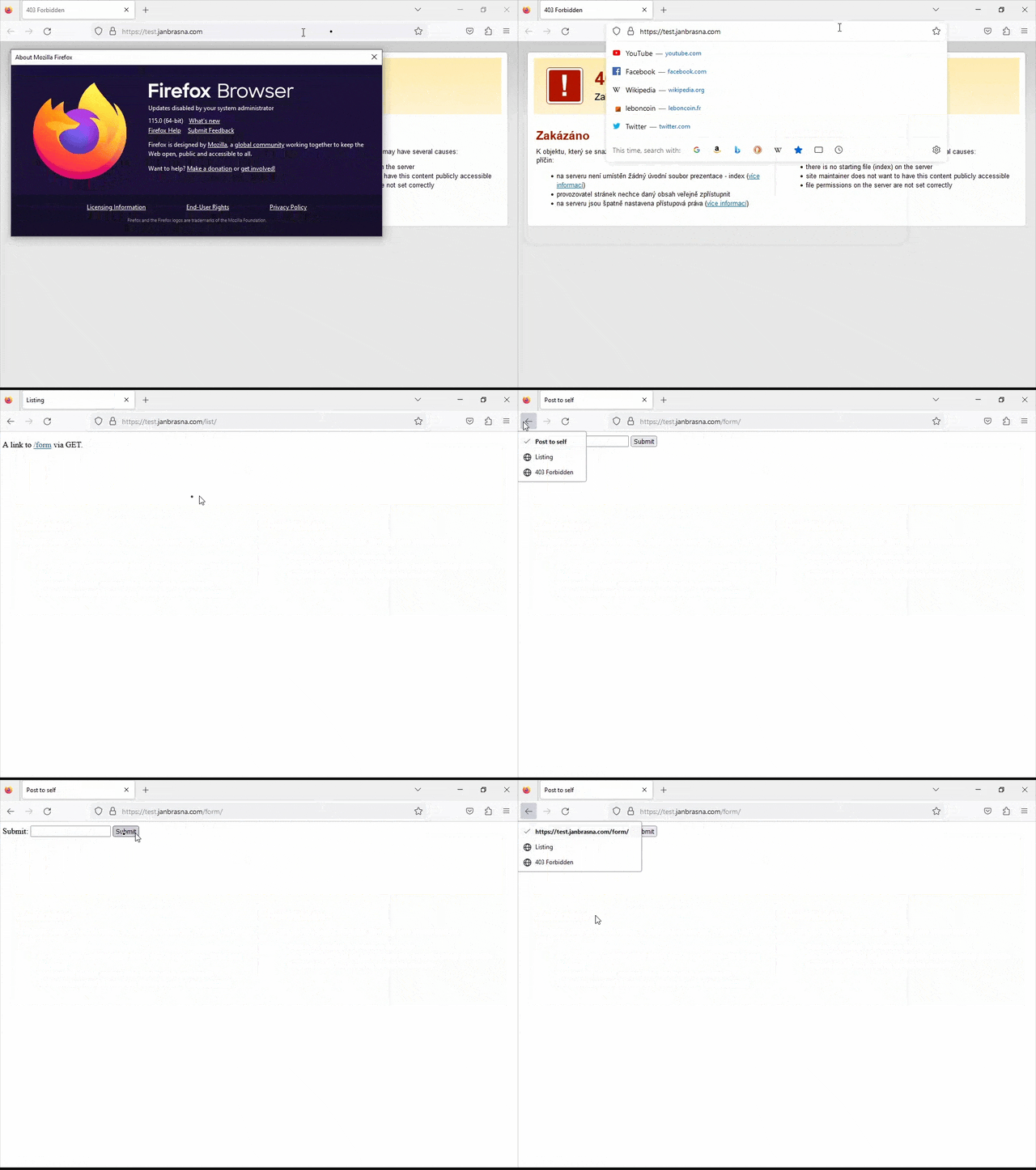
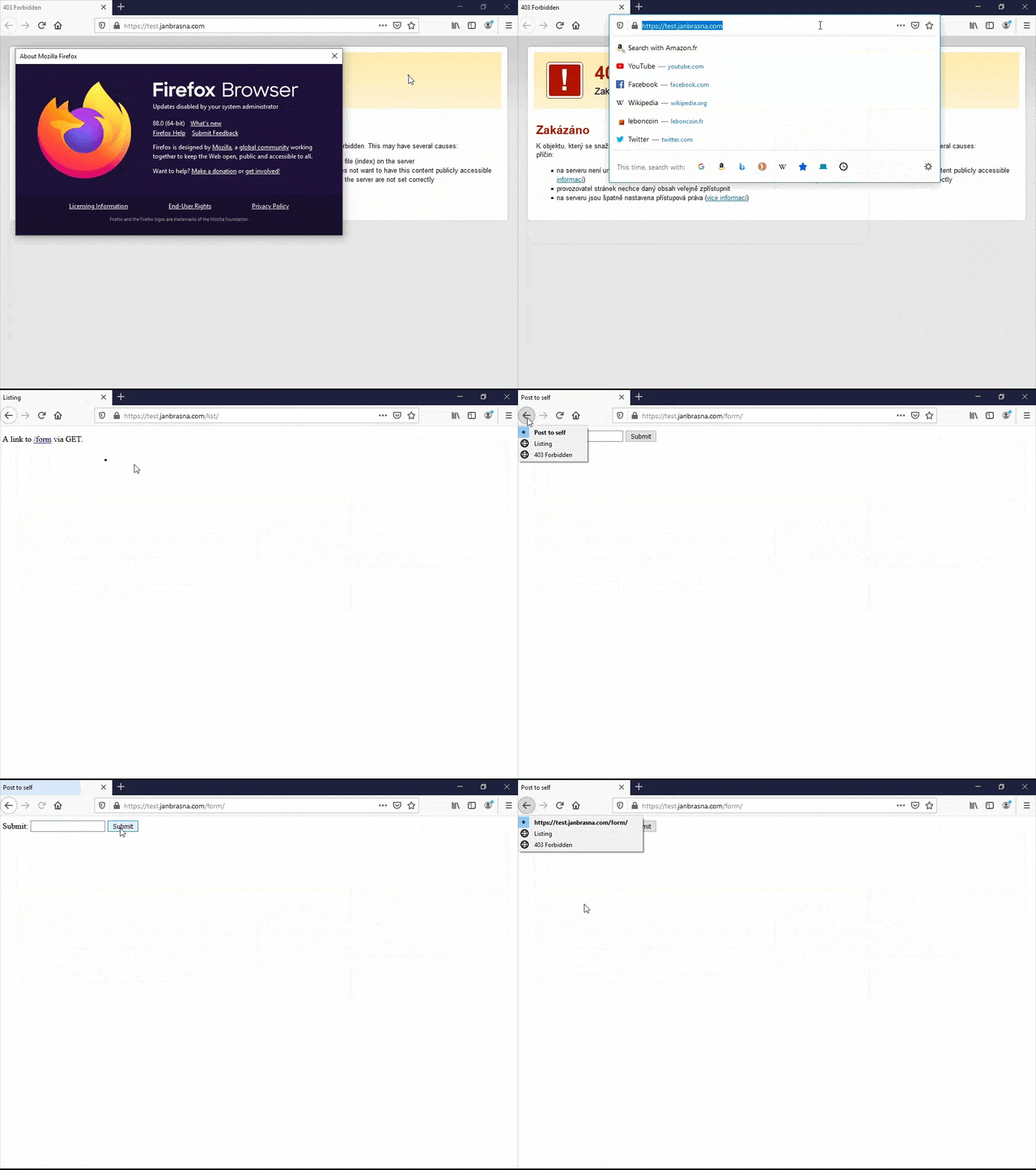
Hi, I think the "GET to POST" history entry not incrementing on the same path always worked like you observe now — I personally remember running into that years ago, and I've checked in v155, v152, v140, v128, v115 and all the way back to v88 and it behaves the same.
Are you sure the actual site code didn't change to have impact on what you're observing? This is the GET–to–POST scenario on the same URL in v152 behaving identically to today: 🎥 streamable.com/je7jzm (i.e. I can't go "back" from the POST result to the previous GET state of the form as it's not in the history stack; only the title changes in there after the submit…)