


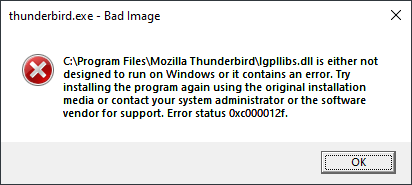
thunderbird.exe - Bad Image
Greetings, I've been using Thundrbird for many years, and now suddenly it won't open, because of a "Bad Image" error. Is Mozilla Thunderbird still usable on Windows 10? This started happening either yesterday (maybe yesternight) or the day before yesterday.
"---------------------------
thunderbird.exe - Bad Image
C:\Program Files\Mozilla Thunderbird\lgpllibs.dll is either not designed to run on Windows or it contains an error. Try installing the program again using the original installation media or contact your system administrator or the software vendor for support. Error status 0xc000012f.
OK
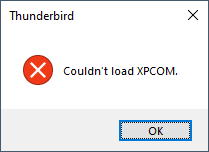
Thunderbird
Couldn't load XPCOM.
OK
"
Should I try to reinstall the newest version 150.0.2? I have downloaded it, although I just checked the file version, and it's already updated.
Thank you, Shalom
All Replies (1)

Unfortunately, Windows' error messages can be incomplete or misleading and it could be something deeper, but on the surface it does look like a corrupt lgpllibs.dll file. The first thing to try would be to reinstall the same version (150.0.2?) you're on, using the installer downloaded from the official site:
https://www.thunderbird.net/en-US/thunderbird/all/
You should reboot the computer both before AND after you re-install.
Please let us know how it goes.