


Glitchy/distorted text occasionally displays on websites
Recently (~2 days ago) I would be scrolling down a website and the text would glitch out into black/white/colorful squares. Now it happens randomly and I don't know what causes it. The glitch would follow as I scroll, and I could refresh the page or highlight portions of the text to get rid of the distortion. I have tried quitting out of Firefox, booting it in safe mode, and uninstall-reinstalling it. None of that has helped. Attached are screenshots of the glitch. It seems to be getting more frequent (?)
I did some system scans/diagnostics to check that it wasn't a hardware issue, and there's no problem on microsoft edge or other applications like discord/steam, so it seems to be a Firefox issue.
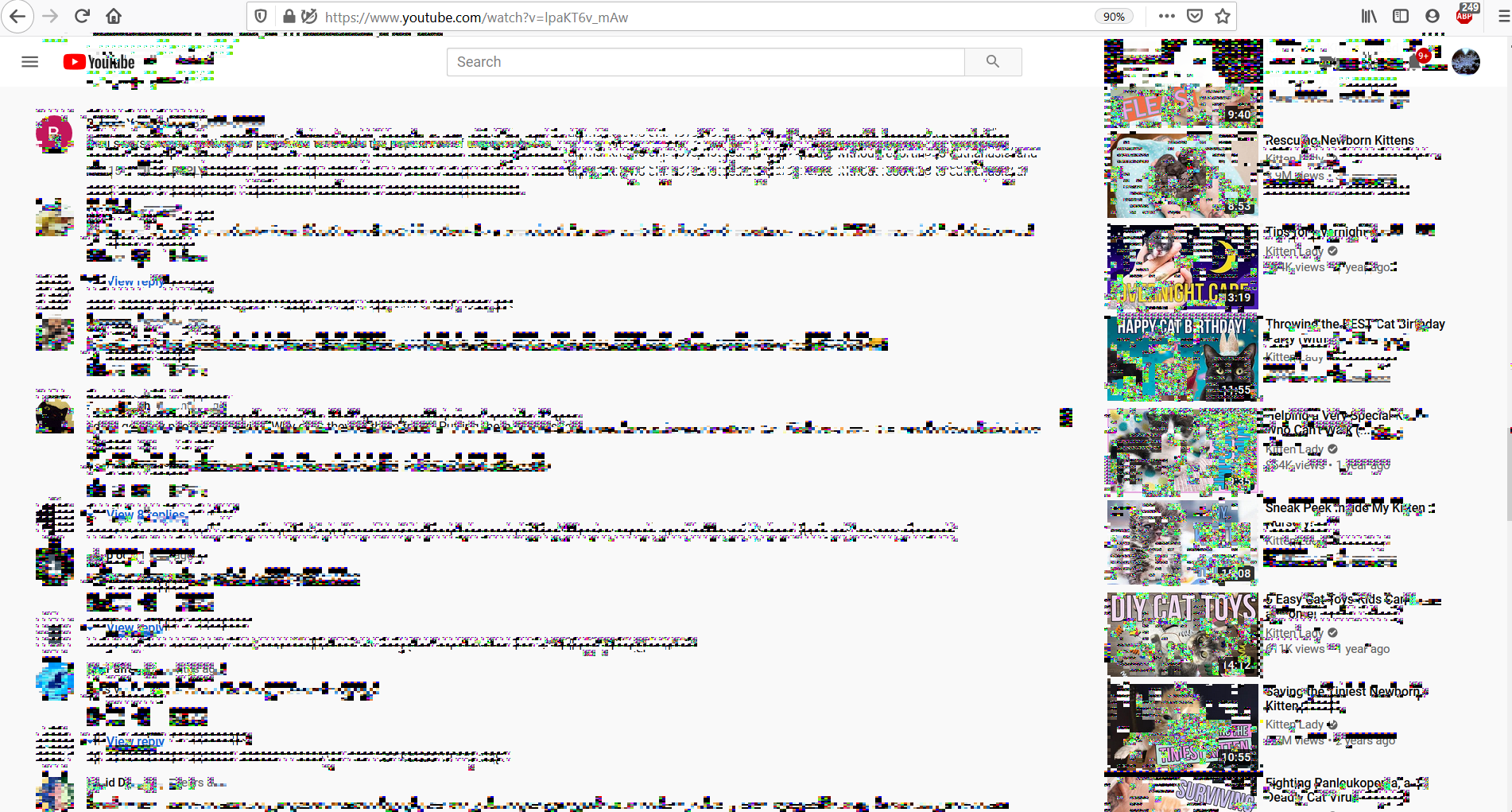
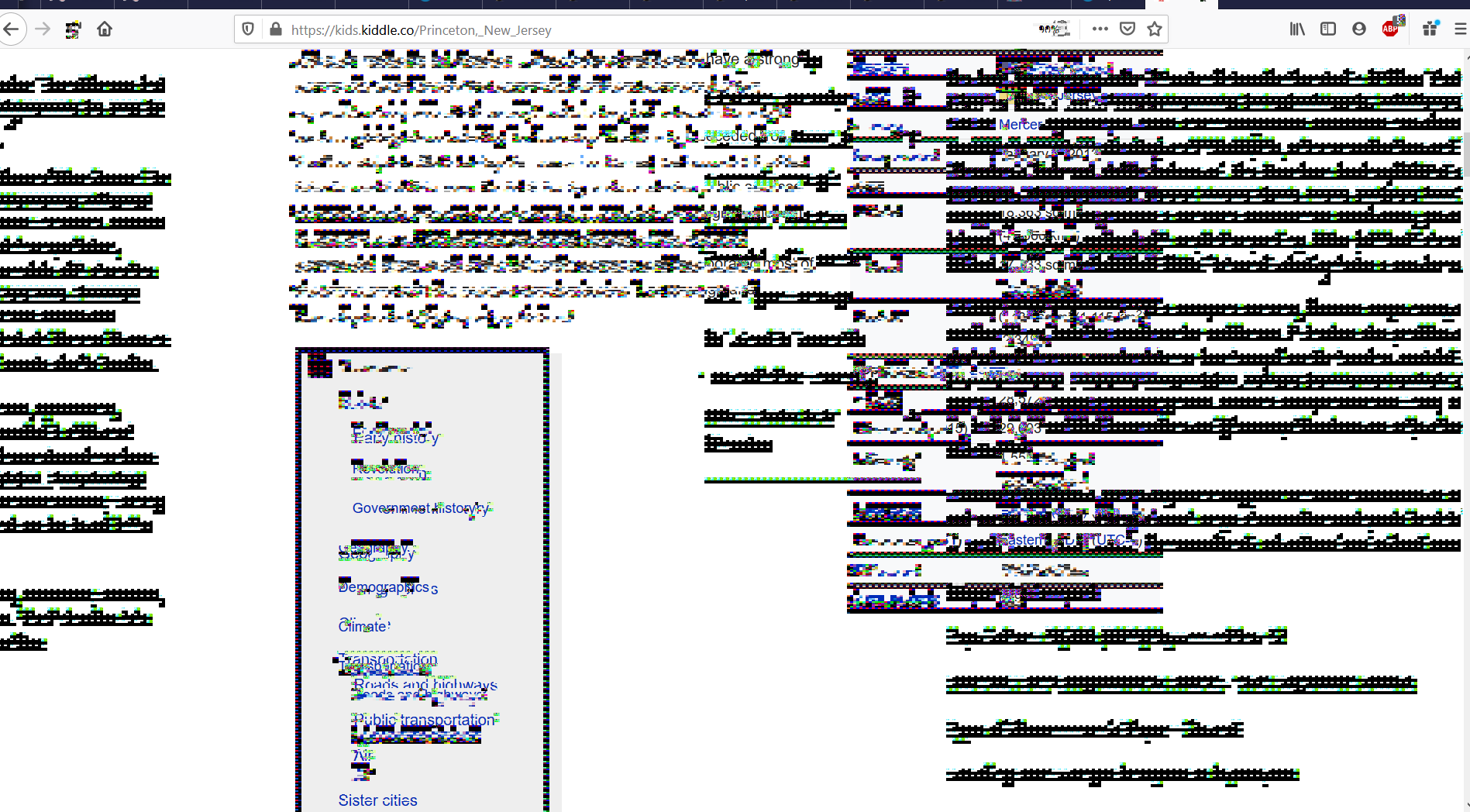
Todas las respuestas (1)

Solución elegida
Is this with all websites/pages, some, a few?
Many site issues can be caused by corrupt cookies or cache.
Warning ! ! This will log you out of sites you're logged in to. You may also lose any settings for that website.
- How to clear the Firefox cache {web link}
If there is still a problem, Start Firefox in Safe Mode {web link} by holding down the <Shift> (Mac=Options) key, and then starting Firefox.
A small dialog should appear. Click Start In Safe Mode (not Refresh). Did this help?
While you are in safe mode;
Try disabling graphics hardware acceleration in Firefox. Since this feature was added to Firefox it has gradually improved but there are still a few glitches.
How to disable Hardware Acceleration {web link}