


Voice recognition icon missing from Google Translate

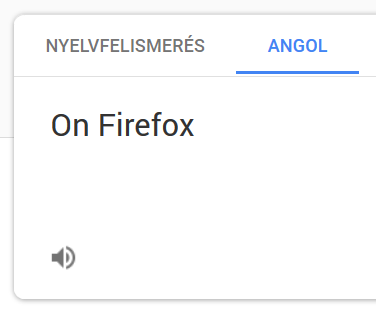
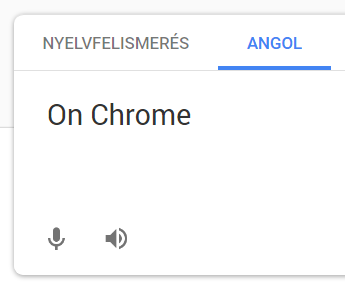
On Firefox (and also Edge) Google Translate has no options for voice input. This isn't dependent on language concerning either translation - or website language. Is there a way to fix it? Thanks!
Solución elegida
Hello samwolfe,
I wonder if this works for anybody who uses Firefox (I sure don't get the microphone icon).
To me it looks like Google wants you to use Chrome only, cause here it says :
"This feature is only available on Chrome. Learn how to download & install Chrome."
Leer esta respuesta en su contexto 👍 0Todas las respuestas (4)

Make sure you are not blocking content.
Start Firefox in Safe Mode {web link}
A small dialog should appear. Click Start In Safe Mode (not Refresh). Is the problem still there?
https://support.mozilla.org/en-US/kb/enhanced-tracking-protection-firefox-desktop
Safe mode make no difference unfortunately, even with a fresh Firefox on my laptop. So this problem occures just for me?
Solución elegida
Hello samwolfe,
I wonder if this works for anybody who uses Firefox (I sure don't get the microphone icon).
To me it looks like Google wants you to use Chrome only, cause here it says :
"This feature is only available on Chrome. Learn how to download & install Chrome."
Hey McCoy,
Yeah, this was my best guess, the Microsoft style.
Thanks for help anyways.

Modificadas por samwolfe el