


How do I change the font size on a webpage?

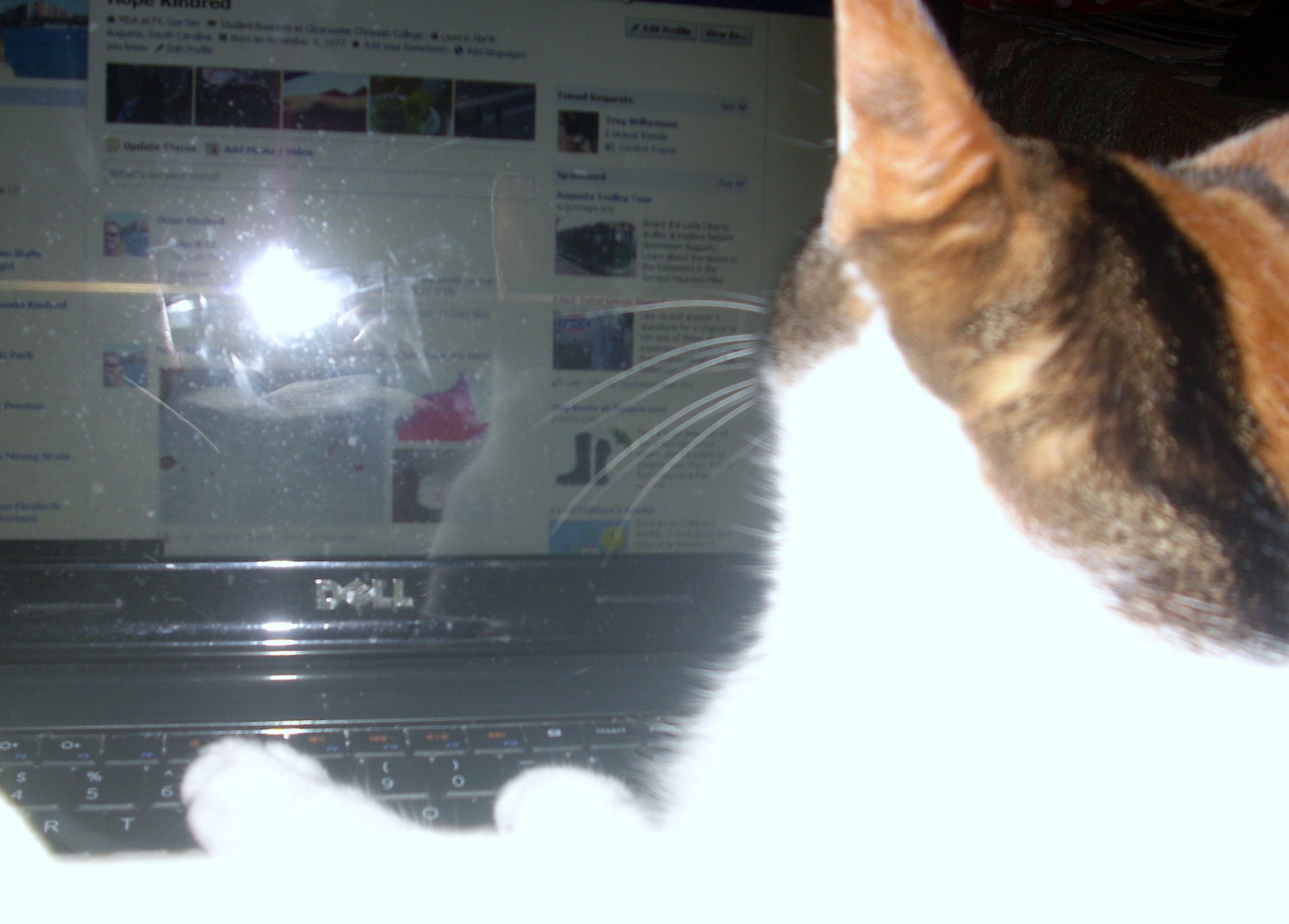
Hi, I had a web page opened on Firefox and then my cat jumped on the keyboard and now that web page is in ridiculously small letters that I can barely read. I closed the browser, but it did not fix the problem. I tried opening the same webpage with Explorer and the font is normal size. On Firefox, the other webpages are normal font size, it is just that one website. Can anyone help? Thank you.
Επιλεγμένη λύση
Glad to know my cat isn't the only one jumps on the keyboard :) And glad someone had the answer to get back to the right page size so I can read what's on the screen.
Όλες οι απαντήσεις (6)
Click "CTRL" and "0" (i.e. zero) to return to the normal font size.
Alternatively View > (Alt + V) > Zoom > Reset.
...............................................................................................................................
Useful links:
Going beyond Tools > Options - about:config
Page Info Tools (Alt + T) > Page Info, Right-click > View Page Info
Firefox Profile Folder & Files
Τροποποιήθηκε στις από τον/την Vivek
Cat made web page font too small
Use "Ctrl+0" (zero) to restore font to normal size. Hope your cat can't read, but to learn more see http://kb.mozillazine.org/Zoom_text_of_web_page'
Use CTRL+0 (<--that is a zero) to reset the Zoom level on affected page(s).
Firefox built-in Zoom functions:
- See --> http://support.mozilla.com/en-US/kb/Page+Zoom
- See --> http://support.mozilla.com/en-US/kb/Text+Zoom
Zoom Add-ons:
- Default FullZoom Level: https://addons.mozilla.org/en-US/firefox/addon/default-fullzoom-level/
- NoSquint: https://addons.mozilla.org/en-US/firefox/addon/nosquint/
- More info on NoSquint: http://urandom.ca/nosquint/
If this reply solves your problem, please click "Solved It" next to this reply when signed-in to the forum.
Not related to your question, but...
You may need to update some plug-ins. Check your plug-ins and update as necessary:
- Plug-in check --> http://www.mozilla.org/en-US/plugincheck/
- Adobe Shockwave for Director Netscape plug-in: Installing (or Updating) the Shockwave plugin with Firefox
- Adobe PDF Plug-In For Firefox and Netscape: Installing/Updating Adobe Reader in Firefox
- Shockwave Flash (Adobe Flash or Flash): Updating Flash in Firefox
- Next Generation Java Plug-in for Mozilla browsers: Installing or Updating Java in Firefox
The control + 0 worked. Thank you all for such a prompt and accurate answer!
Επιλεγμένη λύση
Glad to know my cat isn't the only one jumps on the keyboard :) And glad someone had the answer to get back to the right page size so I can read what's on the screen.