


Unable to print a Yahoo email via Firefox 146.0.1 via Windows 11

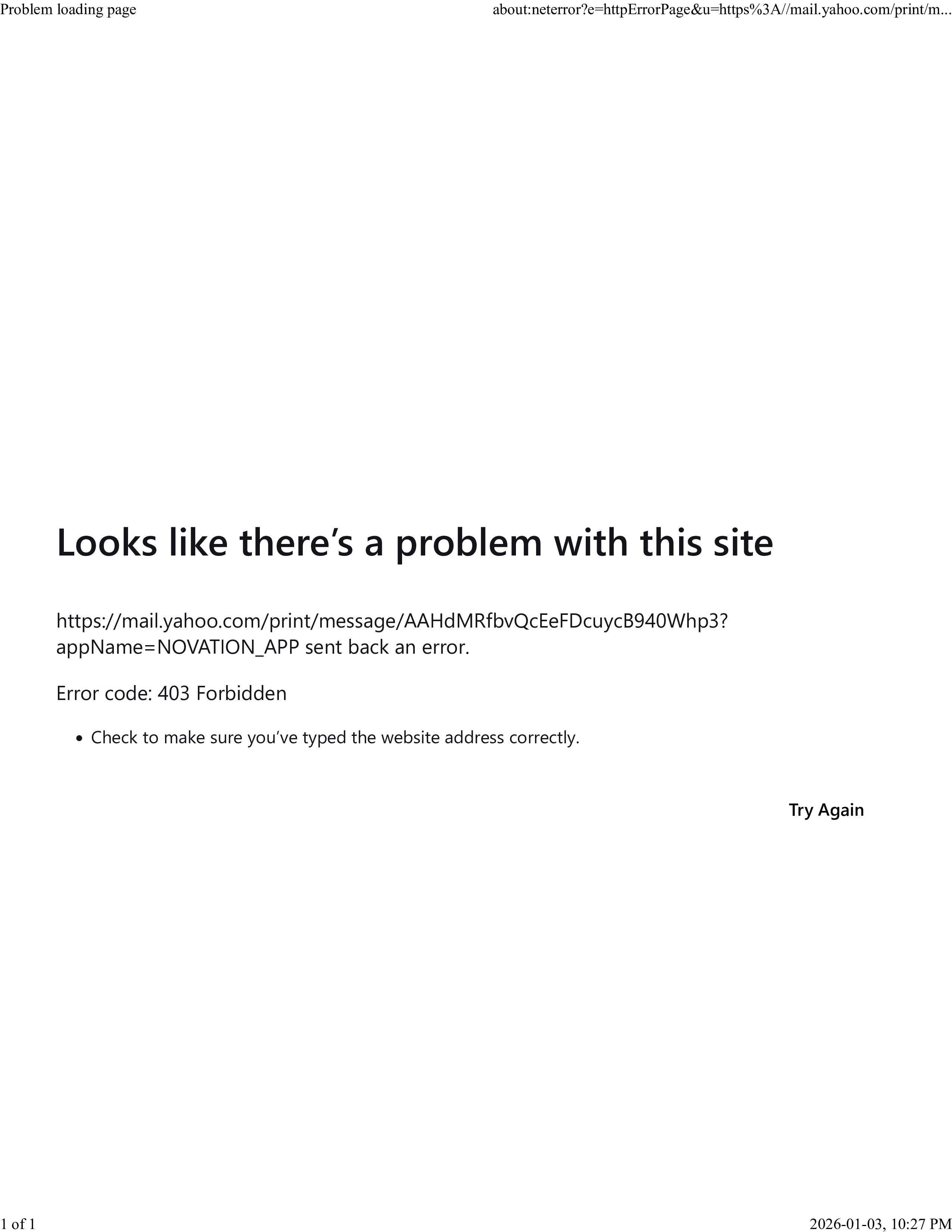
I'm unable to print Yahoo emails via Firefox 146.0.1. I receive a 403 forbidden error. Listed below is the error:
Looks like there’s a problem with this site https://mail.yahoo.com/print/message/AAHdMRfbvQcEeFDcuycB940Whp3? appName=NOVATION_APP sent back an error. Error code: 403 Forbidden • Check to make sure you’ve typed the website address correctly.
Just FYI, I can go into the Chrome browser and print without issue.
Όλες οι απαντήσεις (3)

A full browser screenshot would be more useful in the future. Do you have the same issue with Firefox in Troubleshoot mode? Are you running security software besides MS Defender? Windows home or pro? What happens when you print to a file? Try booting windows to safe mode with networking and see if you have the same issue.
Τροποποιήθηκε στις από τον/την jonzn4SUSE
The version of Windows is Windows 11 Pro N. No other security software is running other that Windows Defender and Windows Firewall/Network Protection with no special bells, whistles or settings. I can print a file just fine.
This issue happens periodically and is not something I can always replicate. This issue has happened before with earlier versions of Firefox. I tried to print the email to my printer via Firefox again after closing the browser and re-opening it and it worked as expected. If this happens again, I'll follow-up, but for now, please make Firefox developers aware of this sporadic issue for better testing in the future.