


sync not working
My account won't sync my old passwords and browser history. I recently reinstalled windows and when I tried to sign in to my mozilla account my data wasn't there.
Όλες οι απαντήσεις (5)
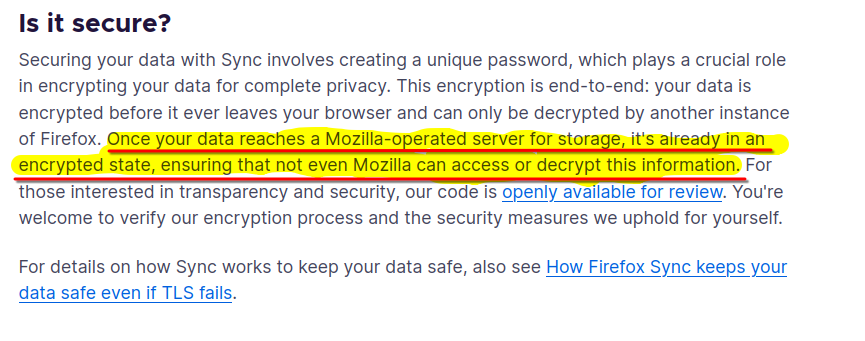
FYI... Firefox Sync IS NOT A DATA BACKUP SERVICE https://support.mozilla.org/en-US/kb/how-do-i-set-sync-my-computer https://support.mozilla.org/en-US/kb/how-do-i-choose-what-information-sync-firefox https://www.mozilla.org/en-US/firefox/features/sync/ https://hacks.mozilla.org/2018/11/firefox-sync-privacy/ Sync is not a backup tool but it is a good sync/transfer/move tool https://support.mozilla.org/en-US/forums/contributors/707681A
But whenever I reinstalled windows and re-signed in to firefox before it saved all my history and stuff. What happened this time?
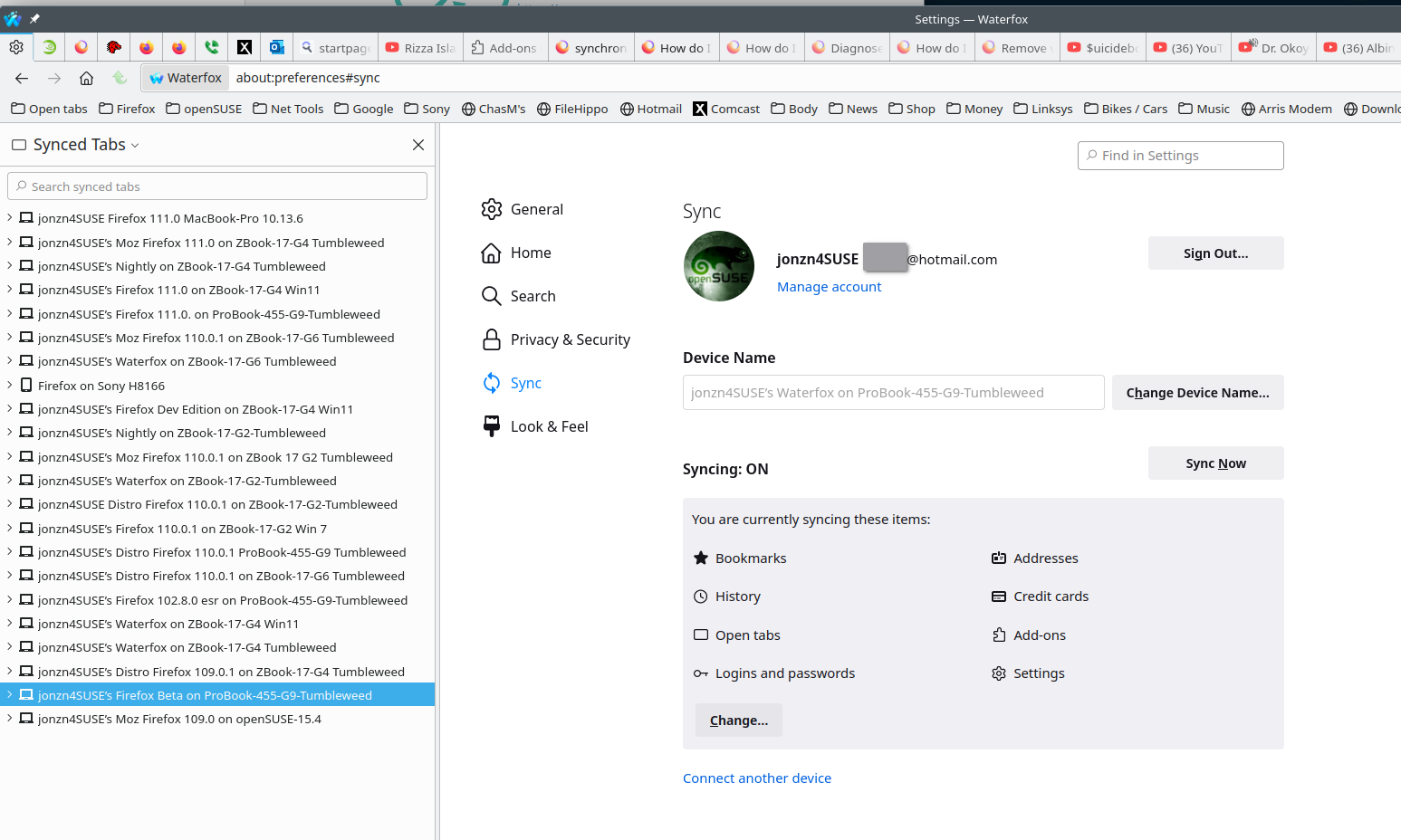
Sorry, but if your data is not on another device, there is nothing we can do. I blame Mozilla for not making more of an effort to repeatedly warn users that Sync is not a backup service. That's why my data is in more than one version of Firefox and on multiple devices. see old screenshot
Sync Firefox data https://support.mozilla.org/en-US/kb/sync
Τροποποιήθηκε στις από τον/την jonzn4SUSE
So there is no way I can get any of that back? I had a lot of important passwords and information on that browser and since it synced before I just assumed it would work this time.