

Αυτό το νήμα αρχειοθετήθηκε.
Κάντε νέα ερώτηση αν χρειάζεστε βοήθεια.

Αρχειοθετήθηκε
White border around webpage content in Firefox, MacOS Tahoe

MacOS 26.0.1 Tahoe Firefox 143.0.4 (aarch64)
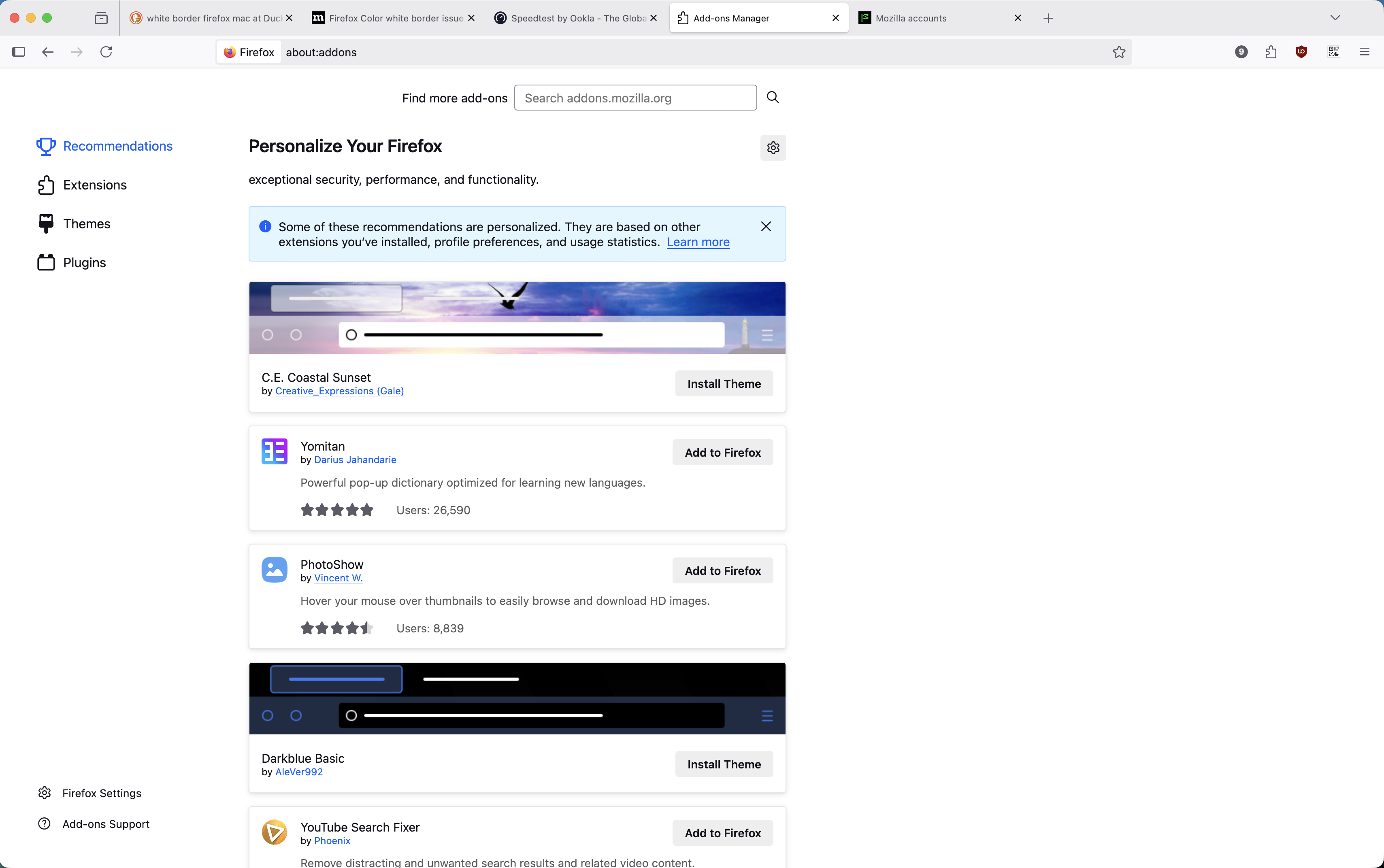
There is a white border around the webpage content in the browser (screenshot attached). This border exists even in troubleshooting mode, with all extensions disabled, regardless of toolbars or theme, etc. The only place it does not appear is the about: pages (screenshot attached). I've uninstalled and reinstalled Firefox and updated MacOS. The issue disappears when I quit and reopen Firefox but reappears when I resize the window. Is there some obvious checkbox setting I'm missing? I cannot figure out what is causing this. Thanks for any help.
MacOS 26.0.1 Tahoe
Firefox 143.0.4 (aarch64)
There is a white border around the webpage content in the browser (screenshot attached). This border exists even in troubleshooting mode, with all extensions disabled, regardless of toolbars or theme, etc. The only place it does not appear is the about: pages (screenshot attached). I've uninstalled and reinstalled Firefox and updated MacOS. The issue disappears when I quit and reopen Firefox but reappears when I resize the window. Is there some obvious checkbox setting I'm missing? I cannot figure out what is causing this. Thanks for any help.

Όλες οι απαντήσεις (1)
yeah I met this problem too :(