


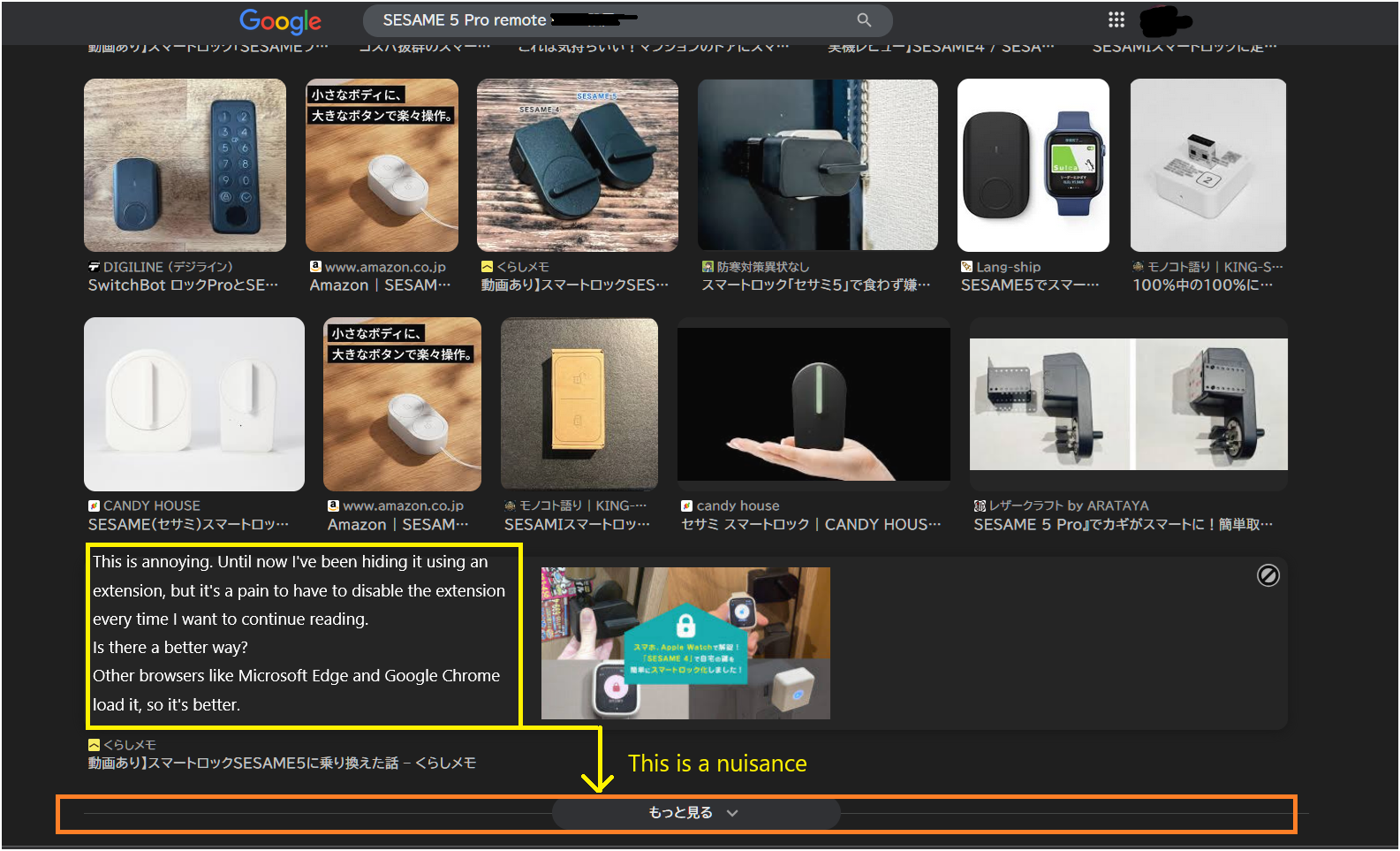
When I search for Google images on Firefox, the "See more" button appears.
When I search Google Images in Firefox, this pops up. I tried using an extension to hide it, but I can't see the rest of the image, which is inconvenient. Microsoft Edge and Google Chrome load it, so it's not an issue. Is this a Firefox feature? It's a hassle to disable the extension just to read the rest. Could you please give me some advice?
Επιλεγμένη λύση
Thank you. I checked here as well, but it's not showing up. I don't know when it disappeared or if it just stopped showing up, but I'll assume the problem is solved and continue using it while keeping an eye on it. Thank you.
Όλες οι απαντήσεις (3)
Can't this be solved with Firefox? Is there no way to solve this?
I can't reproduce this issue. I can see the "See more" button for a moment, but with scroll down it disappears immediately and new images show up.
Επιλεγμένη λύση
Thank you. I checked here as well, but it's not showing up. I don't know when it disappeared or if it just stopped showing up, but I'll assume the problem is solved and continue using it while keeping an eye on it. Thank you.