


Twitch not loading after Windows update.
Recently, after the newest Windows 11 update, Twitch hasn't been loading correctly, the tab looks as if it finished loading, but the page gets stuck in endless loading, no other site has this problem, and it happens even opening links to Twitch channels directly. I've added and screenshot of the problem.
I'd love some help or at least know if this is a problem on Twitches end or not. Thanks.
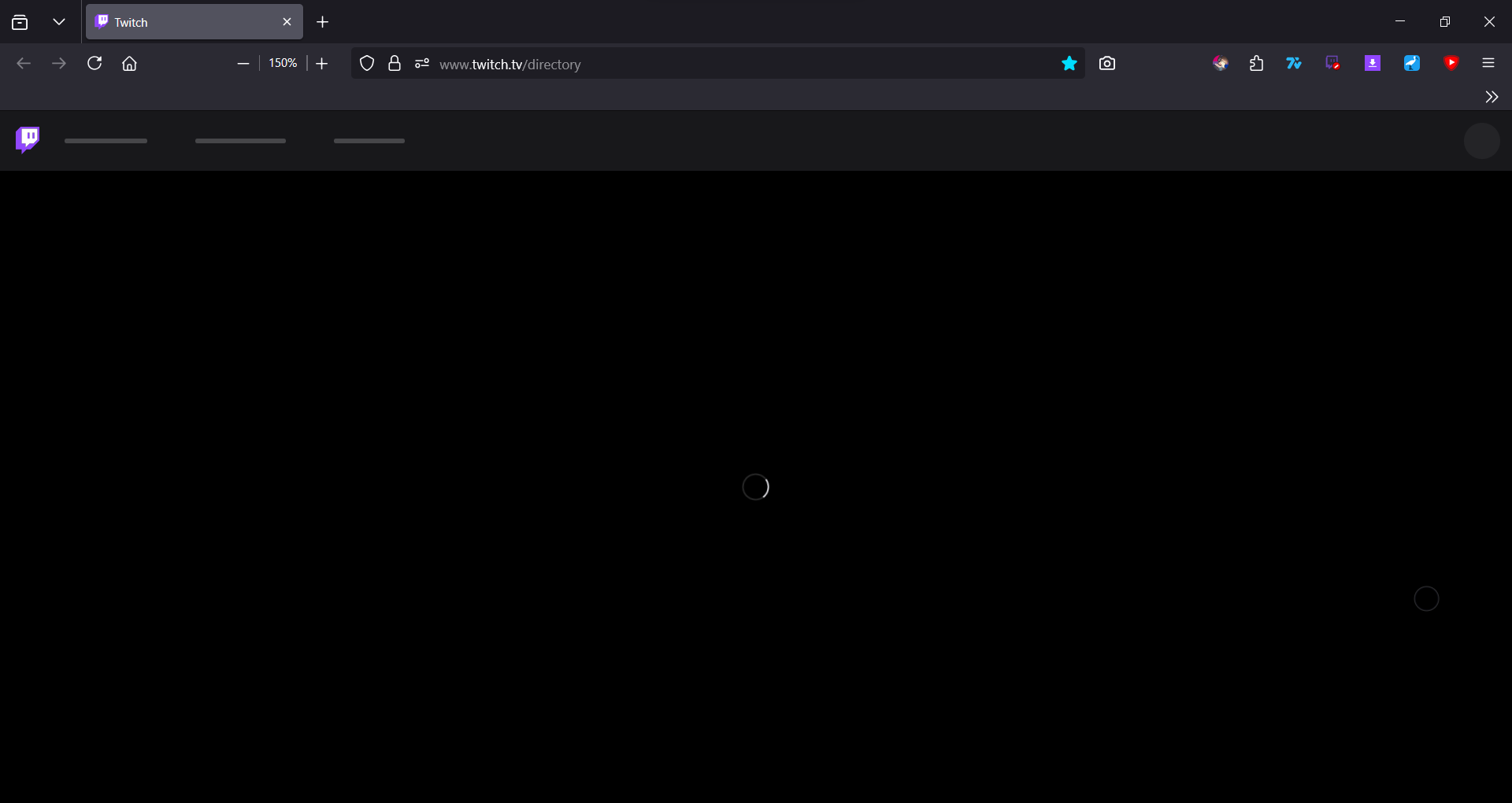
Επιλεγμένη λύση
i forgot about this post, lol. but i fixed the problem, i just had to do CTRL + F5.
Προβολή απάντησης εντός συζήτησης 👍 2Όλες οι απαντήσεις (2)

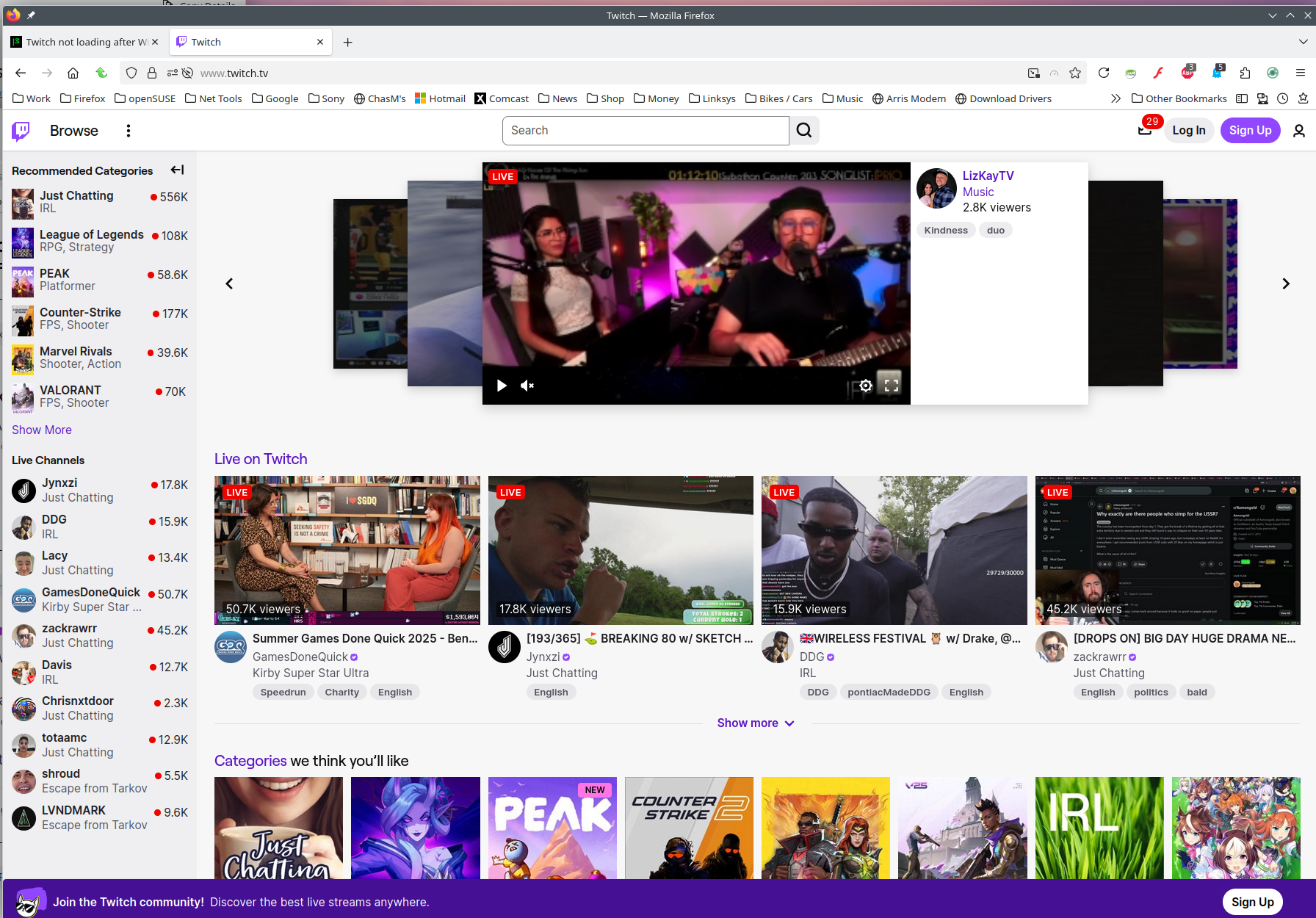
Sounds like something is being blocked. Site works for me. see screenshot What security software besides MS Defender are you running?
Did you try with Firefox in Troubleshoot Mode? https://support.mozilla.org/en-US/kb/diagnose-firefox-issues-using-troubleshoot-mode#search
Did you clear your browser cache? https://support.mozilla.org/en-US/kb/clear-cookies-and-site-data-firefox
If you're running Windows Pro version, I would test in the Sandbox to confirm. https://www.howtogeek.com/399290/how-to-use-windows-10s-new-sandbox-to-safely-test-apps/
Επιλεγμένη λύση
i forgot about this post, lol. but i fixed the problem, i just had to do CTRL + F5.