


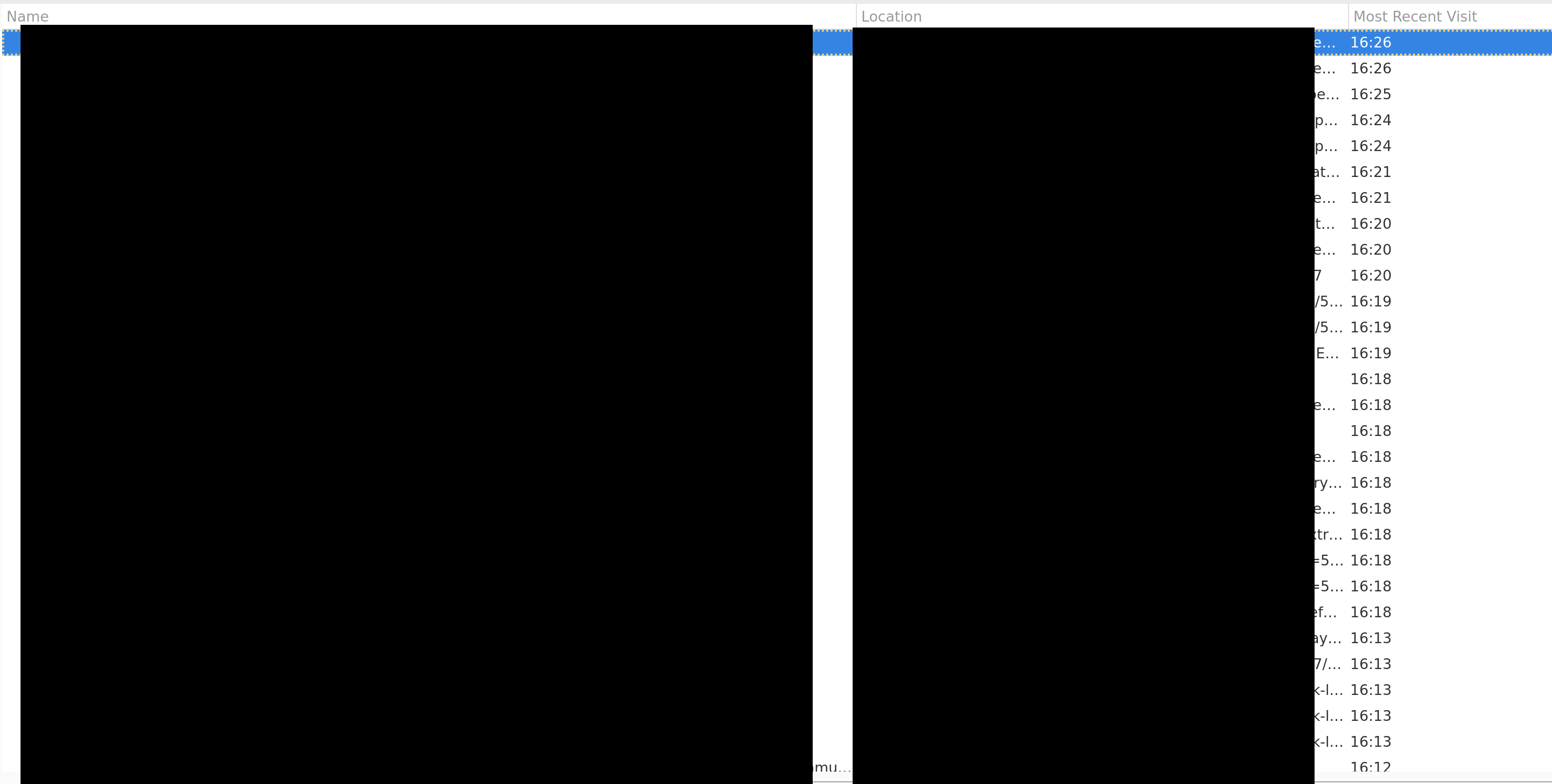
In the history UI how can I see times in 12 hour format (AM/PM)?
Like 4:26PM instead of 16:26, I'm on linux (NixOS) if that helps.
Επιλεγμένη λύση
I found this this bugzilla comment for time formatting. I changed `intl.date_time.pattern_override.time_short` to `h:mm a` so it shows 4:26PM. There's an open bugzilla report for my issue: Date not formatted according to user's locale (LC_TIME).
Τροποποιήθηκε στις από τον/την TheWonderAlmighty
Όλες οι απαντήσεις (4)
Hello,
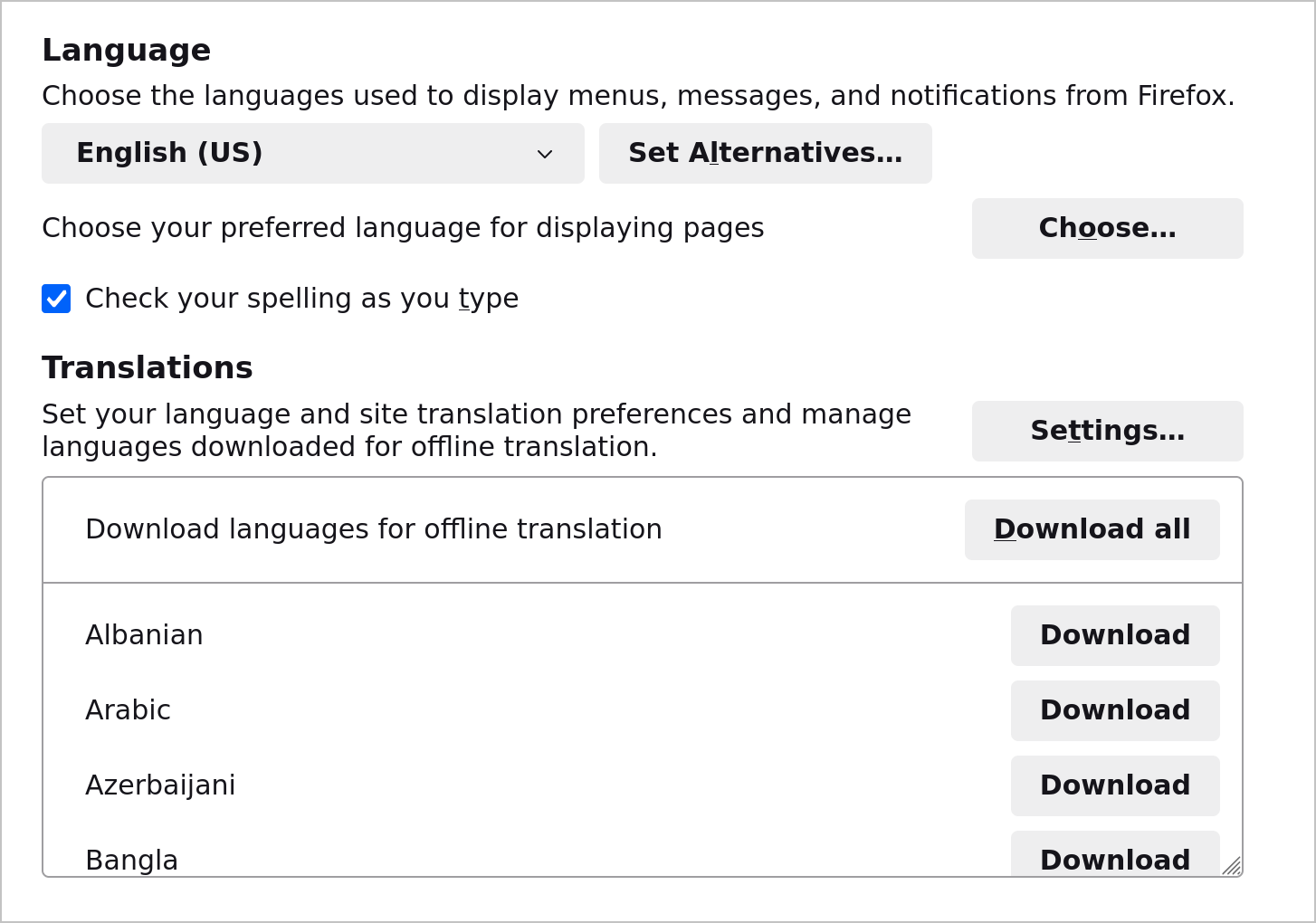
Does your OS use 12-hour clock? If it does, then head to Firefox Settings -> General -> Languages and check "Use your operating system settings for [your language and country] to format dates, times, numbers, and measurements."
I don't see it under Settings > General > Language

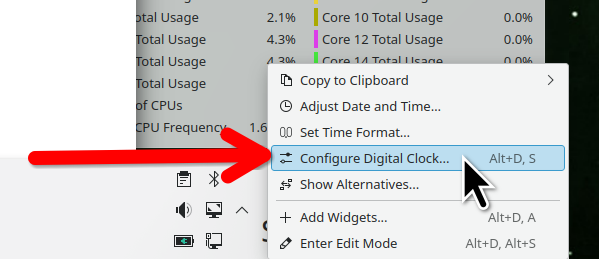
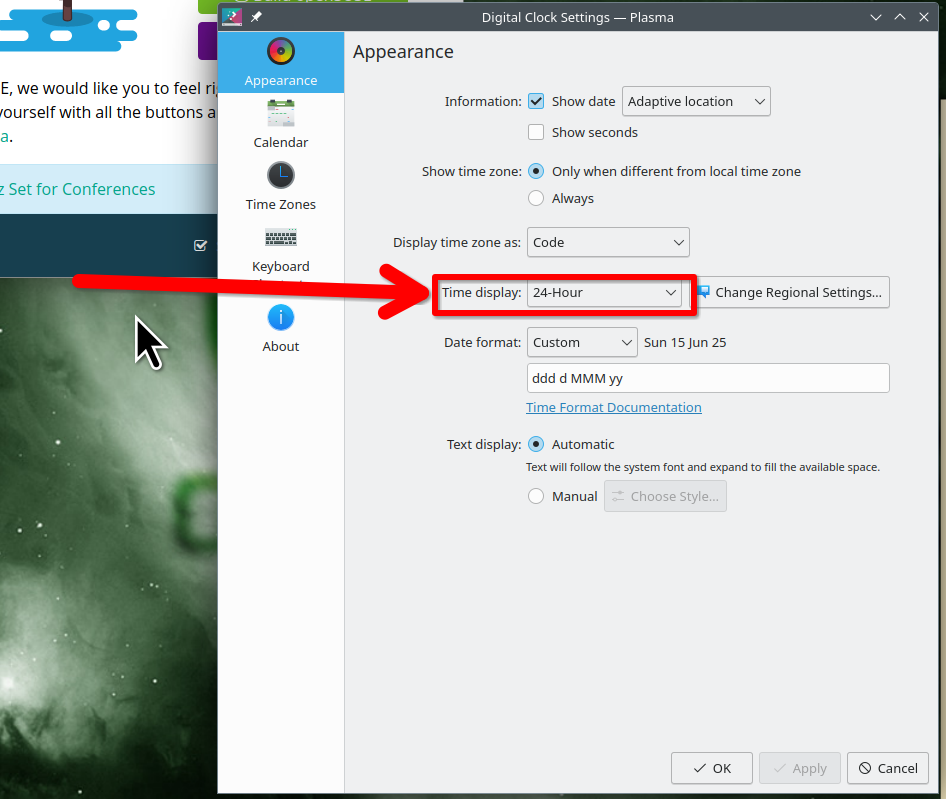
Not a browser, but a change in the OS. What desktop? If KDE, the settings are here. see screenshots Just right click on the clock and configure digital clock.

Τροποποιήθηκε στις από τον/την jonzn4SUSE
Επιλεγμένη λύση
I found this this bugzilla comment for time formatting. I changed `intl.date_time.pattern_override.time_short` to `h:mm a` so it shows 4:26PM. There's an open bugzilla report for my issue: Date not formatted according to user's locale (LC_TIME).
Τροποποιήθηκε στις από τον/την TheWonderAlmighty