


Facebook won't load

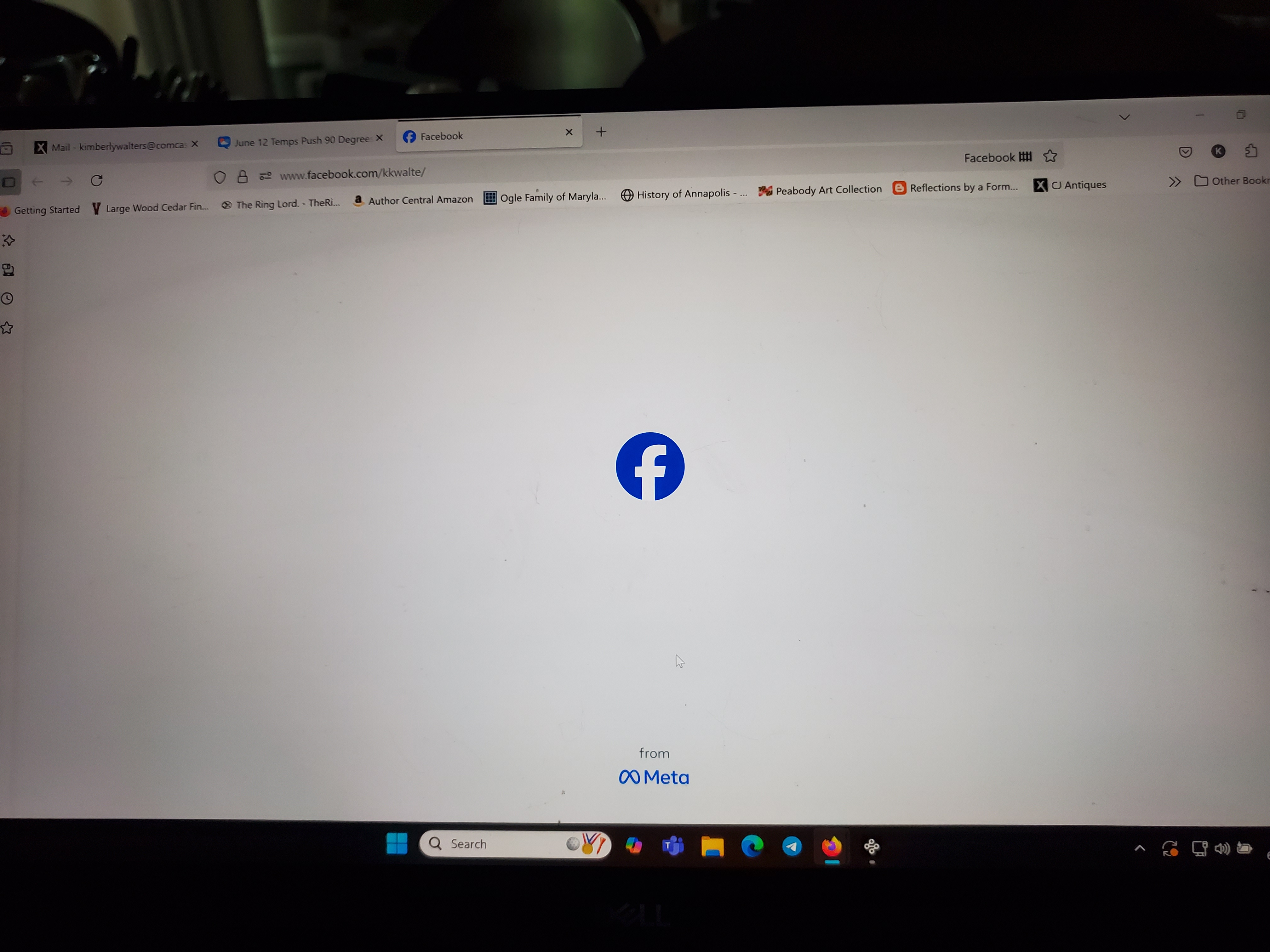
For the past 2 days, Facebook won't load when I try to change my page to another (just switching between accounts). It acts like it is changing or loading, and then I just get nothing. I have done all of the things that are requested from clearing my cache, browsing data, restarting, etc. Nothing is working. I've attached a picture of my screen of I receive when I try to change pages - the big F. LOL Facebook on my phone works fine. I've tried also turning off my VPN and it doesn't load.
I've also had issues with my Xfinity email loading unless I turn off my VPN.
So what is going on?
Όλες οι απαντήσεις (4)
Hello,
Have you tried running Firefox in Troubleshoot Mode? I see you have the Facebook Container extension enabled, and it may cause the issue. So please either disable it or (better) use Troubleshoot Mode and see if the problem persists.
Looking forward to your update!
I have turned off my VPN and it still doesn't work in Edge, Brave, Chrome, and Firefox. I have done all of the things recommended but for trying to roll back the Microsoft update because it will not allow me to update it. Sometimes I can get into Facebook on my laptop, but most of the time I cannot. I have to use a link to something else I have seen, and even then it won't let me change to other accounts. I have no other issues with any other pages - all load fine. I also started to have some issues with live streaming where it just freezes. All of this with the VPN off. :-(
If Facebook will not load in any browser, then it's definitely not a Firefox issue.
I would recommend checking your Internet security software (including firewalls, antivirus programs, anti-spyware programs and more) and maybe reaching out to your provider. Anyway, it's really weird that only Facebook won't load.

Nothing but the blue F in the middle of a white screen. I can get on instantly with Chrome. WTH is going on, Firefox?