


Discover Card Services says outdated browser when running 137.0.1 (64-bit) on Windows

When logging in to Discover Card Services at https://www.discover.com/ and supplying a valid User ID and password and hit <ENTER>. I receive the following message:
Your account cannot currently be accessed.
Outdated browsers can expose your computer to security risks. To get the best experience on Discover.com, you may need to update your browser to the latest version and try again.
For questions, please contact us at 1-800-347-7769. We're always available 24 hours a day, 7 days a week.
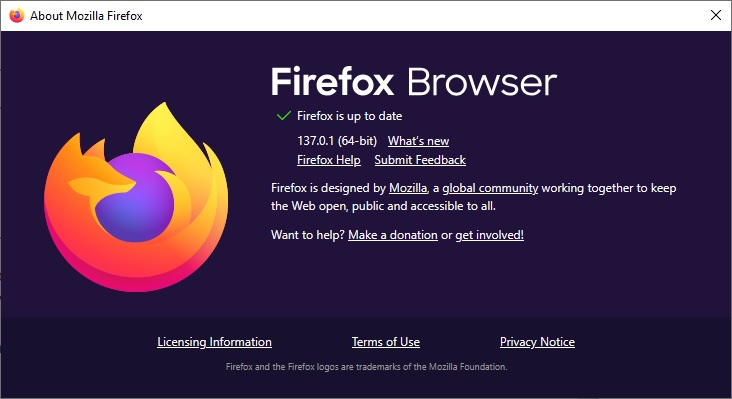
I am currently running Firefox Browser it shows Firefox is up to date and is running 137.0.1 (64-bit) About Firefox info screenshot is attached
Thank you, Paul Giler [email removed]@cox.net
Τροποποιήθηκε στις από τον/την NoahSUMO
Όλες οι απαντήσεις (2)
Let me go test...
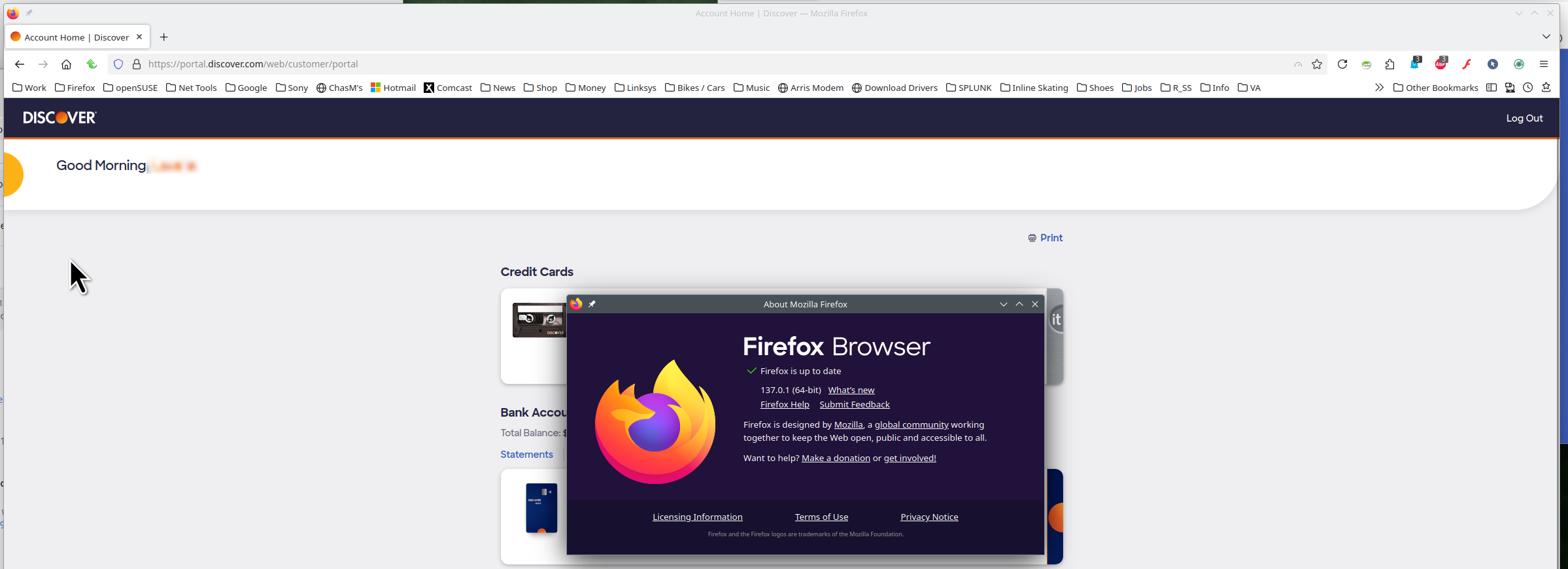
Works for me. see screenshot I did have to disable add-ons in order to logout. Do you have the same issue with Firefox in Troubleshoot Mode? https://support.mozilla.org/en-US/kb/diagnose-firefox-issues-using-troubleshoot-mode#w_how-to-start-firefox-in-4troubleshoot-modesf5safe-modesf What OS? If windows, home or pro and what security software are you running besides MS Defender?
Τροποποιήθηκε στις από τον/την jonzn4SUSE