Printing PDFs
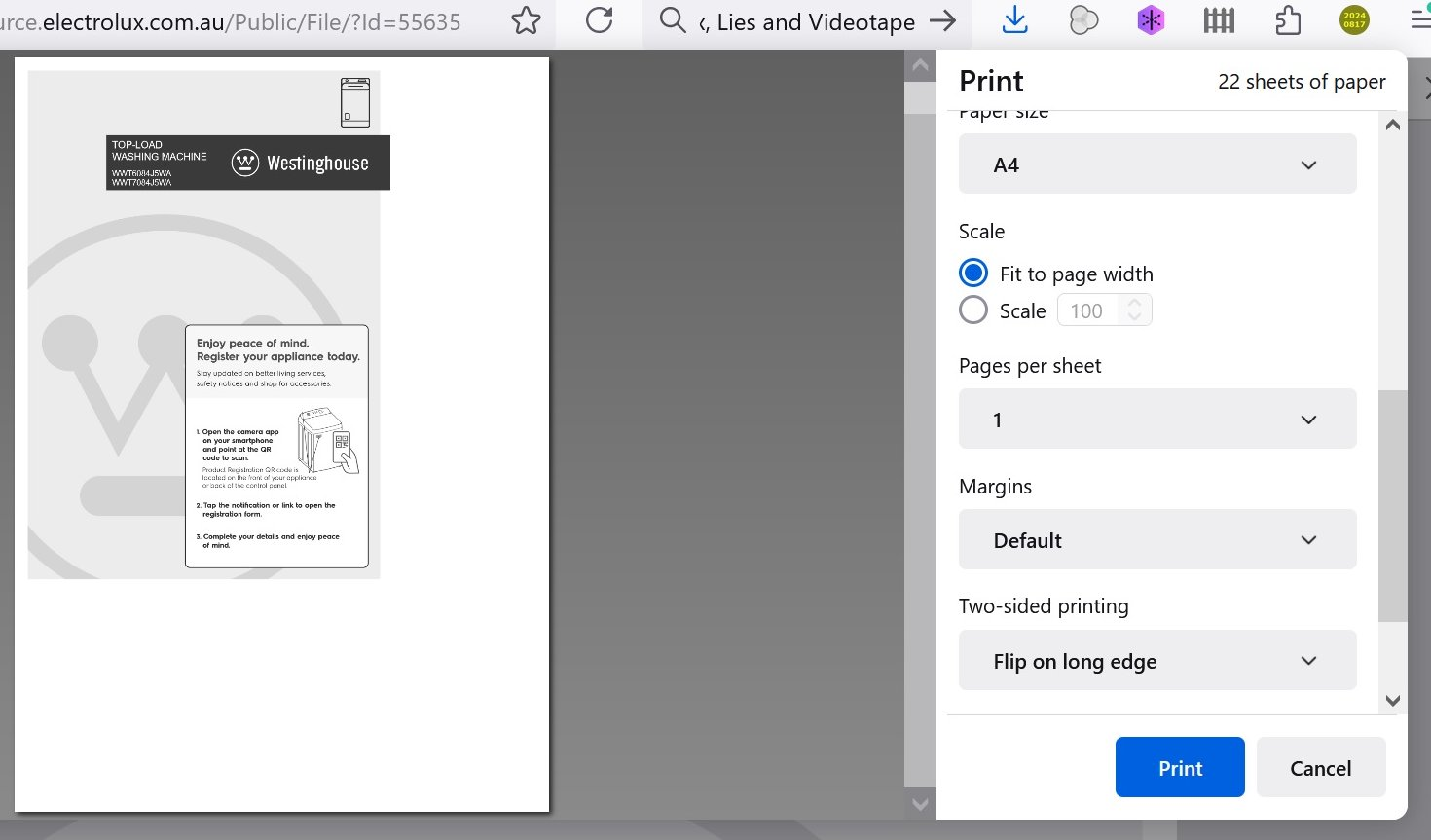
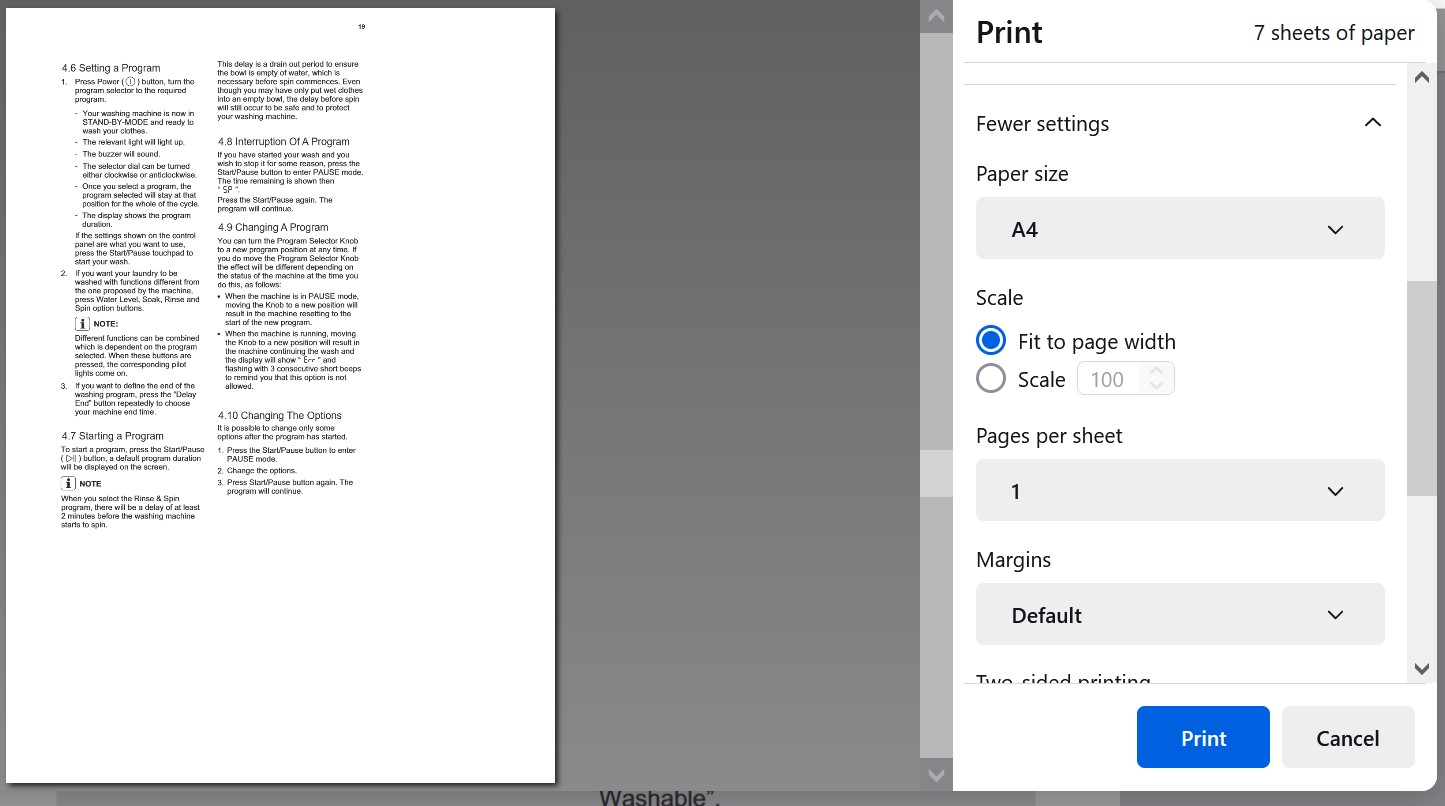
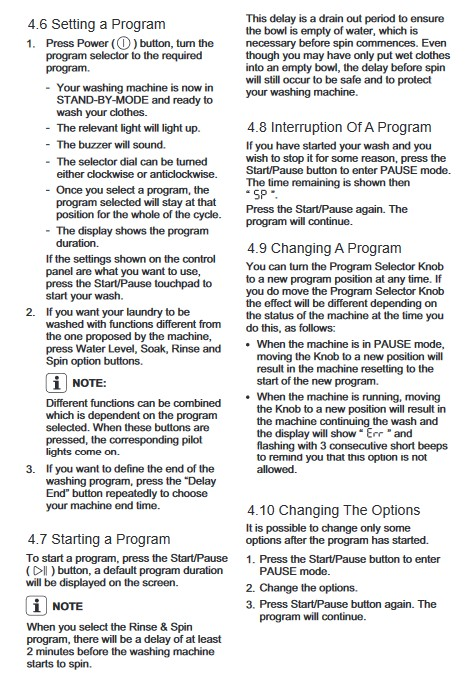
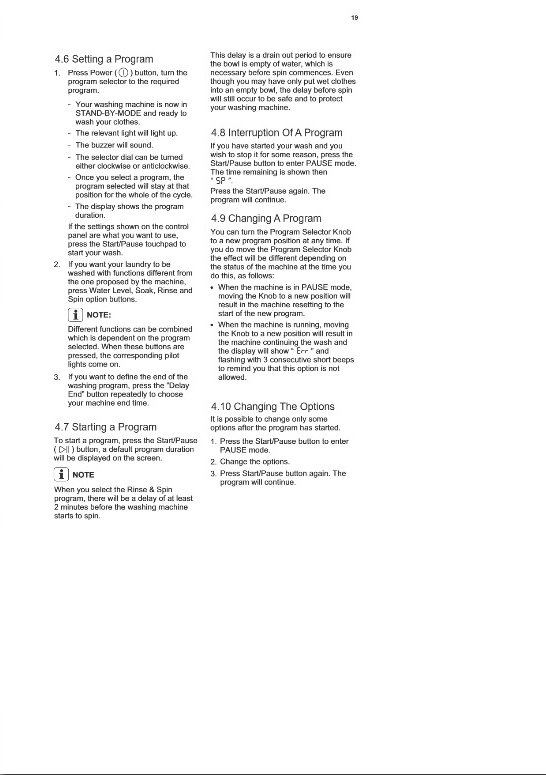
Why do PDFs come out so small when printing? ie. taking up only about 40% of an A4 sheet? Selecting "fit to page" or "scale" etc in the print dialogue makes no difference. Images: 1. Desired size. 2. Actual printed size. 3. Print dialogue.
Όλες οι απαντήσεις (4)
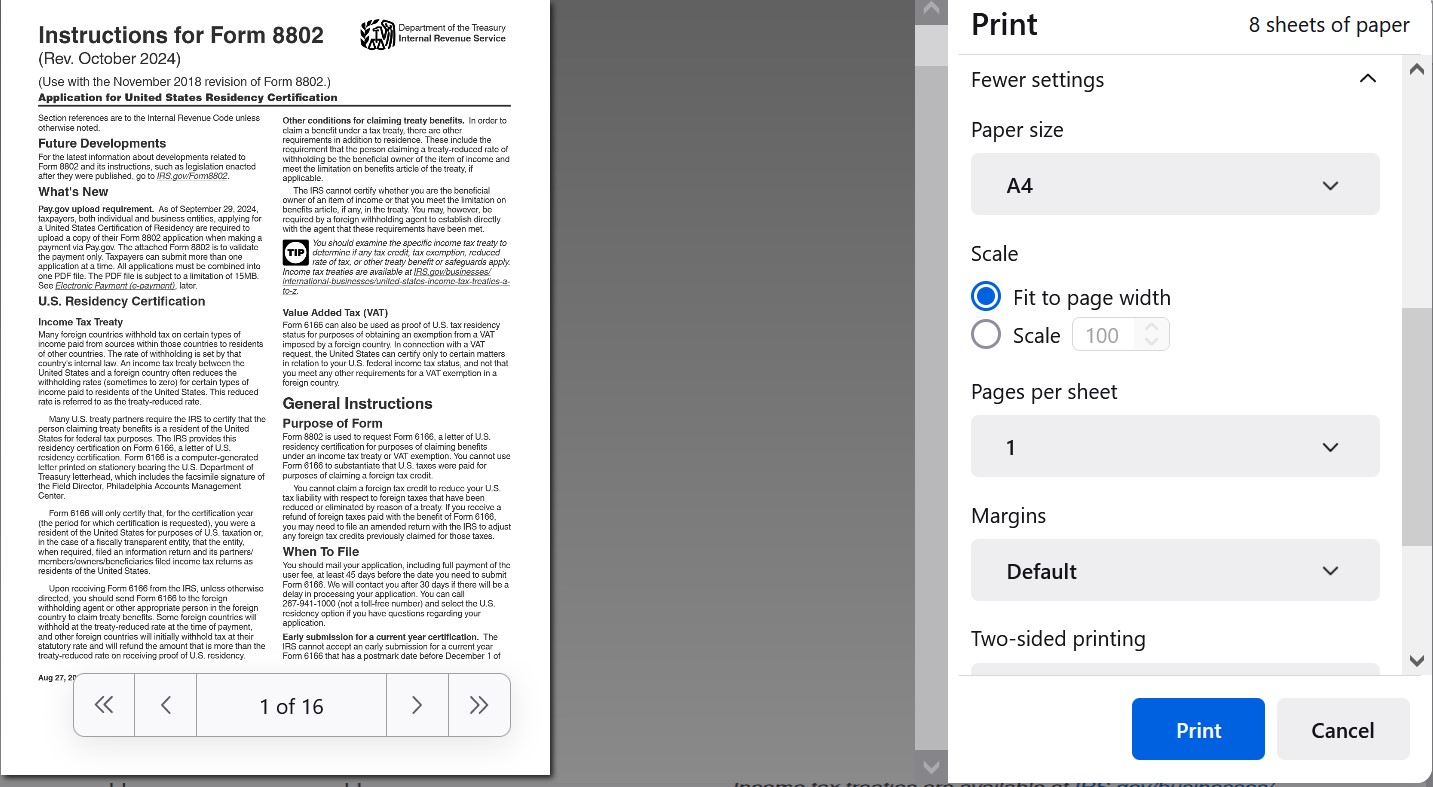
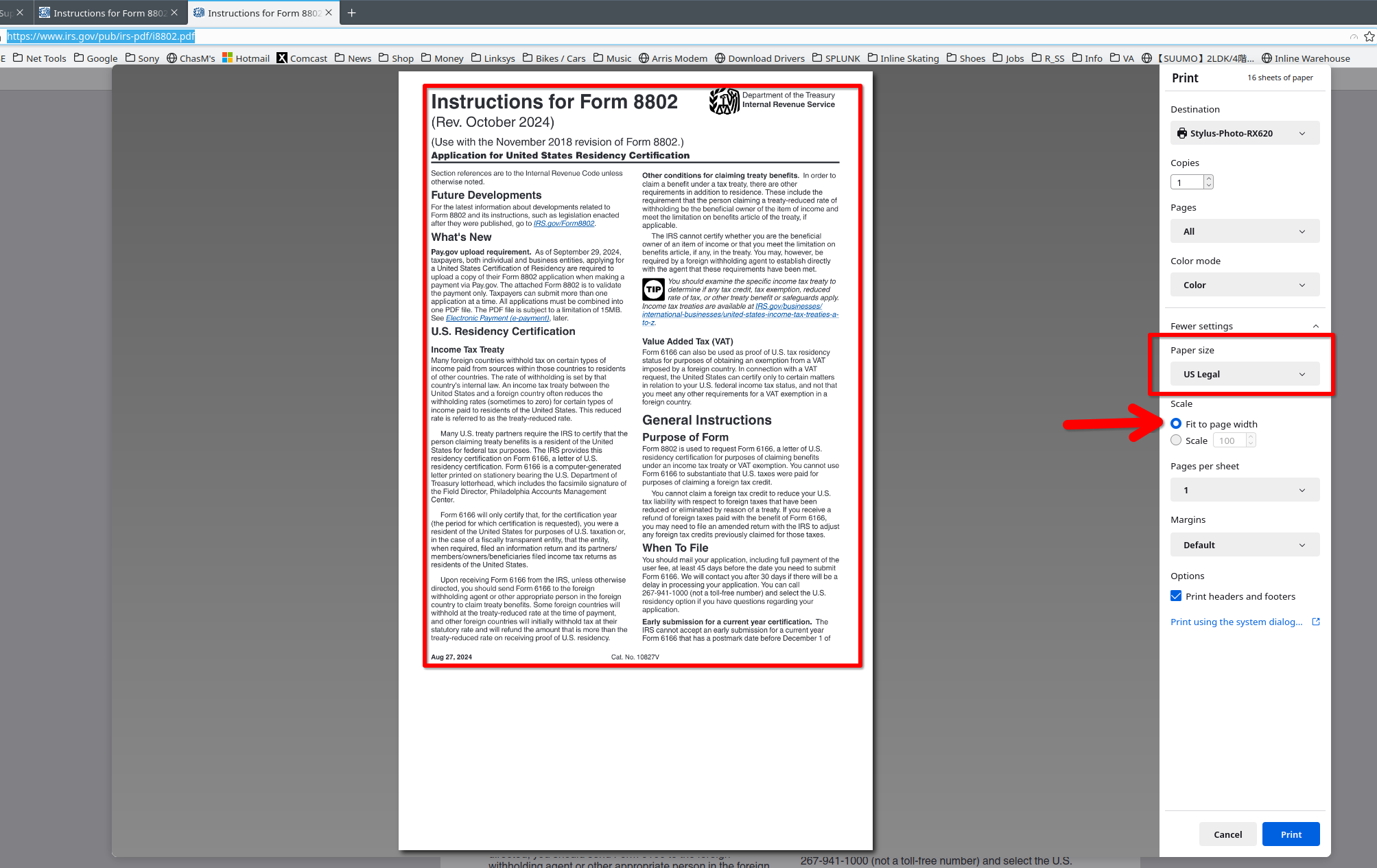
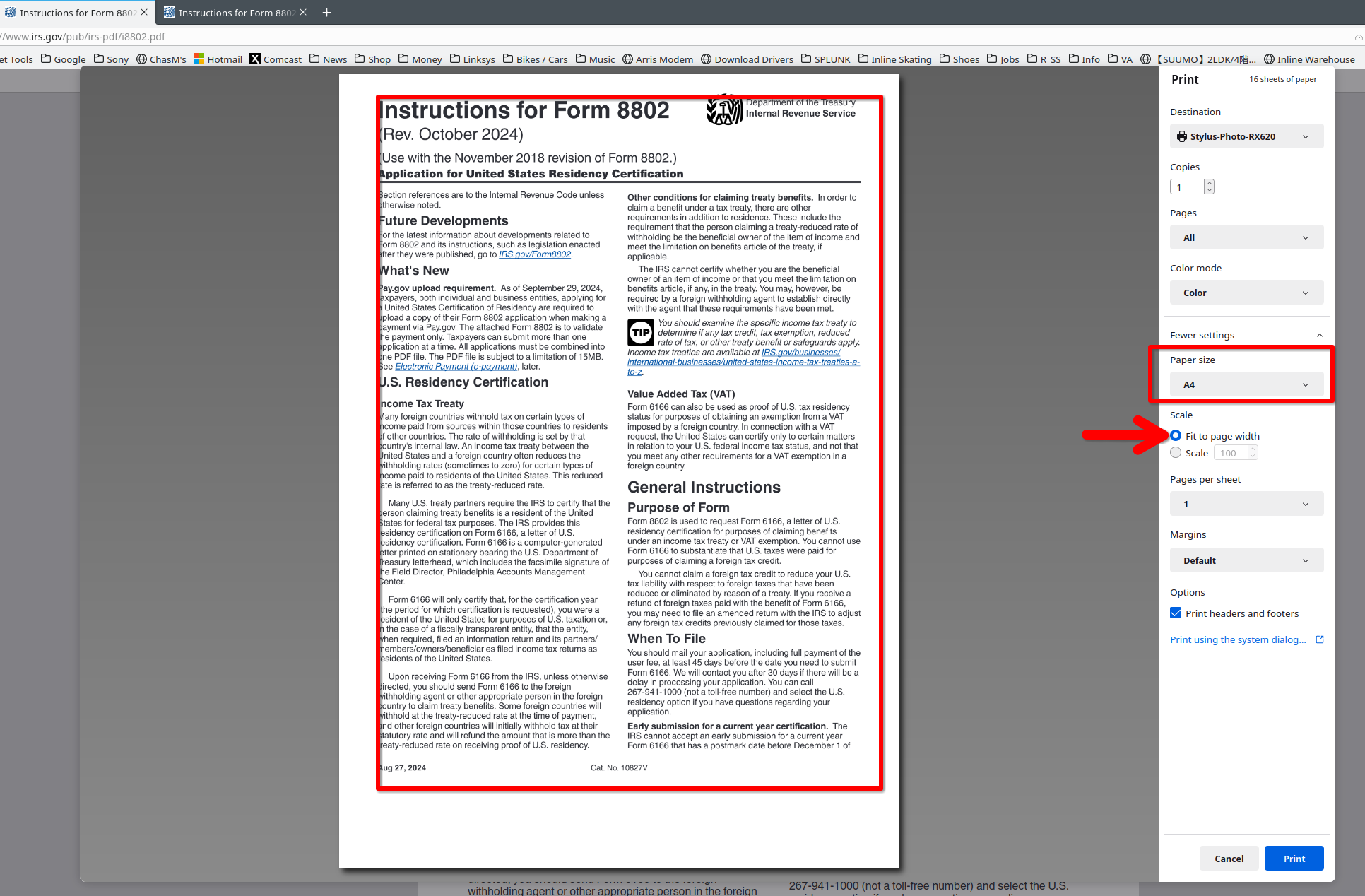
You need to provide steps to replicate your issue. What OS? What version of Firefox? Here is what I get from a sample pdf from IRS. see screenshots of different sizes https://www.irs.gov/pub/irs-pdf/i8802.pdf
Hi, OS is Windows 10 Pro, Firefox 127. To be honest though, I've had this problem for years (I don't print many PDFs) with older versions of both Windows and Firefox. Possibly even my previous laptop. Firefox displays the PDF OK, with text taking up the full width of the page. It's only when I go to print it that the text is reduced to that 60%(ish) size. This happens both with the Firefox print dialogue and the system dialogue. The printer is a Canon TS5100. Previously I've used the workaround of screenshotting the PDF and pasting the images into an Open Office doc. Pretty low res though.
You just repeated the original issue. Can we access your pdf? Did you try my sample pdf?
Aah... I didn't realise that you were suggesting that: yes, I just tried your sample pdf and, curiously, the print preview is full size, just as it appears on the browser. The pdf I was originally trying to print is on my laptop. If I go to the source website on the browser (from which I downloaded it) and click on the pdf, it just defaults to my already downloaded pdf, so I can't send you a link to it. In lieu of that, here's the link to the same pdf (Westinghouse user manual) on a different website. https://resource.electrolux.com.au/Public/File/?Id=55635 The results are the same when I try to print it directly from Firefox, ie. the print preview is reduced in size just like my original one on the laptop. I'll attach screenshots of this and your sample pdf. Cheers, Ian 🇦🇺 🛌