


homepage shortcuts

how stop firefox changing home page shortcuts. I keep missing old ones and don't want new ones unless added by me. TIA
Όλες οι απαντήσεις (7)

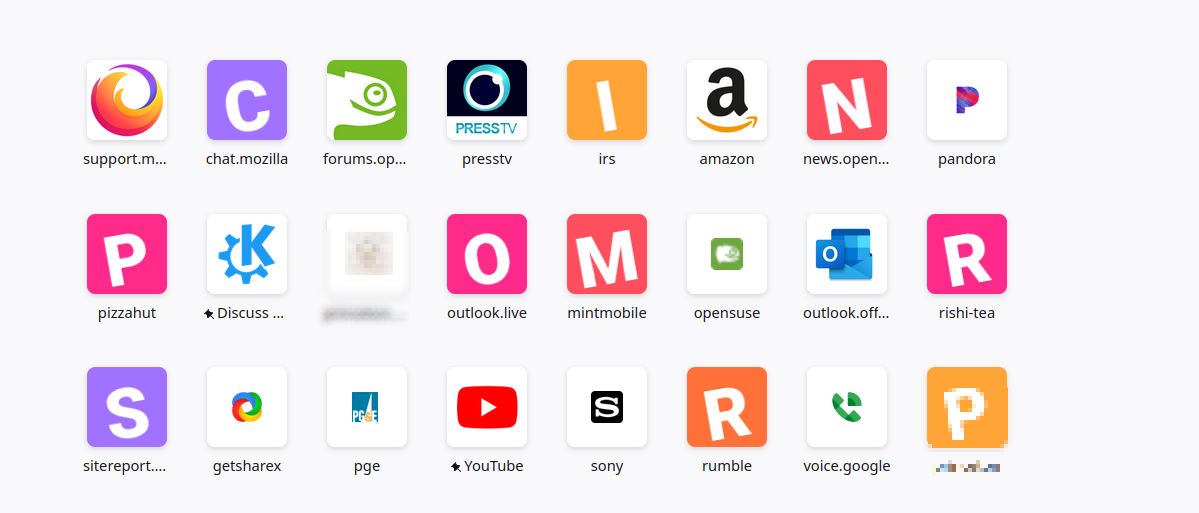
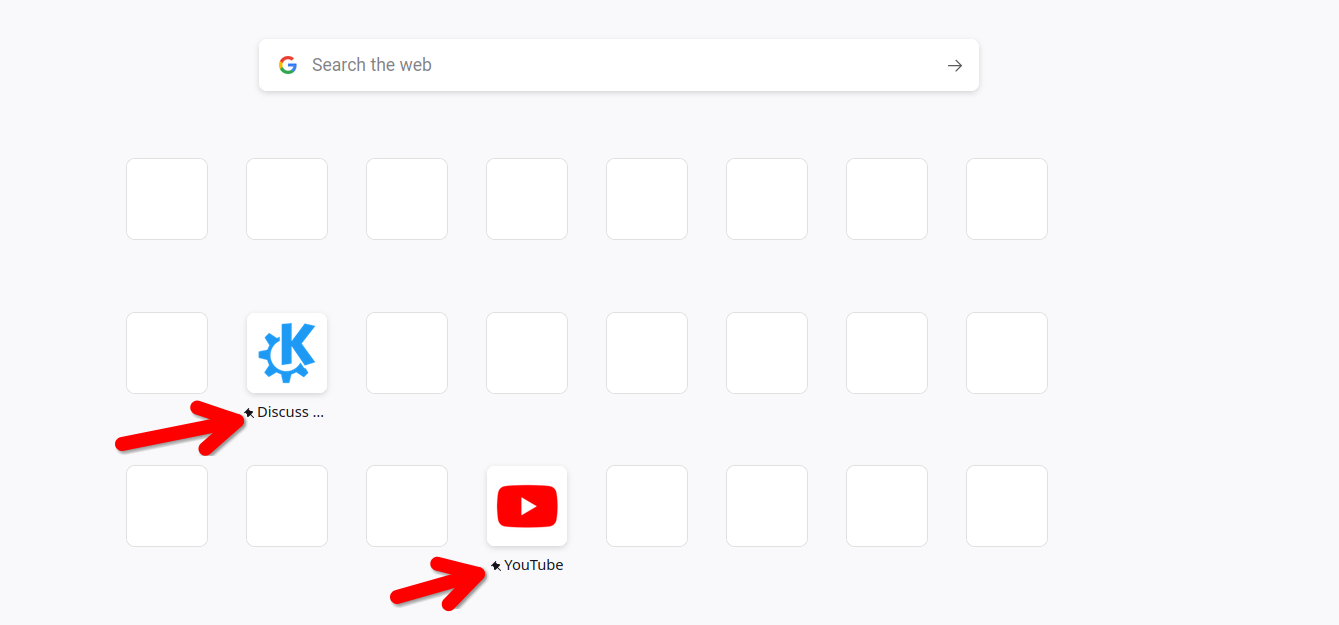
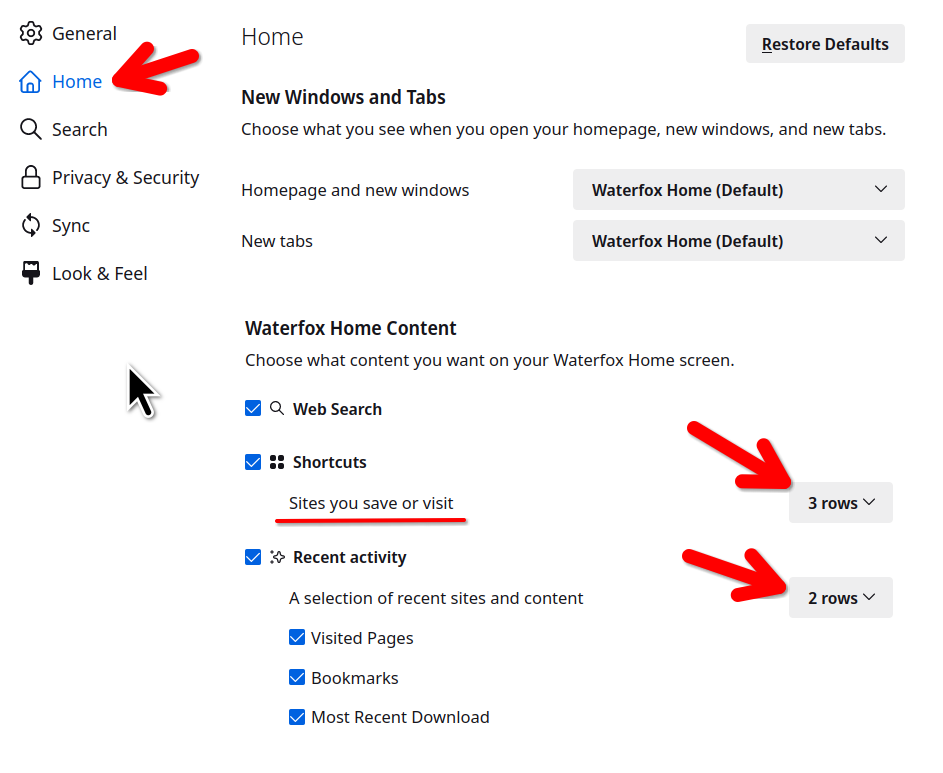
You have to pin them. Here is a screenshot of my page before clearing my history and cache. The next shot shows only 2 pinned sites. I want only my sites, I will have to pin more. see screenshots With only 2 pinned, the other spots will be filled by my history. Also see the settings screenshot.
Τροποποιήθηκε στις από τον/την jonzn4SUSE
I have them pinned Firefox still putting new ones onto homepage
How many are pinned? How many rows? You see I have 3 rows.
Firefox will always fill empty tiles from the history. You will have to fill an entire row of eight tiles with pinned tiles to prevent this (set the row count to 1).
I have 4 rows , I have pinned them all now - most were already pinned 2 vacant tiles - I will fill them now. I have lost a couple of old favourites, replaced now , and I was not happy with this. I was not aware of pinning sites but they nearly all seem to be pinned sponsored stuff unchecked I do clear site data often ?? Thanks for all comments , I'll keep an eye on things and report back .
Changes made on the Firefox Home page are stored in prefs you can find in about:config.
- browser.newtabpage.blocked => websites removed by clicking Dismiss in a tile
- browser.newtabpage.pinned => websites pinned to a tile
The browser.newtabpage.pinned pref is part of prefs that are synced as set via its Sync control pref.
- services.sync.prefs.sync.browser.newtabpage.pinned
- https://support.mozilla.org/en-US/kb/about-config-editor-firefox
You can backup the pinned pref to be able to restore tiles you pinned.
So you can not stop firefox changing home page shortcuts. Only restore them after they've been changed . Thanks.