


Windows 10 reached EOS (end of support) on October 14, 2025. If you are on Windows 10, see this article.

Αναζήτηση στην υποστήριξη

Προσοχή στις απάτες! Δεν θα σας ζητήσουμε ποτέ να καλέσετε ή να στείλετε μήνυμα σε κάποιον αριθμό τηλεφώνου ή να μοιραστείτε προσωπικά δεδομένα. Αναφέρετε τυχόν ύποπτη δραστηριότητα μέσω της επιλογής «Αναφορά παραβίασης».

Μάθετε περισσότερα

Αυτό το νήμα αρχειοθετήθηκε. Κάντε νέα ερώτηση αν χρειάζεστε βοήθεια.

Unable to restore previous session following power outages & Firefox update

  • 2 απαντήσεις
  • 0 έχουν αυτό το πρόβλημα
  • 81 προβολές
  • Τελευταία απάντηση από cor-el
  • Αρχειοθετήθηκε

Hi,

My computer was on during the week-end and when I came back home I noticed we had a couple of power outages. Computer restarted automatically (Win 10 22h2) and when I launched Firefox, it started as brand new with all my addons gone and none of the previous session restored (I had 4 Firefox browsers opened with each 20+ tabs opened).

I have tried looking at C:\Users\MYUSER\AppData\Roaming\Mozilla\Firefox\Profiles but found nothing of interest. Where is everything and how can I restore everything I had ?

I even tried Troubleshooting mode and downgrading to a former version of Firefox (126.0.1 64 bits).

Thanks,

Hi, My computer was on during the week-end and when I came back home I noticed we had a couple of power outages. Computer restarted automatically (Win 10 22h2) and when I launched Firefox, it started as brand new with all my addons gone and none of the previous session restored (I had 4 Firefox browsers opened with each 20+ tabs opened). I have tried looking at C:\Users\MYUSER\AppData\Roaming\Mozilla\Firefox\Profiles but found nothing of interest. Where is everything and how can I restore everything I had ? I even tried Troubleshooting mode and downgrading to a former version of Firefox (126.0.1 64 bits). Thanks,

Όλες οι απαντήσεις (2)

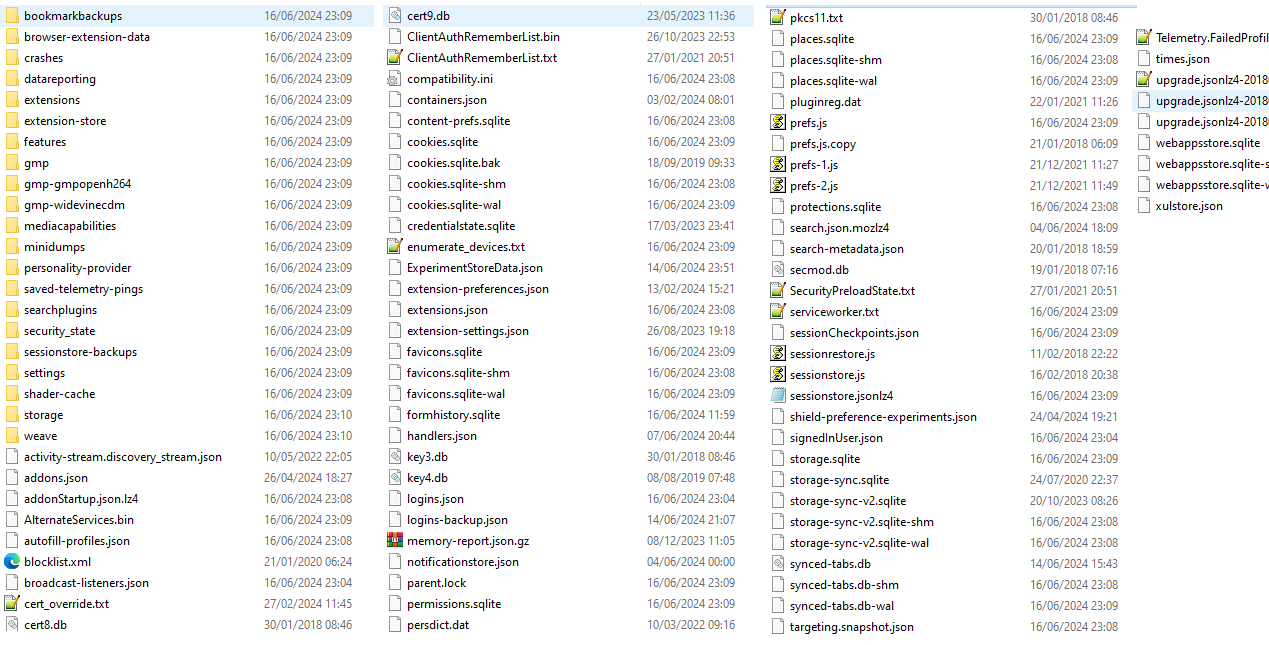
I found a 'backup' folder on my desktop that may have been created when Firefox got updated. Pretty sure everything is in there somewhere.
You can look at this tool to inspect a compressed jsonlz4 sessionstore file. This tool works locally, no uploading done.