


Unable to interact with many of the buttons on the roblox website
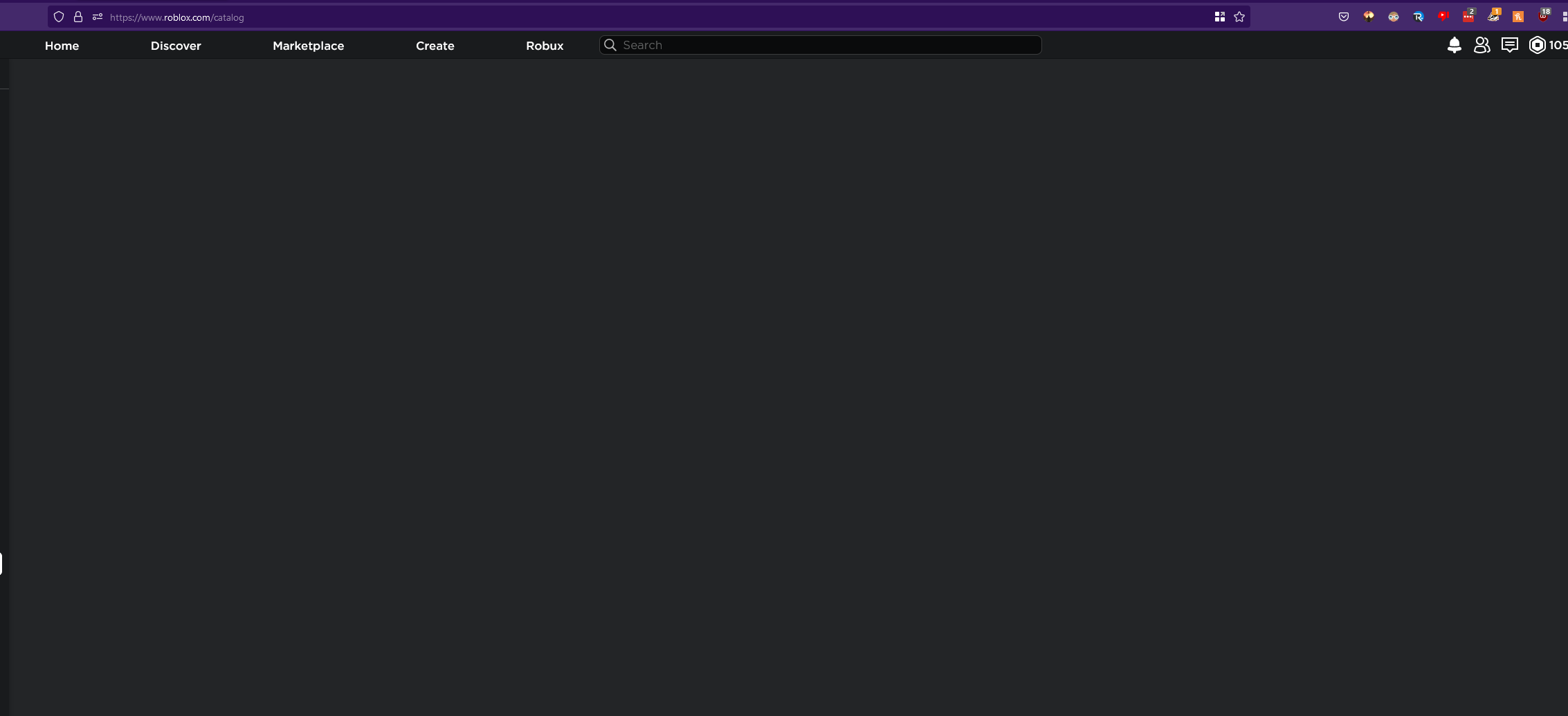
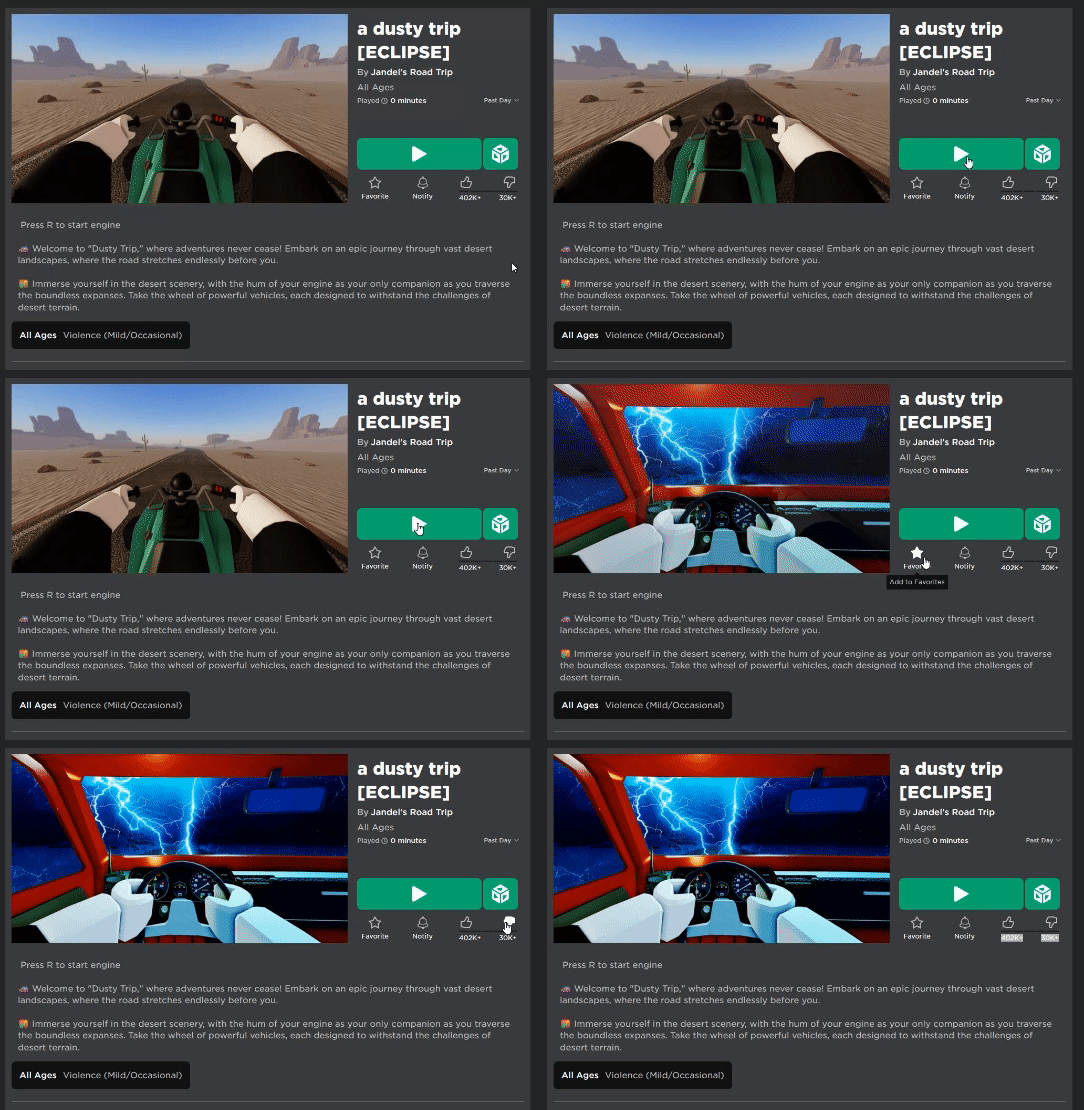
Nothing happens when I press the play, like, dislike, notifications, favorite, or join server buttons. On top of this, when I try to open the catalogue it's just a grey screen with nothing in it. In the attached GIF I am clicking rapidly. I don't believe this is an issue with roblox itself, as when I open chrome everything works perfectly. The only extensions I am using for the site are RoPro and BTRoblox. I have tried to turn the extensions off and have even uninstalled them, however the problem was still not fixed.
Επιλεγμένη λύση
Try clearing site cookies and disabling Tracking Protection for the site.
Does it still happen in Troubleshoot Mode?
Ανάγνωση απάντησης σε πλαίσιο 👍 1Όλες οι απαντήσεις (2)
Επιλεγμένη λύση
Try clearing site cookies and disabling Tracking Protection for the site.
Does it still happen in Troubleshoot Mode?
zeroknight said
Try clearing site cookies and disabling Tracking Protection for the site. Does it still happen in Troubleshoot Mode?
Clearing cookie data has seemed to fix the problem, thank you!