


New Empty Window Problem (Mac)

I am using FF 115.7.0 on a Mac. I normally use tabs but when I need a new window, it opens with every one of my bookmarks in a tab. I can open a subject in a new window from an article in a tab from a different window but I just can't open an empty window without getting all of my bookmarks opened in (many!) separate tabs.
Thanks for any help.
Επιλεγμένη λύση
A new window op[ens with the home pages.
You can check that those pages aren't set as multiple homepages.
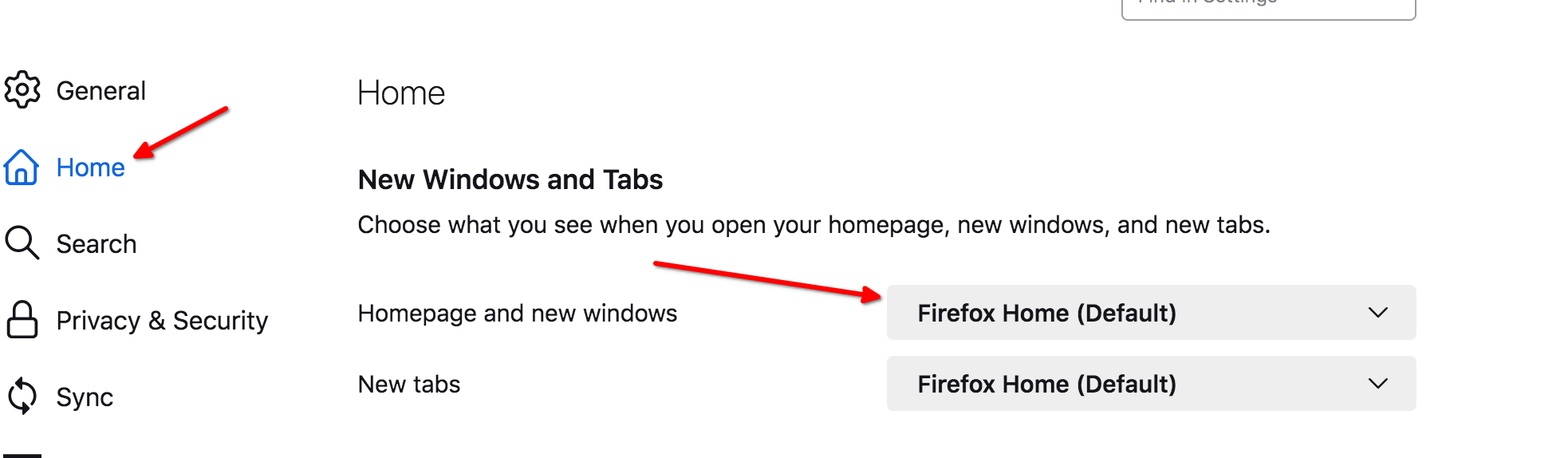
You can check the homepage setting in "Settings -> Home".
Firefox supports multiple homepages separated by '|' (pipe) symbols.
Προβολή απάντησης εντός συζήτησης 👍 1Όλες οι απαντήσεις (5)
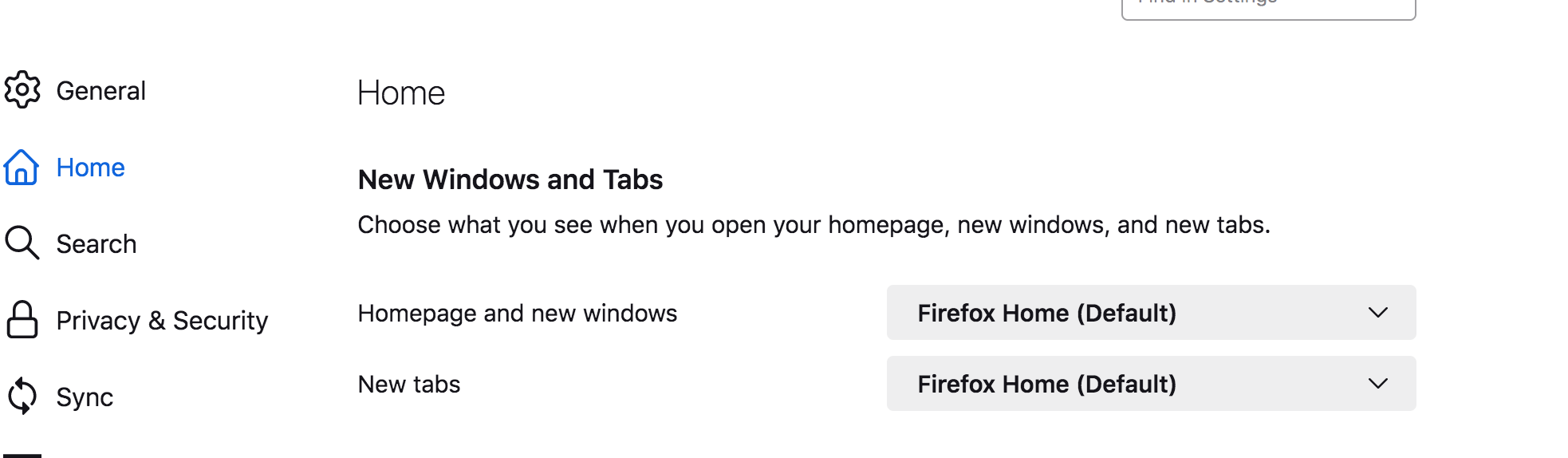
What do you have set for new window. see screenshots Here is what I get when hitting command + N. see screenshot
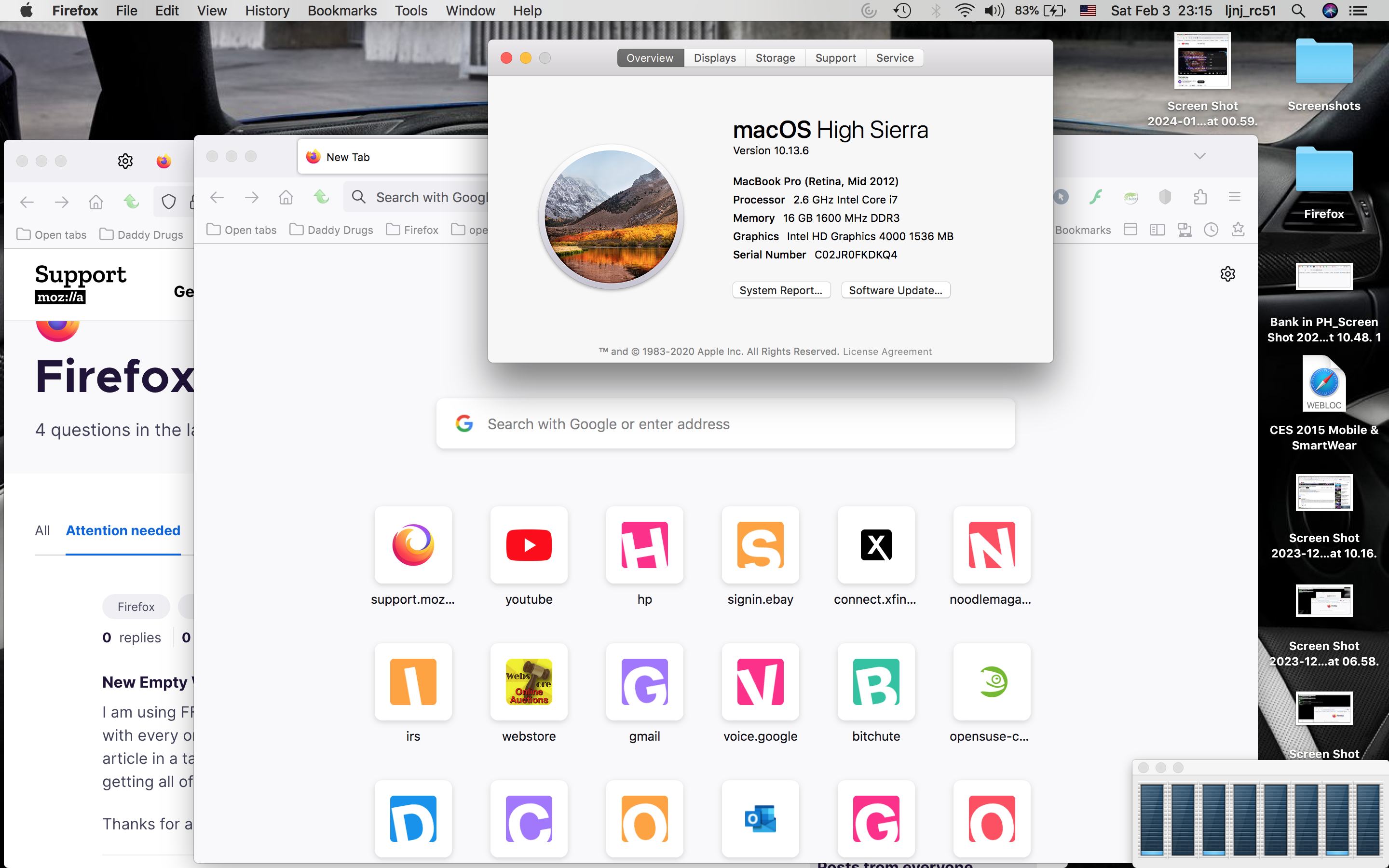
jonzn4SUSE, As I wrote, when I hit <command + N> I get a new window that contains a tab for each of my bookmarked sites (a lot). I do not understand your question about what I "have set for a new window".
In settings what do you have set here. see screenshot
Τροποποιήθηκε στις από τον/την jonzn4SUSE
Επιλεγμένη λύση
A new window op[ens with the home pages.
You can check that those pages aren't set as multiple homepages.
You can check the homepage setting in "Settings -> Home".
Firefox supports multiple homepages separated by '|' (pipe) symbols.
jonzn4SUSE and cor-el, Thanks, that's where the problem was. Somehow, every bookmark had been pasted there.