


syncing tabs

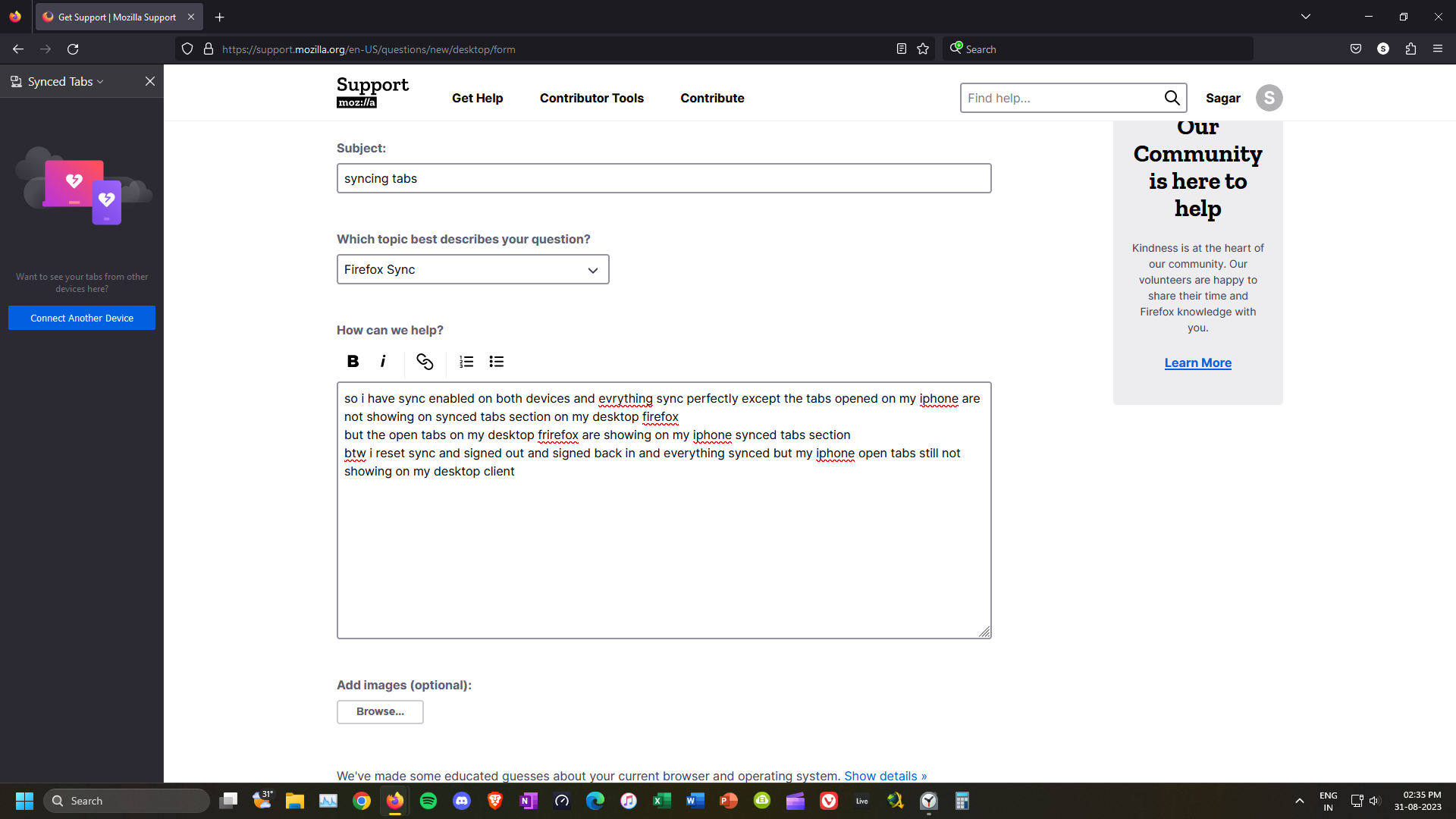
so i have sync enabled on both devices and evrything sync perfectly except the tabs opened on my iphone are not showing on synced tabs section on my desktop firefox but the open tabs on my desktop frirefox are showing on my iphone synced tabs section btw i reset sync and signed out and signed back in and everything synced but my iphone open tabs still not showing on my desktop client
Όλες οι απαντήσεις (3)

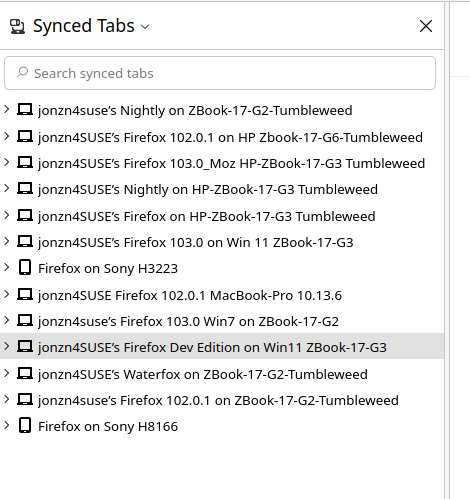
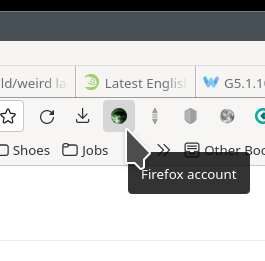
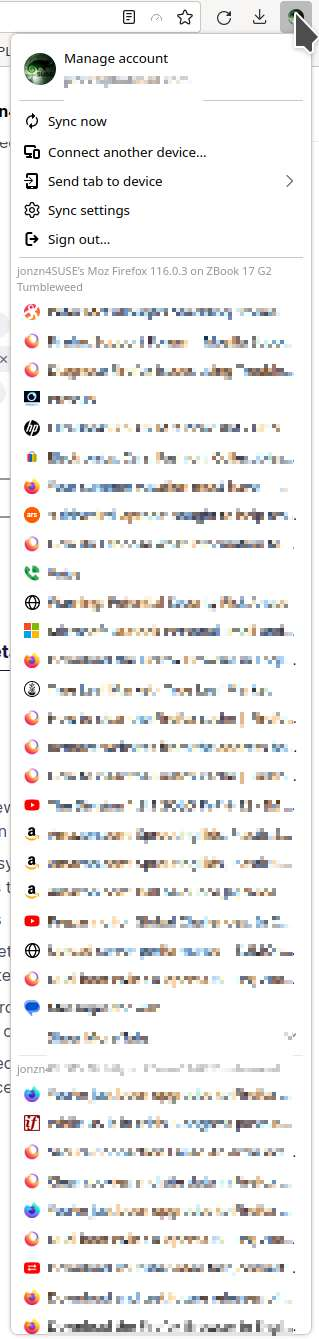
This is an old screenshot, but you get the idea. I assume you're running the same account on both devices. From the account icon on the bar, you should be able to see your other devices connected to your account. see screenshot
Τροποποιήθηκε στις από τον/την jonzn4SUSE
Just to get sync moving. Try downloading a different version of Firefox ( Beta, Dev, or Nightly) and make sure to install in a different directory. Sign into sync, make sure all the sync options are checked, and see what happens.
its showing my iphone now but only showing 10 tabs when my phone have few 100s tabs opened