


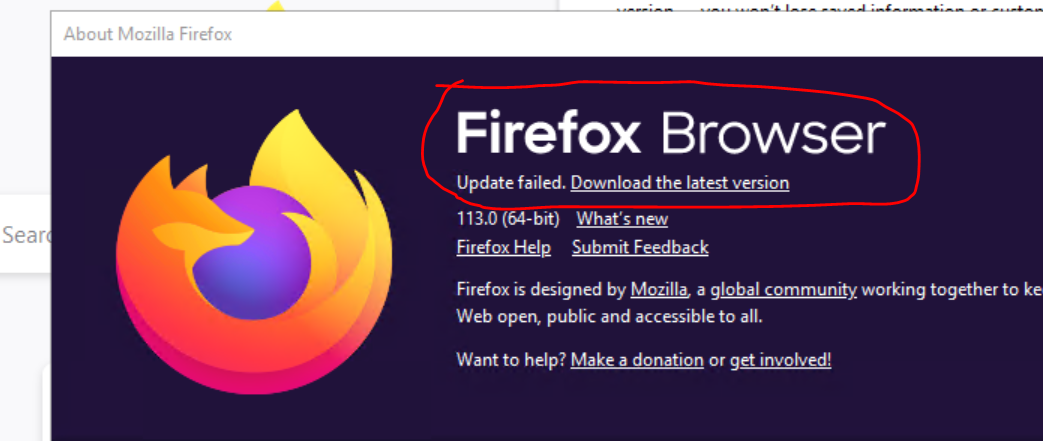
Mozilla Firefox Browser "Update Failed"

We have a proxy server and requested already to whitelist the https://aus5.mozilla.org & http://download.mozilla.org/ but still, we can't manage to update to the latest version. Do we have the complete lists of servers that we can add to our proxy server, to have it whitelisted?
Όλες οι απαντήσεις (3)

Check for updates after restarting the computer This error can also occur if you share your computer with other users, and another user's account is still logged in with Firefox running. The easiest way to resolve such problems is to restart your computer. Once the computer starts up again: Start Firefox.
Regards, Diana

It does appear to be a problem for the developers/support team to categorically state a list of URLs the browser needs to have allowed through a proxy server for its update service to function.
The only answer i have found that recommends any URL is https://support.mozilla.org/bm/questions/1224757

Firefox Settings suggests .mozilla.org as an exception. Can you add that to the whitelist on your proxy server?