Windows 10 reached EOS (end of support) on October 14, 2025. If you are on Windows 10, see this article.

Avatar for Username

Αναζήτηση στην υποστήριξη

Προσοχή στις απάτες! Δεν θα σας ζητήσουμε ποτέ να καλέσετε ή να στείλετε μήνυμα σε κάποιον αριθμό τηλεφώνου ή να μοιραστείτε προσωπικά δεδομένα. Αναφέρετε τυχόν ύποπτη δραστηριότητα μέσω της επιλογής «Αναφορά παραβίασης».

Μάθετε περισσότερα
Αυτό το νήμα αρχειοθετήθηκε. Κάντε νέα ερώτηση αν χρειάζεστε βοήθεια.
Αρχειοθετήθηκε

High cpu usage of fifefox dev edition

asdf2345 απαντήθηκε
Yash

When watching youtube or even doing a little task with only one tab the cpu usage from a specific firefox process goes upto 90%. And I have did everything that was given in the following troubleshoot method "https://support.mozilla.org/en-US/kb/firefox-uses-too-much-memory-or-cpu-resources" but still the same result. I tried with troubleshoot mode on with disabling all extensions but the cpu usage was still high. I have also checked with firefox's own task manager tool but there wasn't a single process that was using full cpu. I'll be attaching all screenshots below.
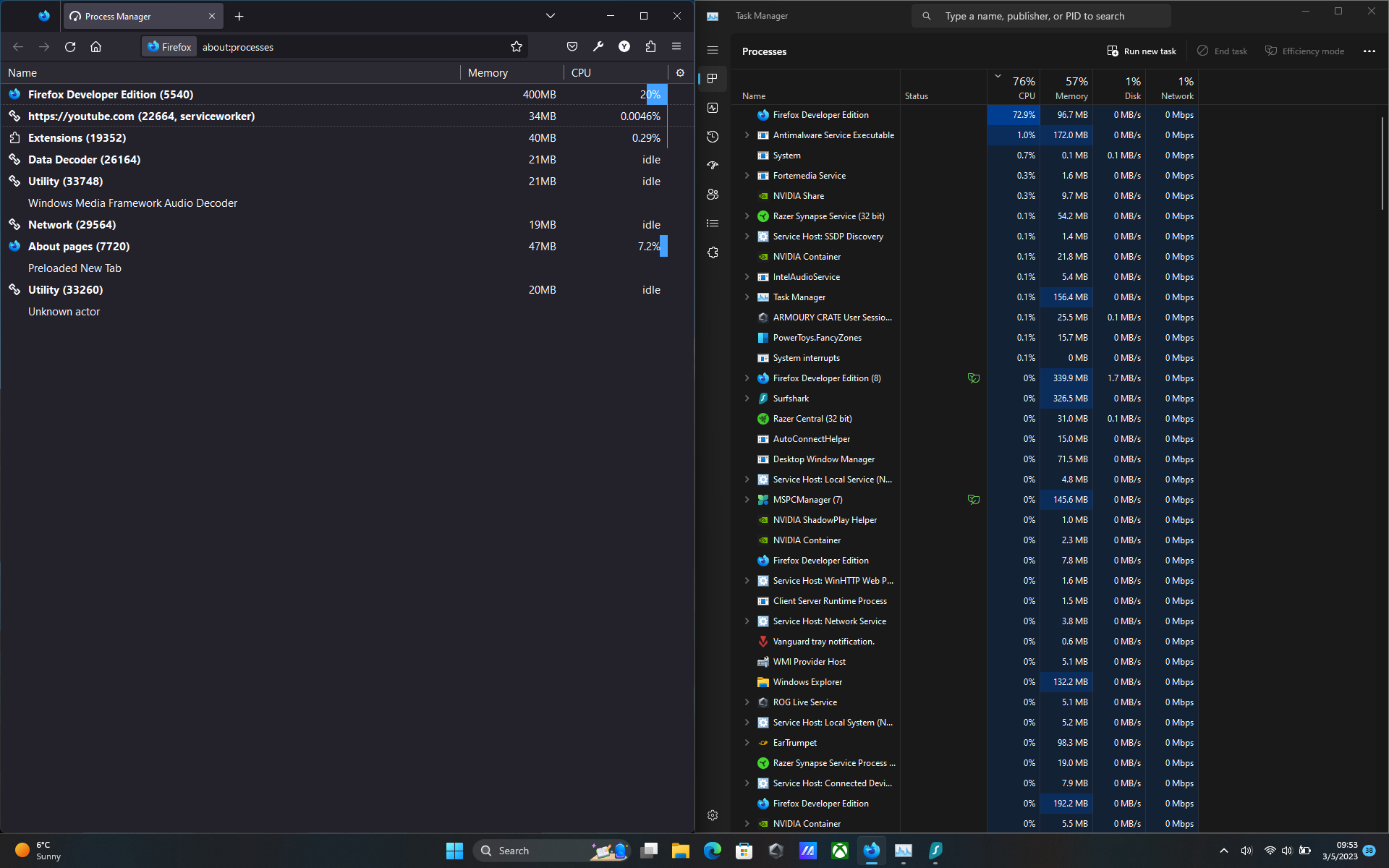
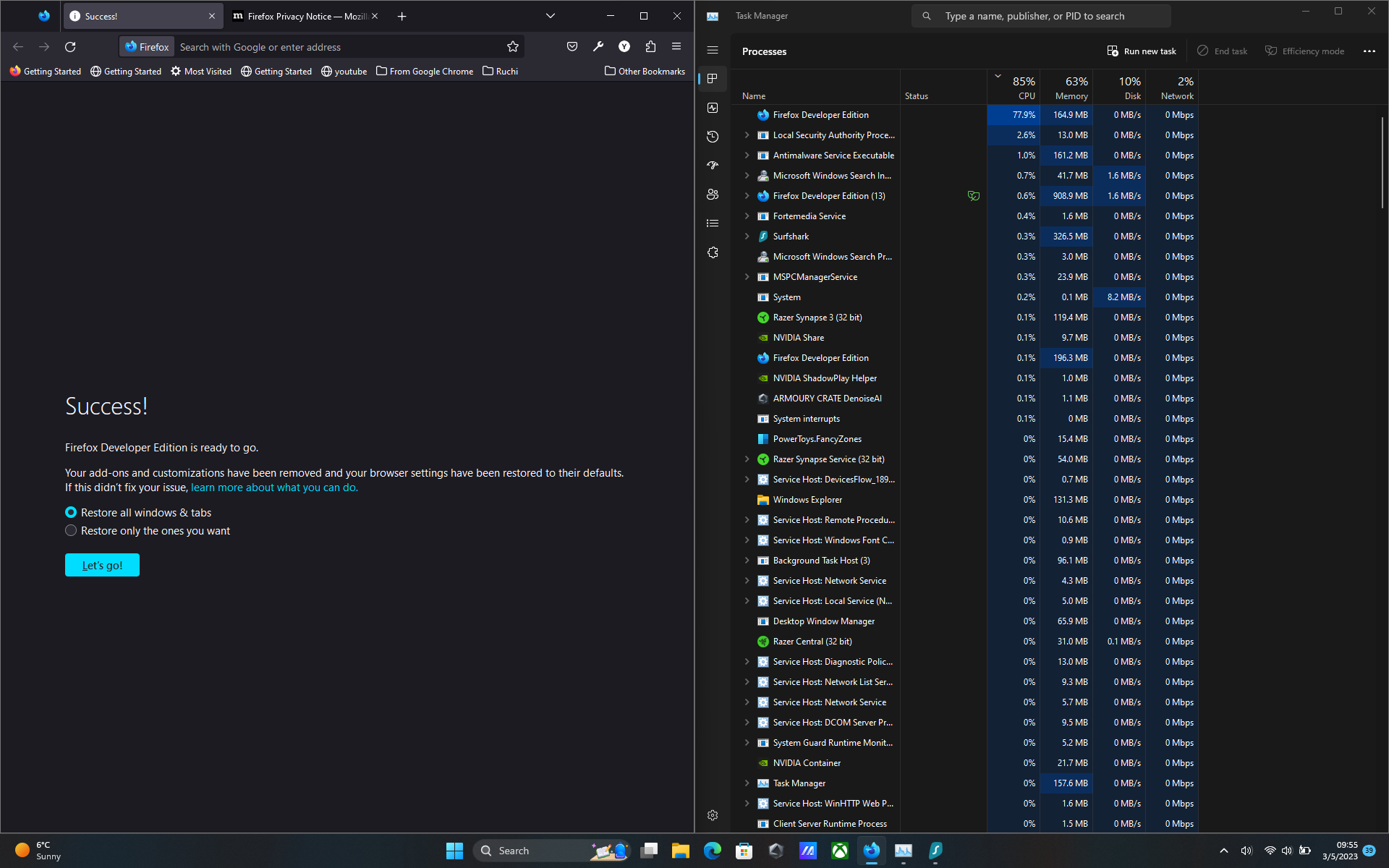
When watching youtube or even doing a little task with only one tab the cpu usage from a specific firefox process goes upto 90%. And I have did everything that was given in the following troubleshoot method "https://support.mozilla.org/en-US/kb/firefox-uses-too-much-memory-or-cpu-resources" but still the same result. I tried with troubleshoot mode on with disabling all extensions but the cpu usage was still high. I have also checked with firefox's own task manager tool but there wasn't a single process that was using full cpu. I'll be attaching all screenshots below.
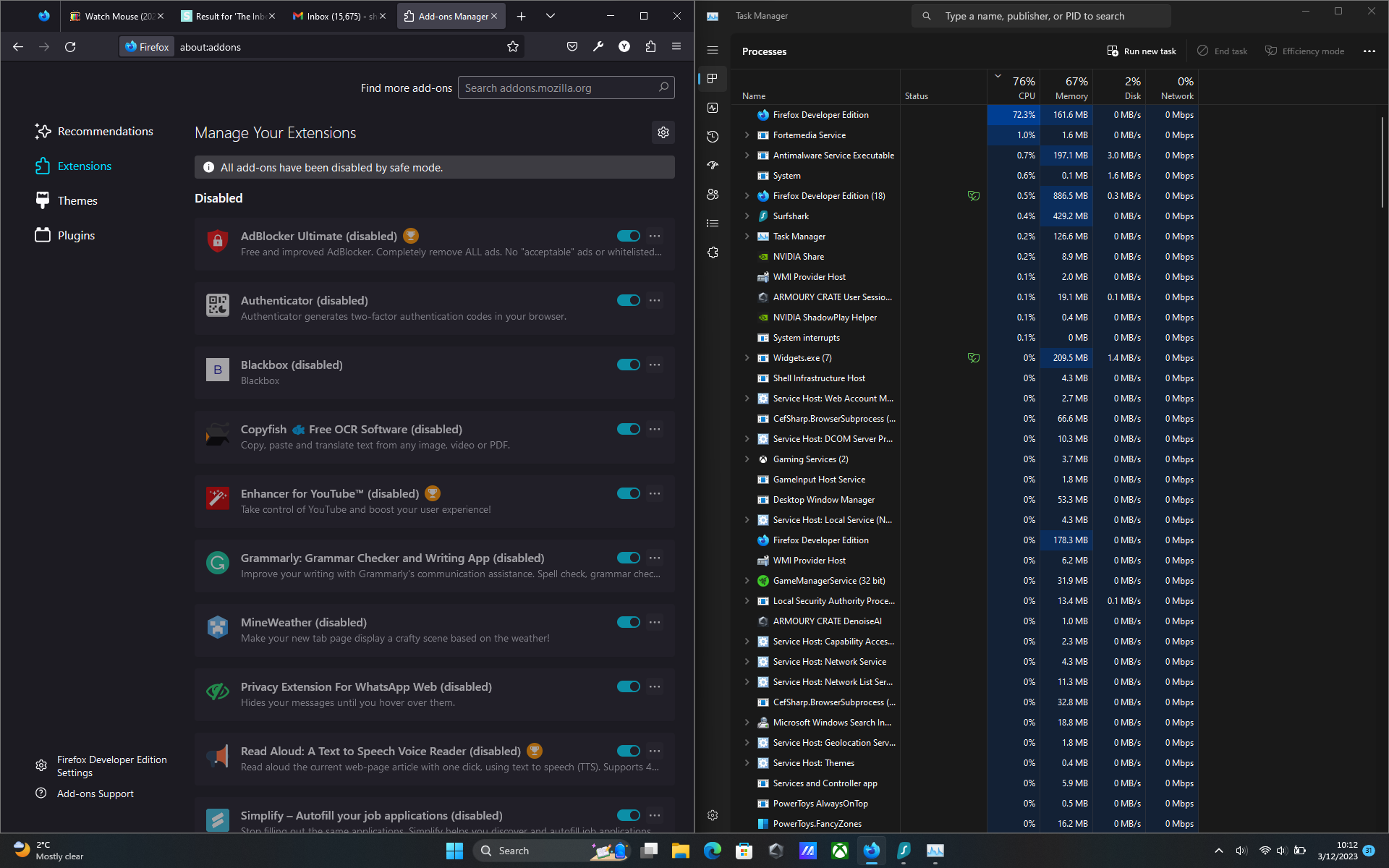
Συνημμένα στιγμιότυπα

Όλες οι απαντήσεις (1)

I have this issue as well. I can close the process using task manager and that fixes the issue, but it pops up again later. No clue what's causing it. Might even be in stable by now.