


Windows 10 reached EOS (end of support) on October 14, 2025. If you are on Windows 10, see this article.

Αναζήτηση στην υποστήριξη

Προσοχή στις απάτες! Δεν θα σας ζητήσουμε ποτέ να καλέσετε ή να στείλετε μήνυμα σε κάποιον αριθμό τηλεφώνου ή να μοιραστείτε προσωπικά δεδομένα. Αναφέρετε τυχόν ύποπτη δραστηριότητα μέσω της επιλογής «Αναφορά παραβίασης».

Μάθετε περισσότερα

Αυτό το νήμα αρχειοθετήθηκε. Κάντε νέα ερώτηση αν χρειάζεστε βοήθεια.

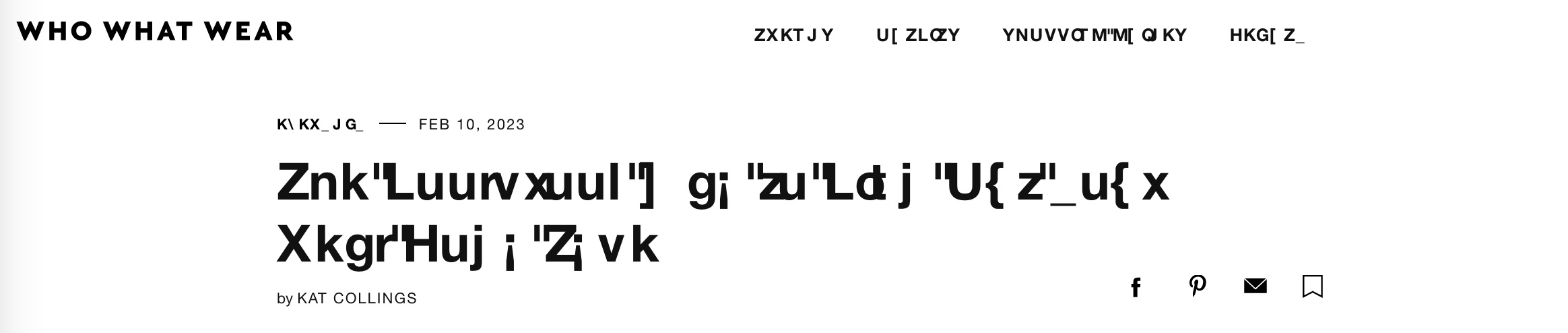
Weird fonts for some pages

  • 3 απαντήσεις
  • 1 έχει αυτό το πρόβλημα
  • 495 προβολές
  • Τελευταία απάντηση από teedin
  • Αρχειοθετήθηκε

The fonts are weird for some pages. I have used the following settings: Fonts for: latin, Proportional: Serif, Serif: Default(DejaVu Serif), Sans-serif: Default(DejaVu Sans), Monospace: Default(DejaVu Sans Mono). Also I have checked the box "Allow pages to choose their own fonts, instead of your selections above".

Need help to fix the issue!
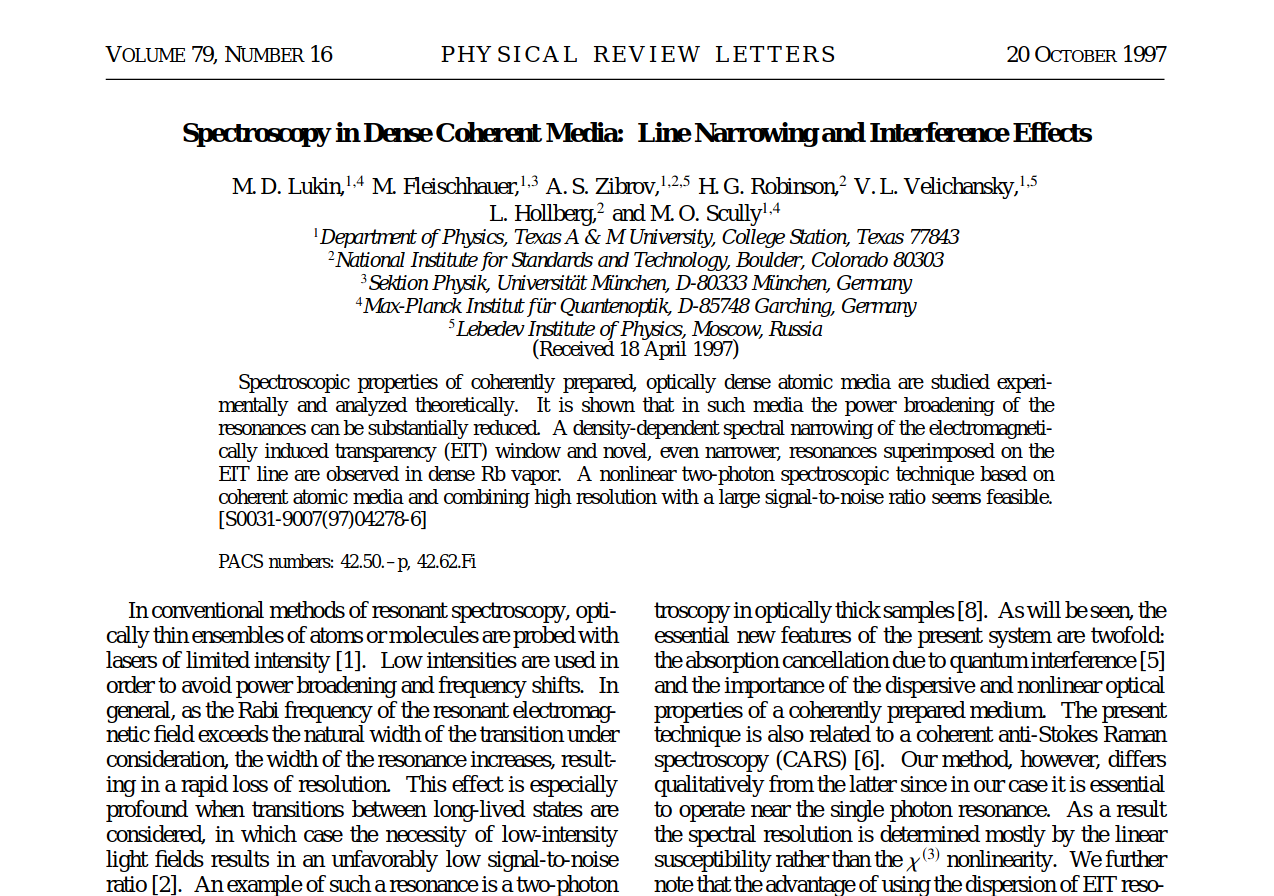
The fonts are weird for some pages. I have used the following settings: Fonts for: latin, Proportional: Serif, Serif: Default(DejaVu Serif), Sans-serif: Default(DejaVu Sans), Monospace: Default(DejaVu Sans Mono). Also I have checked the box "Allow pages to choose their own fonts, instead of your selections above". Need help to fix the issue!
Συνημμένα στιγμιότυπα

Τροποποιήθηκε στις από τον/την parthadas.physics

Όλες οι απαντήσεις (3)

I've also been having this issue for quite awhile, especially with Helvetica. I've tried troubleshooting based on some previous help threads, but none of the suggested fixes worked for me. One of the main suggestions I've seen was to simply uninstall the problem font from my computer, but I require Helvetica for work. There's no reason why Firefox shouldn't be able to show one of the most common fonts without user intervention.
Hi teedin

Are you possibly using a Mac?

cor-el said

Hi teedin Are you possibly using a Mac?

Yes, I am using a Mac. Both it and Firefox are fully up to date.