


How do I select a default Windows App to open .tg links if the App doesn't appear in the Windows Programs&Files list?

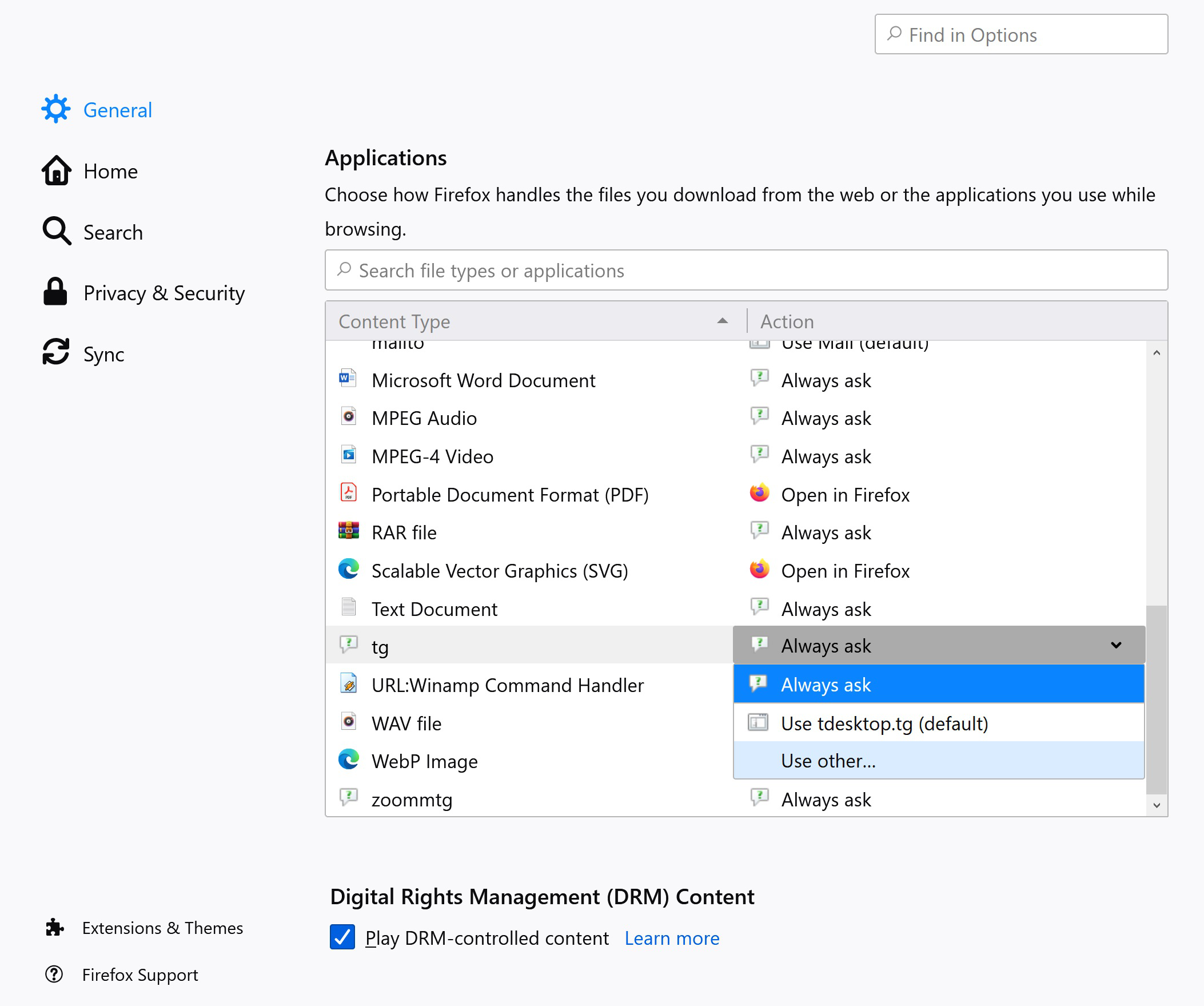
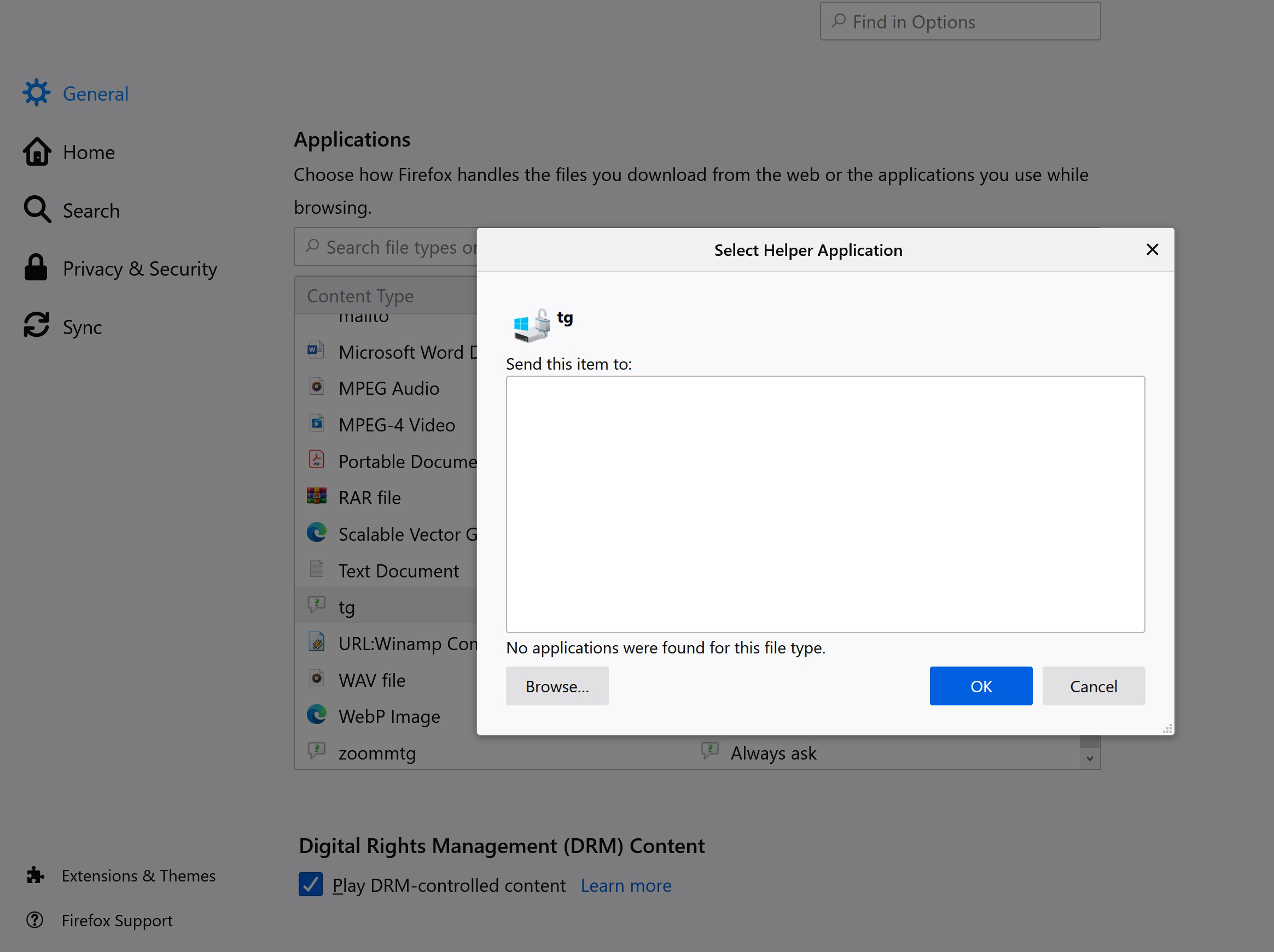
So if I try to open a .tg link to a Telegram group I want to join I get a message box asking me what application I want to open the link with. I want to change it from the current one and select Telegram as an app that I've installed from the Microsoft Store, but that doesn't appear on the list when you click browse because it's not a normally installed program in Windows. Is there a way to get access to apps installed through Microsoft Store in order to set them as default apps to open certain links/file extensions through Firefox?
Επιλεγμένη λύση
FredMcD said
Hmmm. Open your File Explorer. Create a new text file. Rename it as '.tg' Right-click and select Properties. Now click on Open With.
This method didn't work because the app doesn't appear in my app list for some reason, however I found a different way to solve the issue (by selecting default by app in the Windows settings menu).
Your suggestion however is a very useful method to solve similar issues in the future and I will surely keep it in mind. Thank you.
Τροποποιήθηκε στις από τον/την Karrie
Όλες οι απαντήσεις (6)

Select Use Other.
FredMcD said
Select Use Other.
Thank you for the answer but did you read my further description? When I select other it opens a window to let me choose a suitable app but there are no apps visible on there. And when I click browse I can't find the app in the Windows browser because it's not a regular program installed in Program Files, it's an app installed through the Microsoft Store instead.
Τροποποιήθηκε στις από τον/την Karrie
Hmmm. Open your File Explorer. Create a new text file. Rename it as '.tg' Right-click and select Properties. Now click on Open With.
Επιλεγμένη λύση
FredMcD said
Hmmm. Open your File Explorer. Create a new text file. Rename it as '.tg' Right-click and select Properties. Now click on Open With.
This method didn't work because the app doesn't appear in my app list for some reason, however I found a different way to solve the issue (by selecting default by app in the Windows settings menu).
Your suggestion however is a very useful method to solve similar issues in the future and I will surely keep it in mind. Thank you.
Τροποποιήθηκε στις από τον/την Karrie
That was very good work. Well Done.

The Whatsapp Gb I'm using can open the default link https://wagbpro.com very good