


Cannot access webcam on Windows 10 latest version
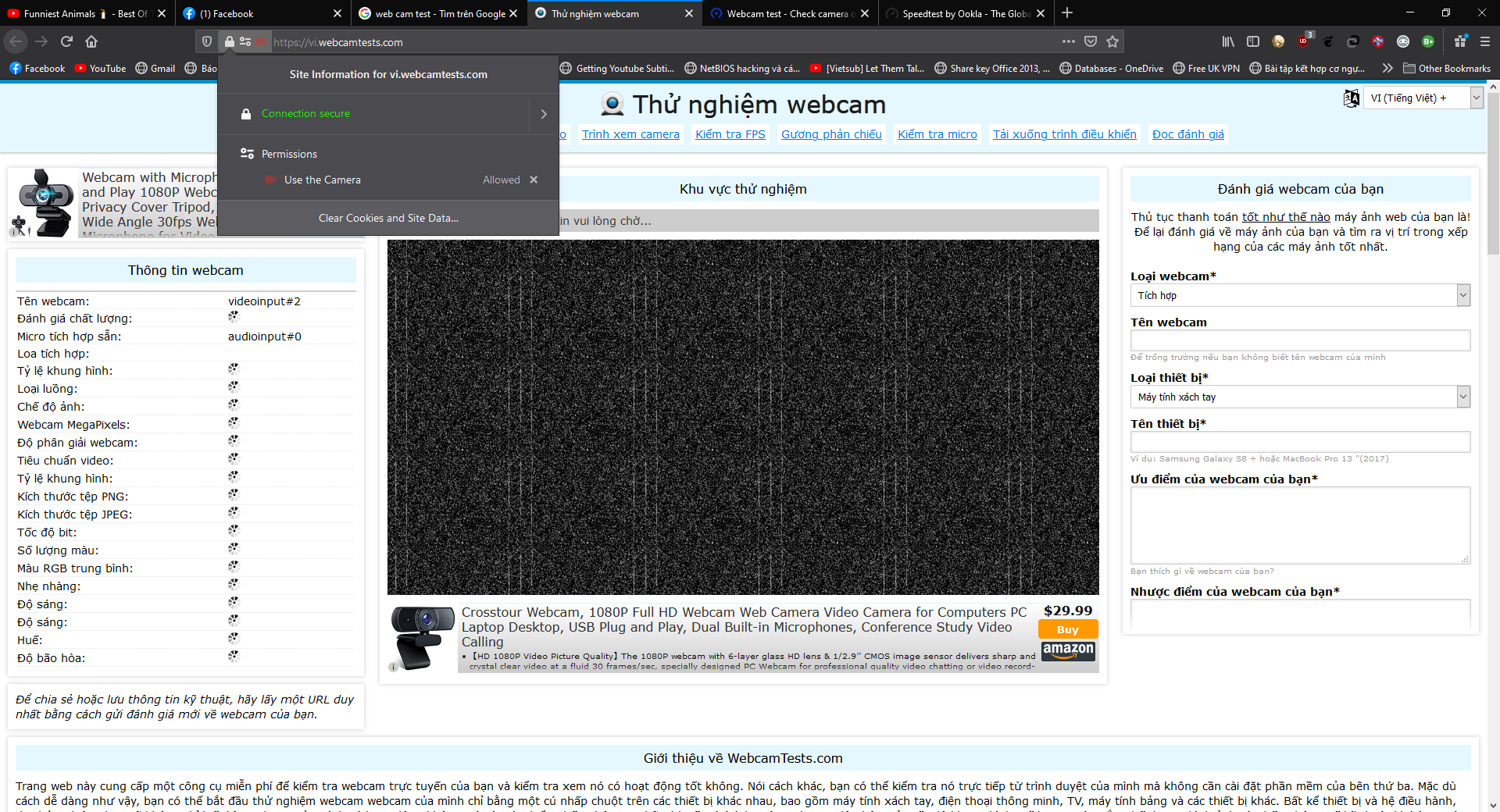
Hi FF support team. I got an issue about my webcam. I used Astro HD webcam but when I tried video call on facebook, or any website need access webcam permission, my webcam can't open. I allowed website to access my webcam, but nothing happens. I tried reinsall, reset Firefox, install lower version, enable auto play in about:config...but no lucky. But when I tried on Chrome, my webcam is working fine. I tried use my webcam on linux (Pop! OS) with the same version of FIrefox and my webcam is working fine. I tried reinstall my webcam driver on my Windows, but still not working on Firefox ( Chrome or any browser chronium's based, they're working fine with my webcam). I don't know why. Please help me! Thanks alot. Sr if my English is not good enough
Όλες οι απαντήσεις (2)
ok its so easy ,go to options , select security and privacy then scroll down untill you find permissions select cam.settings then add your websites you need to use the webcam. on for example ( write : www.facebook.com) then save your changes an go to the writen website an try the cam. and it will work normally . i hope its useful
Τροποποιήθηκε στις από τον/την saifsamer2001
saifsamer2001 said
ok its so easy ,go to options , select security and privacy then scroll down untill you find permissions select cam.settings then add your websites you need to use the webcam. on for example ( write : www.facebook.com) then save your changes an go to the writen website an try the cam. and it will work normally . i hope its useful
Yes, I did. But nothing changes. My webcam still cannot working. On address bar, it displays the camera icon (mean this site are using camera) but nothing happens, my wc aren't working. I have to un-plug webcam to use it in another browser or Windows Camera app. Only in Firefox, the webcam cannot access