


Remove New Bookmark Sync Books Prompt

Hi,
I am running FF 84.0.1. I notice that every time I create a new bookmark by clicking the star icon the New Bookmark popup opens but the top section is covered buy a prompt reminding me to Sync your Bookmarks everywhere. I only use FF on this computer and am getting annoyed by this prompt.
Is there a way to turn it off?
Thank you in advance for your help!
Όλες οι απαντήσεις (8)

What do you have set here? see screenshot
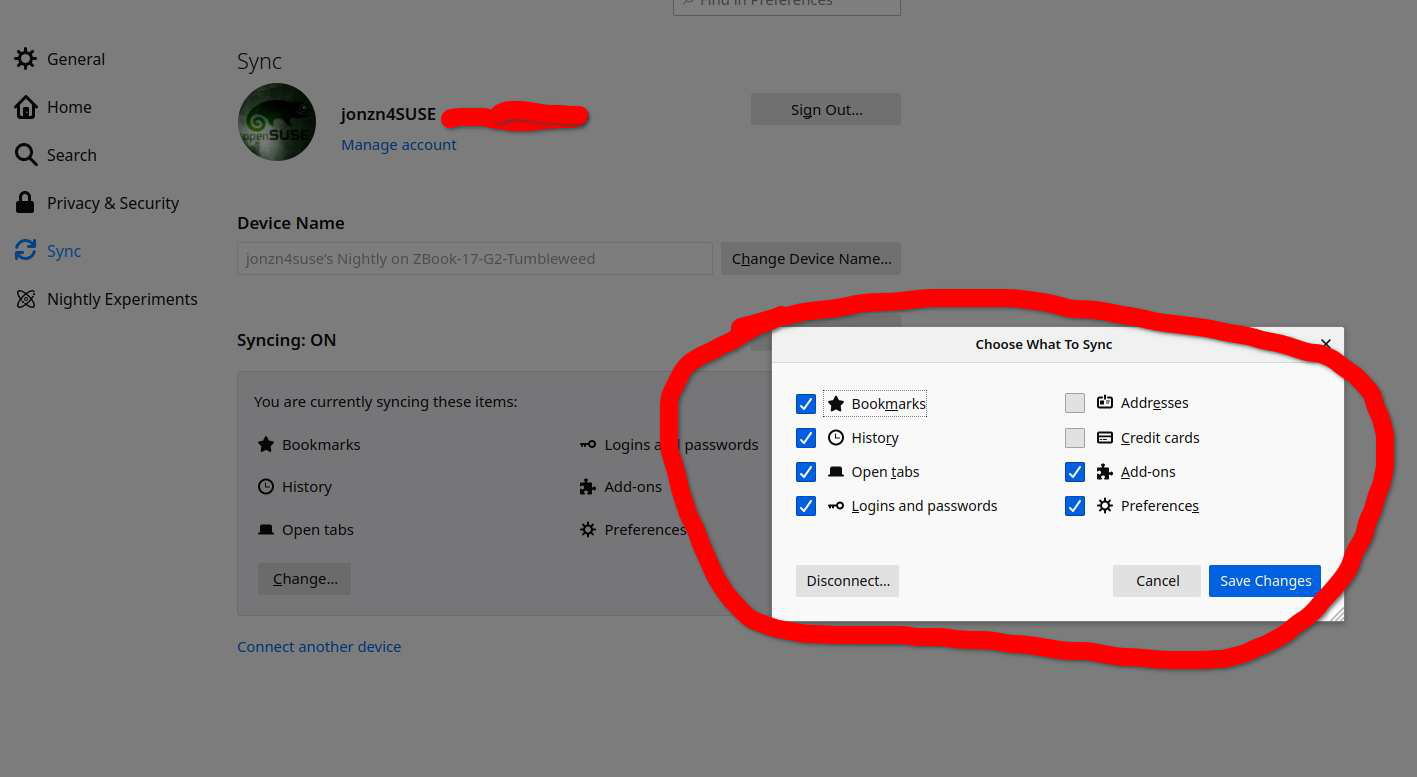
See also the Recommend settings in "Options/Preferences -> General -> Browsing".
Hi jonzn4SUSE,
I do not get that screen since I do not have or need to sync turned on. The prompt to sync bookmarks shows up on the top of the new bookmark edit button.
Thanks for more ideas
Hi Cor-el,
I am not getting this reminder as a recommendation. I have attached a copy of the Bookmark edit button so you can see what I am seeing.
Thanks for your thoughts
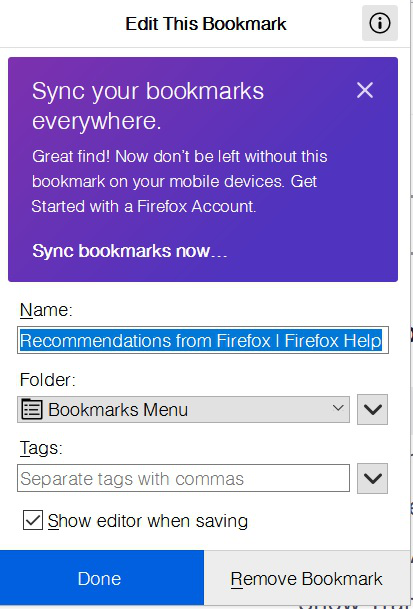
I would assume that this message won't come back if you click the close X. This is possibly a setting stored in a pref, so if this doesn't work then check for issues with preferences.
You can try to set this CFR (Contextual Feature Recommender) pref to false.
- browser.newtabpage.activity-stream.asrouter.userprefs.cfr.features = false
You can open the about:config page via the location/address bar. You can click the button to "Accept the Risk and Continue".
Τροποποιήθηκε στις από τον/την cor-el
Hi cor-el,
Clicking the x makes it go away for that instance but it comes back next time I create a new bookmark.
All my other prefs are being remembered perfectly. This came about 2 upgrades past. FF is starting to feel like Edge....
This is a CFR text like I wrote above:
Did you read the article I posted above about how to disable recommendations ?
Hi coe-el,
I made the change in about:config so now will see if that is permanent. That is sure a poor way continue to pester people and little help to easily find how to turn it off.
Thanks for your help