


Google agenda in Thunderbird
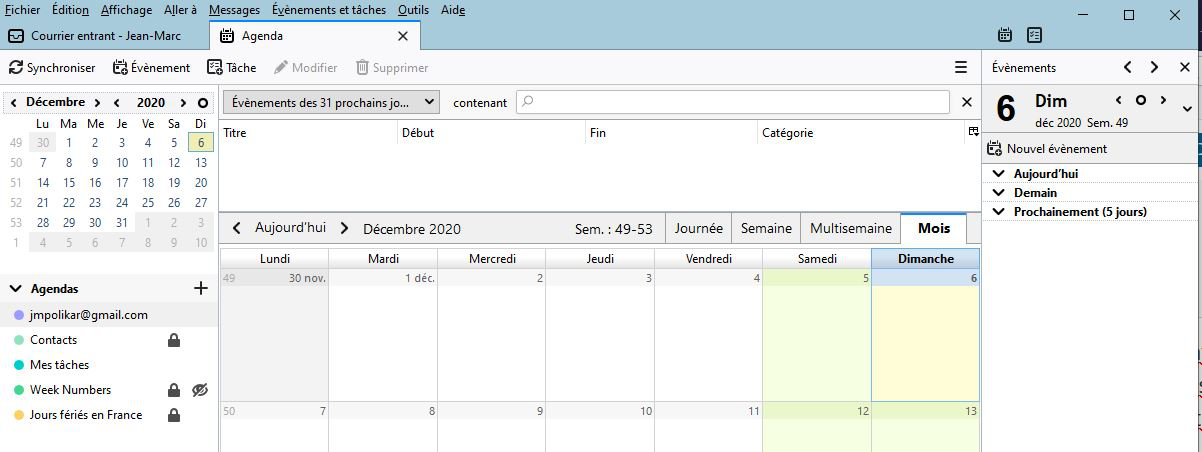
Hello, For some time now (maybe version78), every time I start Thunderbird I lose access to my Google calendar and no events appear in the "today" panel (see image). I have to double-click on the name of the calendar to activate it. Is there a way to avoid this? Thank you for help.
Επιλεγμένη λύση
Do you use the Provider for Google add-on? Some users have avoided this by removing the add-on and re-installing it. https://github.com/kewisch/gdata-provider/issues/133
There are other ways to sync a Google calendar:
https://support.mozilla.org/en-US/questions/1304356#answer-1368791
Προβολή απάντησης εντός συζήτησης 👍 1Όλες οι απαντήσεις (2)
Επιλεγμένη λύση
Do you use the Provider for Google add-on? Some users have avoided this by removing the add-on and re-installing it. https://github.com/kewisch/gdata-provider/issues/133
There are other ways to sync a Google calendar:
https://support.mozilla.org/en-US/questions/1304356#answer-1368791
I'm actually using the Provider, the removal/re-installation fixed the problem.
Thanks a lot.