


Windows 10 reached EOS (end of support) on October 14, 2025. If you are on Windows 10, see this article.

Αναζήτηση στην υποστήριξη

Προσοχή στις απάτες! Δεν θα σας ζητήσουμε ποτέ να καλέσετε ή να στείλετε μήνυμα σε κάποιον αριθμό τηλεφώνου ή να μοιραστείτε προσωπικά δεδομένα. Αναφέρετε τυχόν ύποπτη δραστηριότητα μέσω της επιλογής «Αναφορά παραβίασης».

Μάθετε περισσότερα
Αυτό το νήμα αρχειοθετήθηκε. Κάντε νέα ερώτηση αν χρειάζεστε βοήθεια.
Αρχειοθετήθηκε

Why am I getting blank placecards on web pages

TyDraniu απαντήθηκε
AllenZ

I used to love Firefox but lately I'm getting frustrated.

My Main 'beef' now is certain parts of web pages are showing as a blank spot. See screen grab [Brave-xs-Firefox-F].

Bringing up Brave Browser to the same page shows a video and article. See screen grab [Brave-xs-Firefox-B].

Why is this happening, Is it a setting I can change?

Thanks Allen
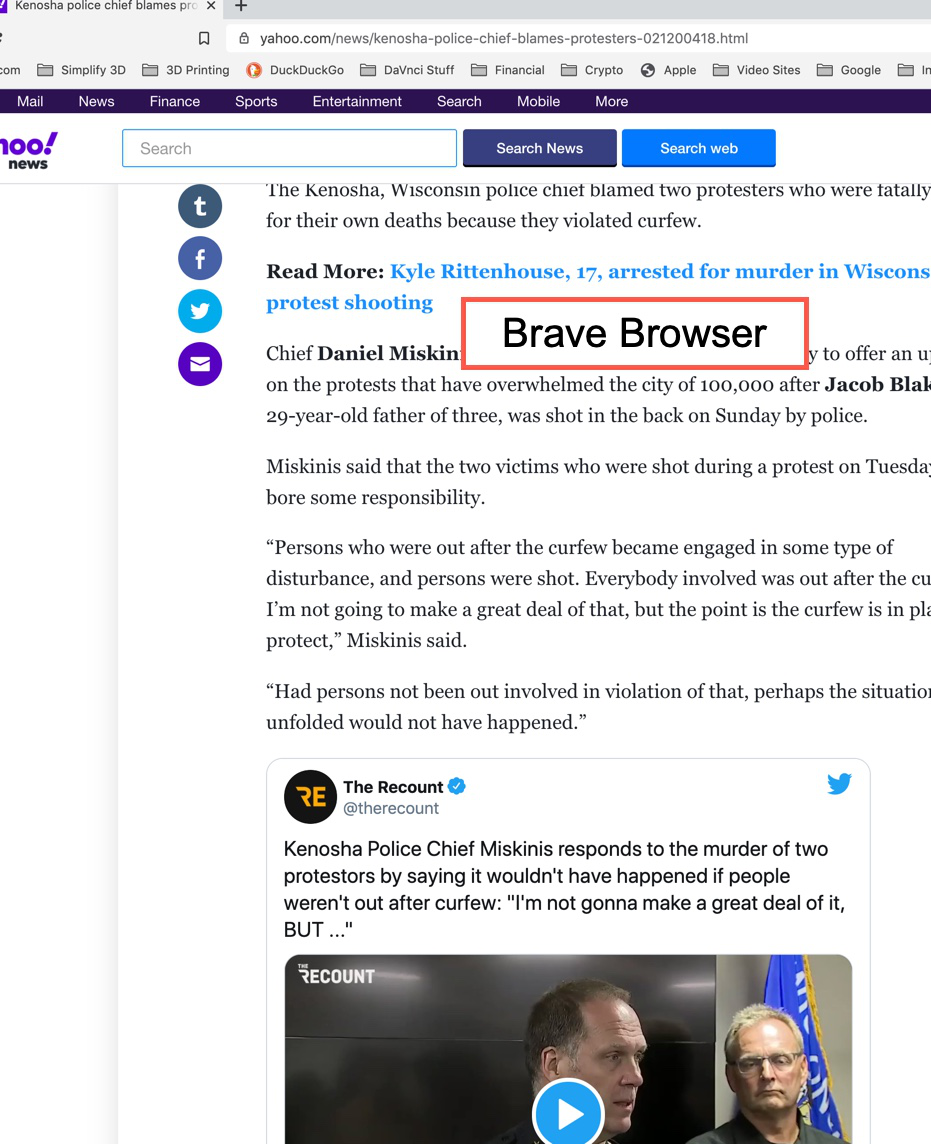
I used to love Firefox but lately I'm getting frustrated. My Main 'beef' now is certain parts of web pages are showing as a blank spot. See screen grab [Brave-xs-Firefox-F]. Bringing up Brave Browser to the same page shows a video and article. See screen grab [Brave-xs-Firefox-B]. Why is this happening, Is it a setting I can change? Thanks Allen
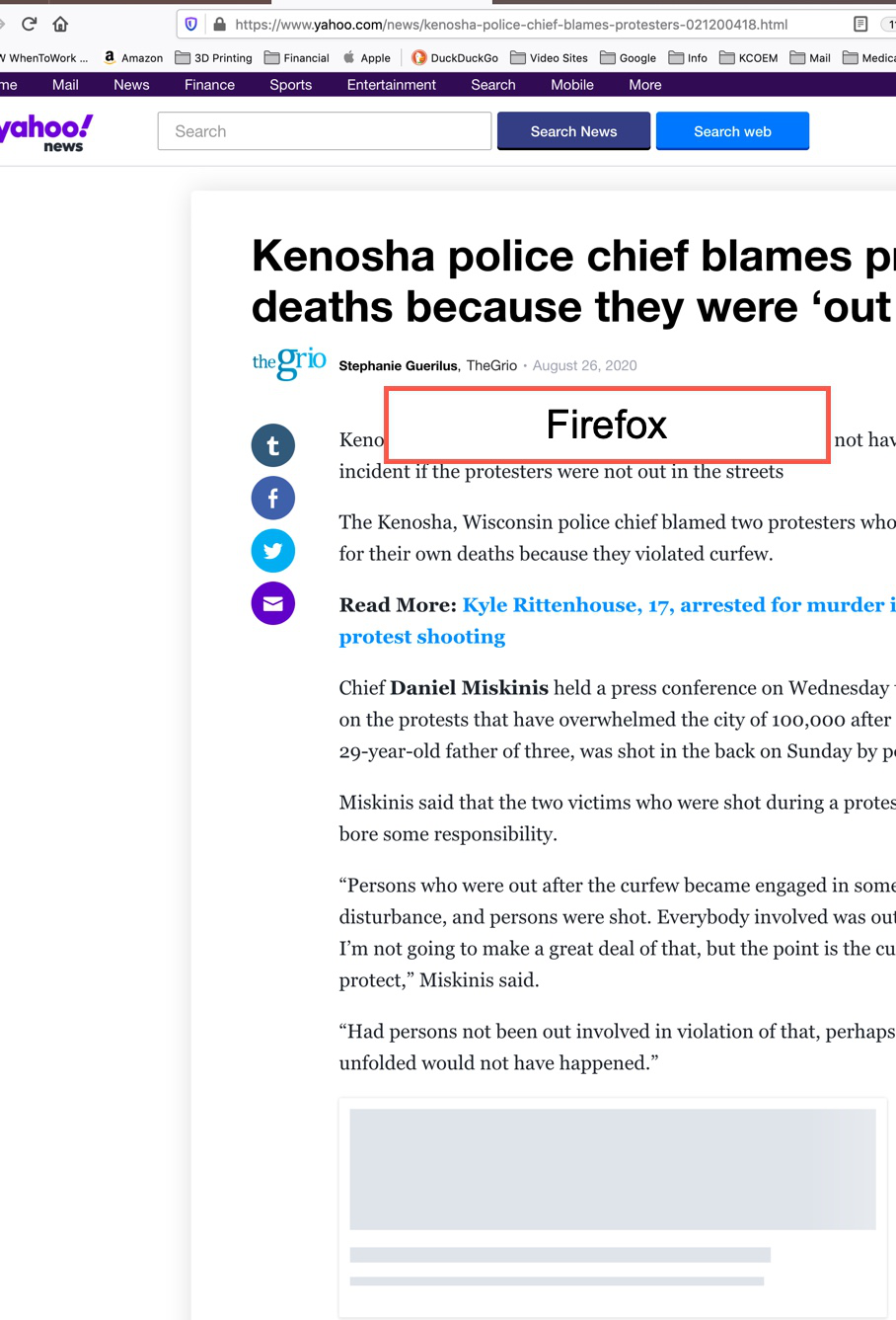
Συνημμένα στιγμιότυπα

Όλες οι απαντήσεις (3)

Those "blank places" are just tracking elements that has been removed - in this case it's a Twitter frame. To bring it back you have to allow social widgets in Tracking Protection preferences.

Thanks. Where do I find that?

Allen
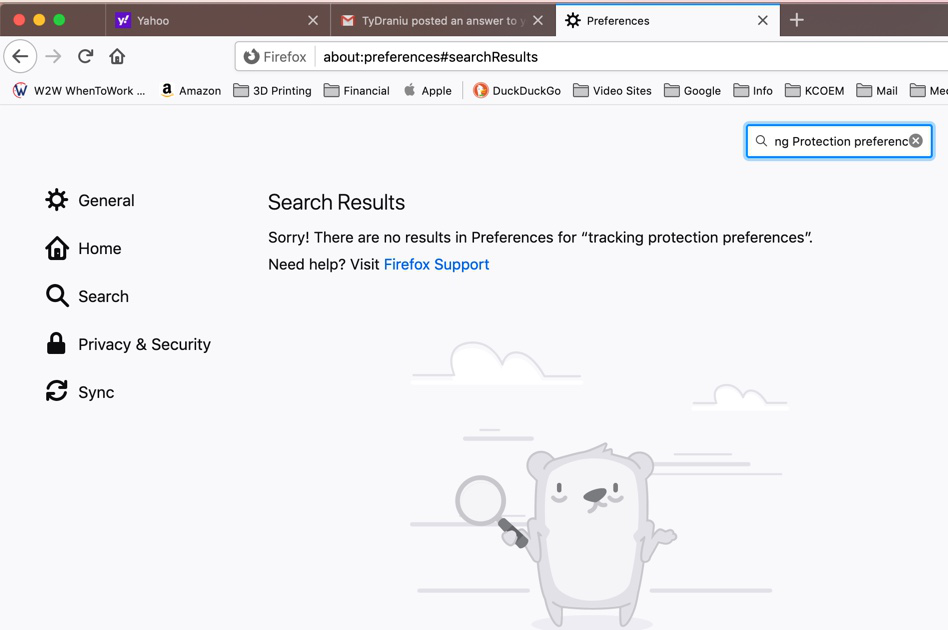
Privacy & Security -> Enhanced Tracking Protection -> Set Custom and try to experiment with Cookies and Tracking content checkboxes.

Τροποποιήθηκε στις από τον/την TyDraniu