


Tab preview greyed out
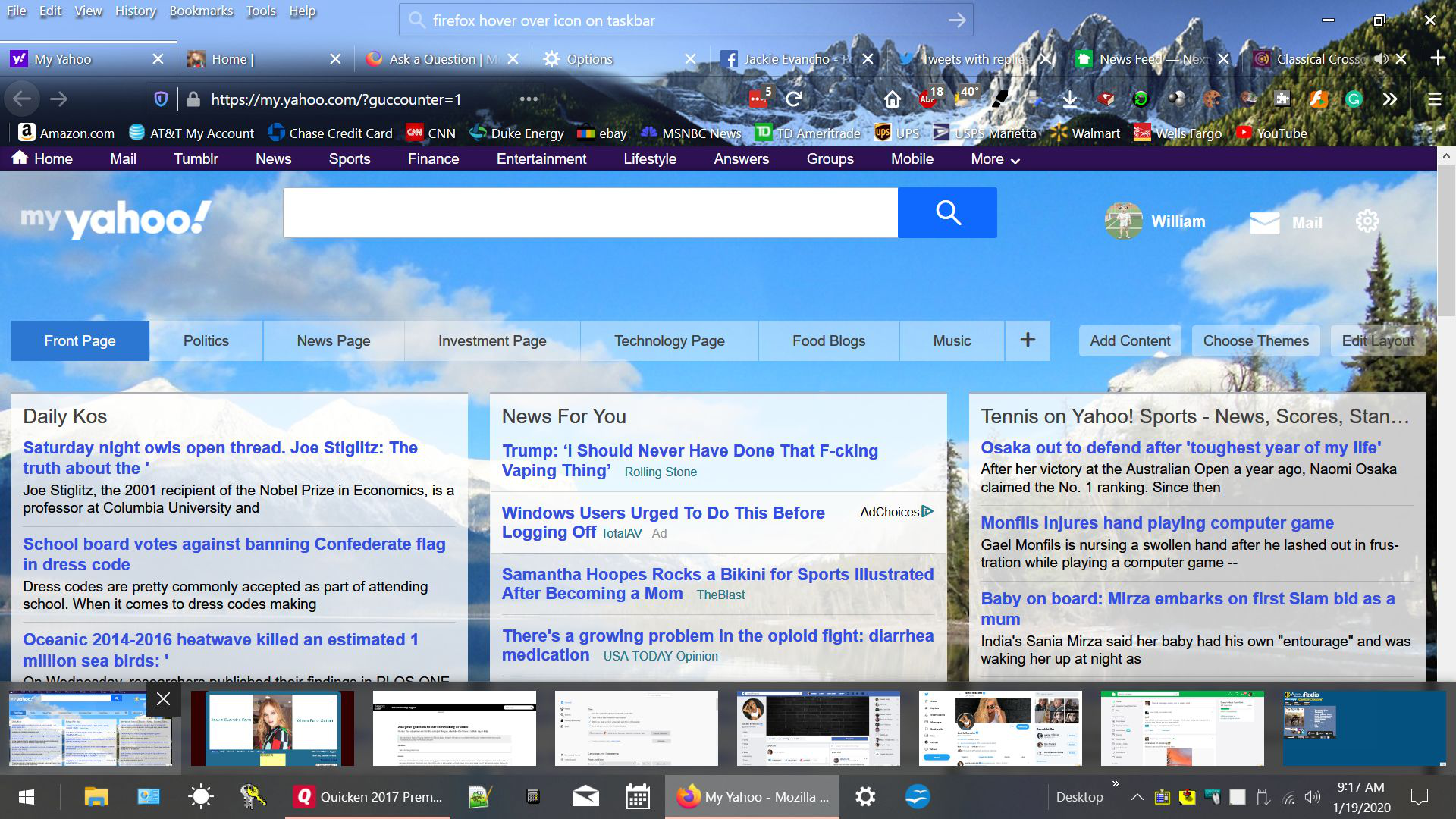
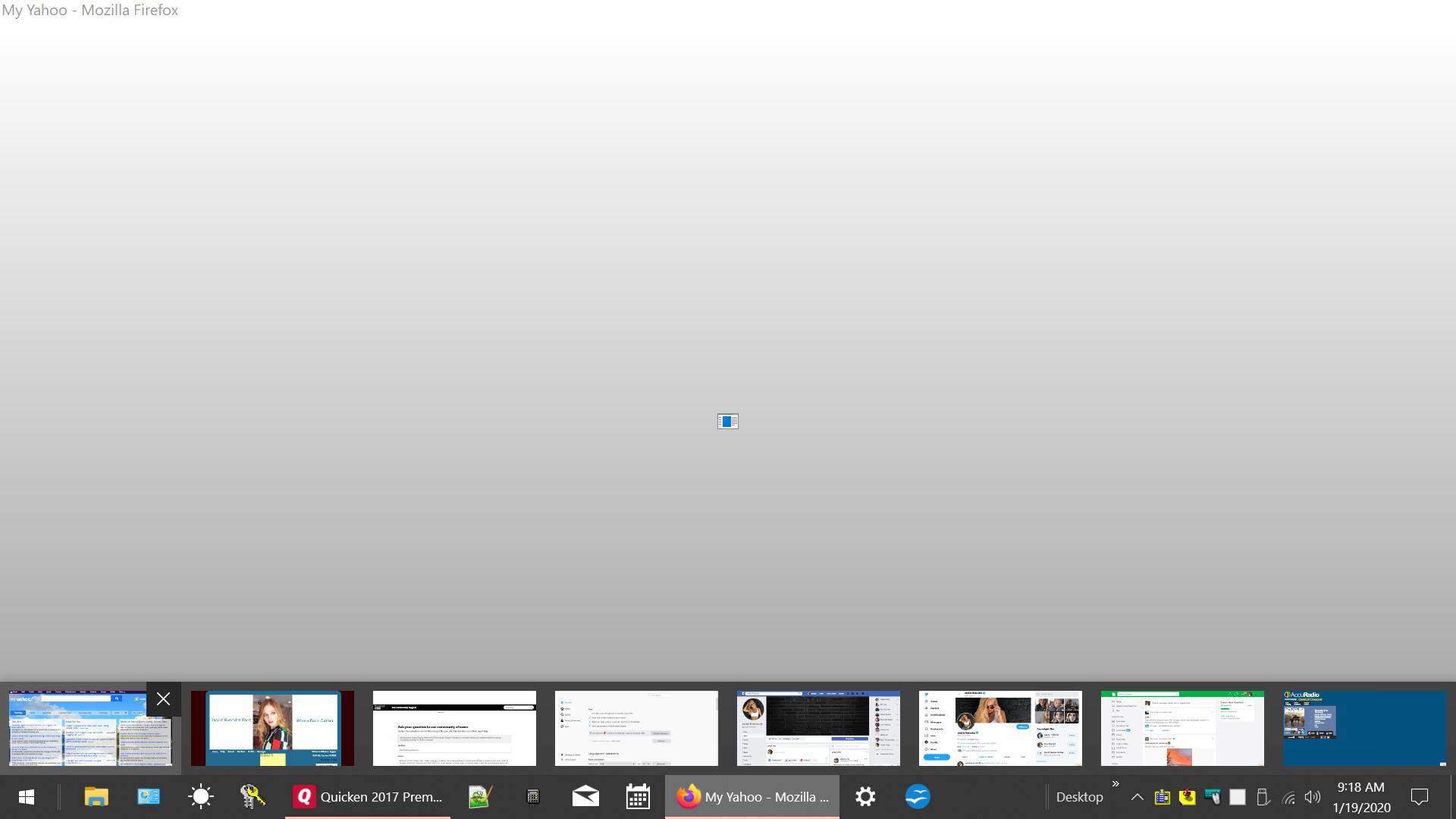
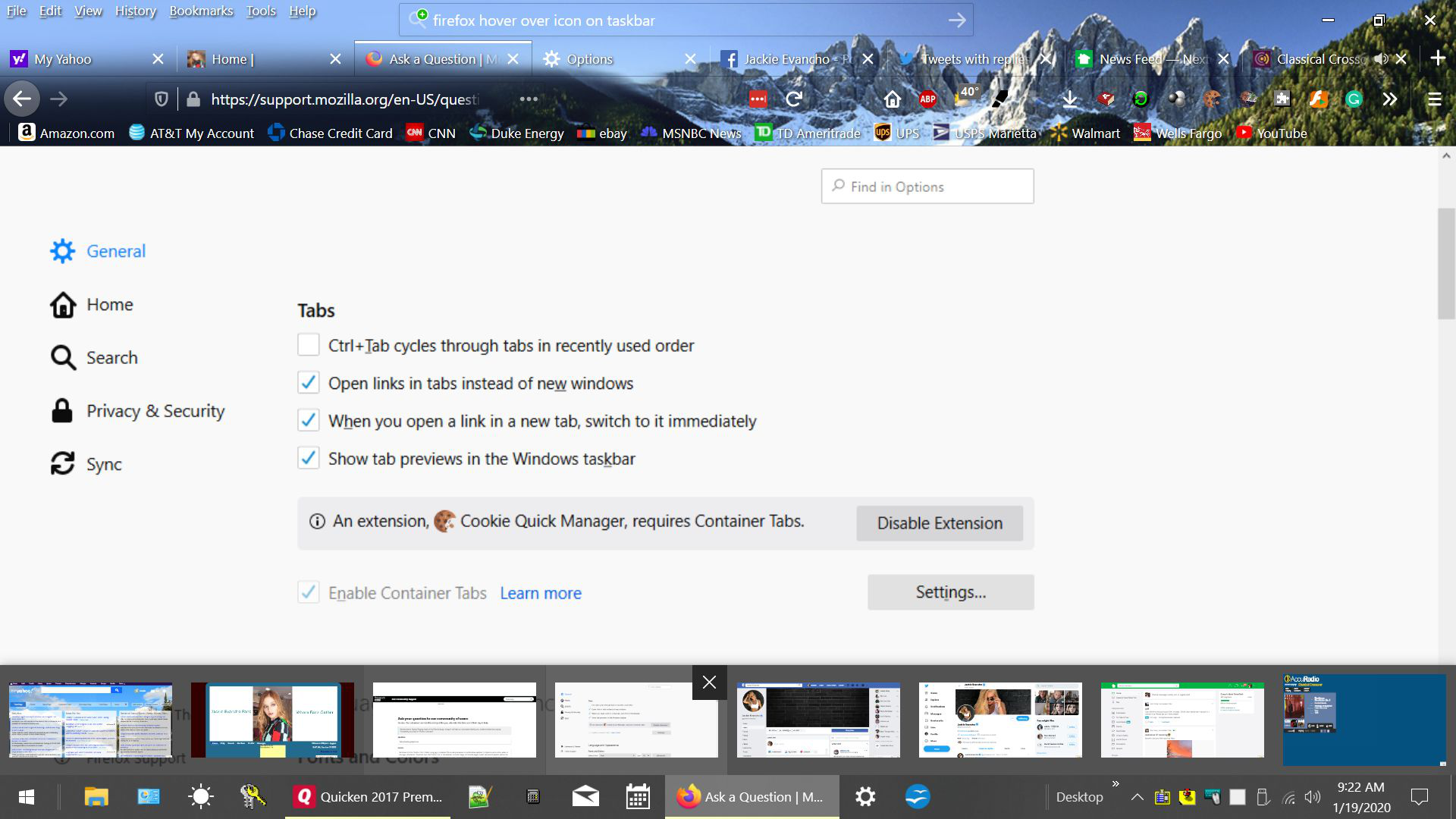
Windows 10 Pro, Firefox 72.0.1 64bit. Long ago, I enabled "Show tab previews in the Windows taskbar" in Options and until a week or two ago, whenever I hovered over the Firefox icon in the taskbar, a small image of the web page in each tab would appear above the taskbar. If I hovered over an image, it would then become full screen and readable. Now, hovering over the image produces a blank, greyed out screen with a rotating blue circle that eventually becomes a tiny image. This happens on all tabs except the tab for Firefox Options. This tab operates normally and will appear normal when hovered over. I have included screen prints of the above problem and hope you can provide a solution.
Όλες οι απαντήσεις (4)
BillyDick said
Windows 10 Pro, Firefox 72.0.1 64bit. Long ago, I enabled "Show tab previews in the Windows taskbar" in Options and until a week or two ago, whenever I hovered over the Firefox icon in the taskbar, a small image of the web page in each tab would appear above the taskbar. If I hovered over an image, it would then become full screen and readable. Now, hovering over the image produces a blank, greyed out screen with a rotating blue circle that eventually becomes a tiny image. This happens on all tabs except the tab for Firefox Options. This tab operates normally and will appear normal when hovered over. I have included screen prints of the above problem and hope you can provide a solution.
I have verified that this problem also occurs in Safe Mode!
FireFox v 72.0.2 has the above issue on both 64bit and 32bit systems. However I reinstalled FireFox v 72.0.1 thru system restore and it works correctly. Naturally when FireFox updates back to v72.0.2 the problem returns.
When i opened my website https://www.bestbasketballs.net/ in new tab, It doesn,t open & other all tabs stop browsing....why .. ?
Τροποποιήθηκε στις από τον/την John Carry
The latest update to 73.0 fixed the problem!