


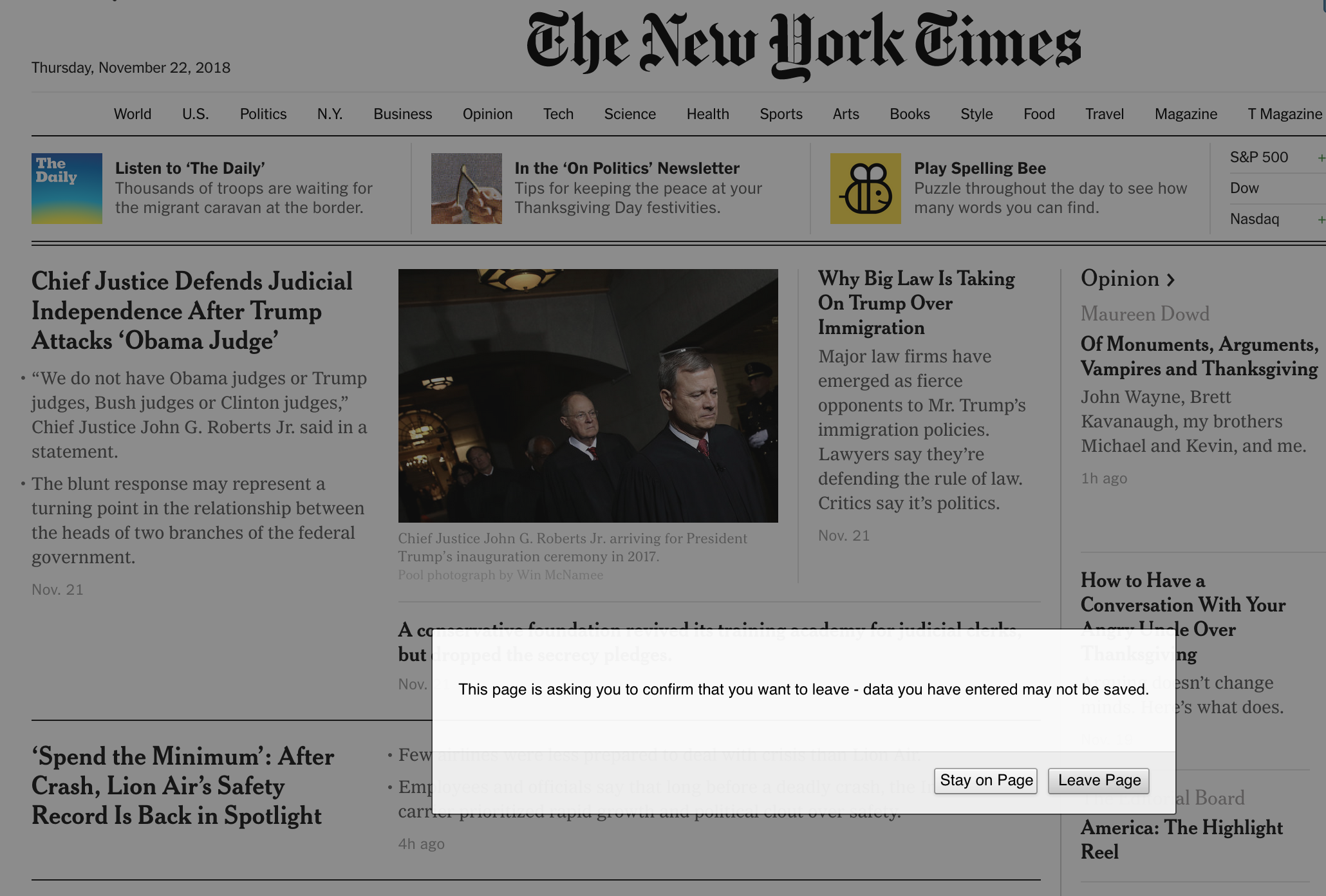
When on www.nytimes.com, Firefox pop-up stating "This page is asking you to confirm that you want to leave - data you have entered may not be saved." appears.

Starting this morning, whenever I click on a link on www.nytimes.com, a pop-up appears that says "This page is asking you to confirm that you want to leave - data you have entered may not be saved." and requires that I either click "Stay on Page" or "Leave Page". I have never seen this before and it only seems to happen on www.nytimes.com. Has anyone else had this issue? If so, how can I make it go away? Is there something that may have changed in Firefox Preferences with the most recent update? See attached screen shot.
Επιλεγμένη λύση
It is the website that initiates this alert in case you have entered some data in a form or text area to would be lost.
If you really want to disable this notification then you can set this pref to true on the about:config page.
- dom.disable_beforeunload = true
You can open the about:config page via the location/address bar. You can accept the warning and click "I accept the risk!" to continue.
Όλες οι απαντήσεις (7)
See attached screen shot.
Are you registered and logged in when you see that message when you logout?
Επιλεγμένη λύση
It is the website that initiates this alert in case you have entered some data in a form or text area to would be lost.
If you really want to disable this notification then you can set this pref to true on the about:config page.
- dom.disable_beforeunload = true
You can open the about:config page via the location/address bar. You can accept the warning and click "I accept the risk!" to continue.
Thanks cor-el! That solved the problem.

Does changing this in about:config affect all websites, or just NY Times'?
Τροποποιήθηκε στις από τον/την RJB
This is a global setting, so if you disable it via about:config (dom.disable_beforeunload) then you won't be alerted on other websites where it might be useful if you accidentally close the tab.
Hello,
Engineers at the NYTimes have investigated this issue and it has now been resolved. We apologize for the inconvenience!
Thanks, Pooja Reddy Product Manager at NYTimes