Windows 10 reached EOS (end of support) on October 14, 2025. If you are on Windows 10, see this article.

Αναζήτηση στην υποστήριξη

Προσοχή στις απάτες! Δεν θα σας ζητήσουμε ποτέ να καλέσετε ή να στείλετε μήνυμα σε κάποιον αριθμό τηλεφώνου ή να μοιραστείτε προσωπικά δεδομένα. Αναφέρετε τυχόν ύποπτη δραστηριότητα μέσω της επιλογής «Αναφορά παραβίασης».

Μάθετε περισσότερα
Αυτό το νήμα αρχειοθετήθηκε. Κάντε νέα ερώτηση αν χρειάζεστε βοήθεια.
Επιλύθηκε Αρχειοθετήθηκε

Change color of the title bar

Rooster1 απαντήθηκε
Rooster1

I would like to change the color of the title bar to dark blue, but I'm unable to do so.

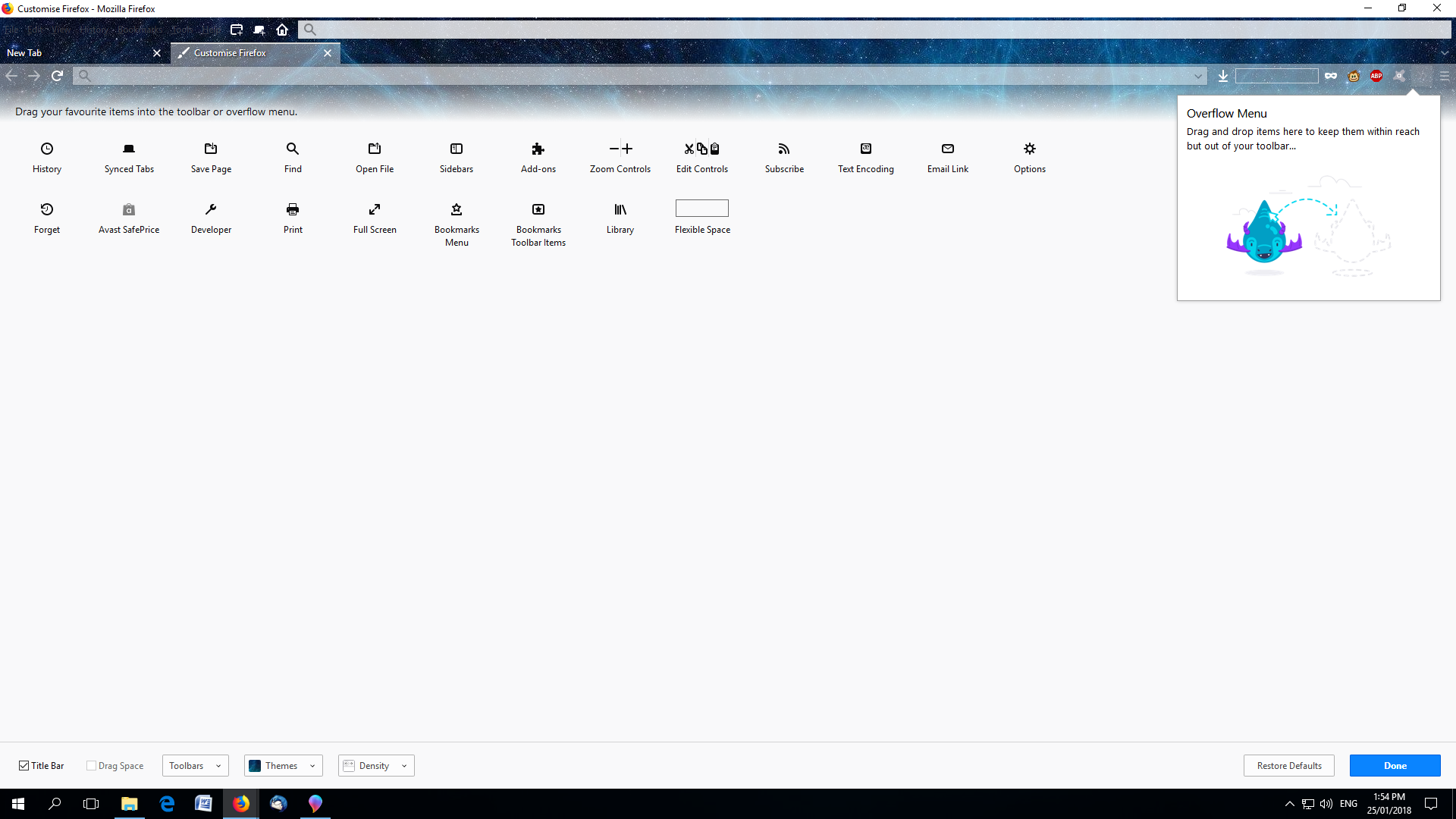
The first pic is what my browser looks like without a title bar.

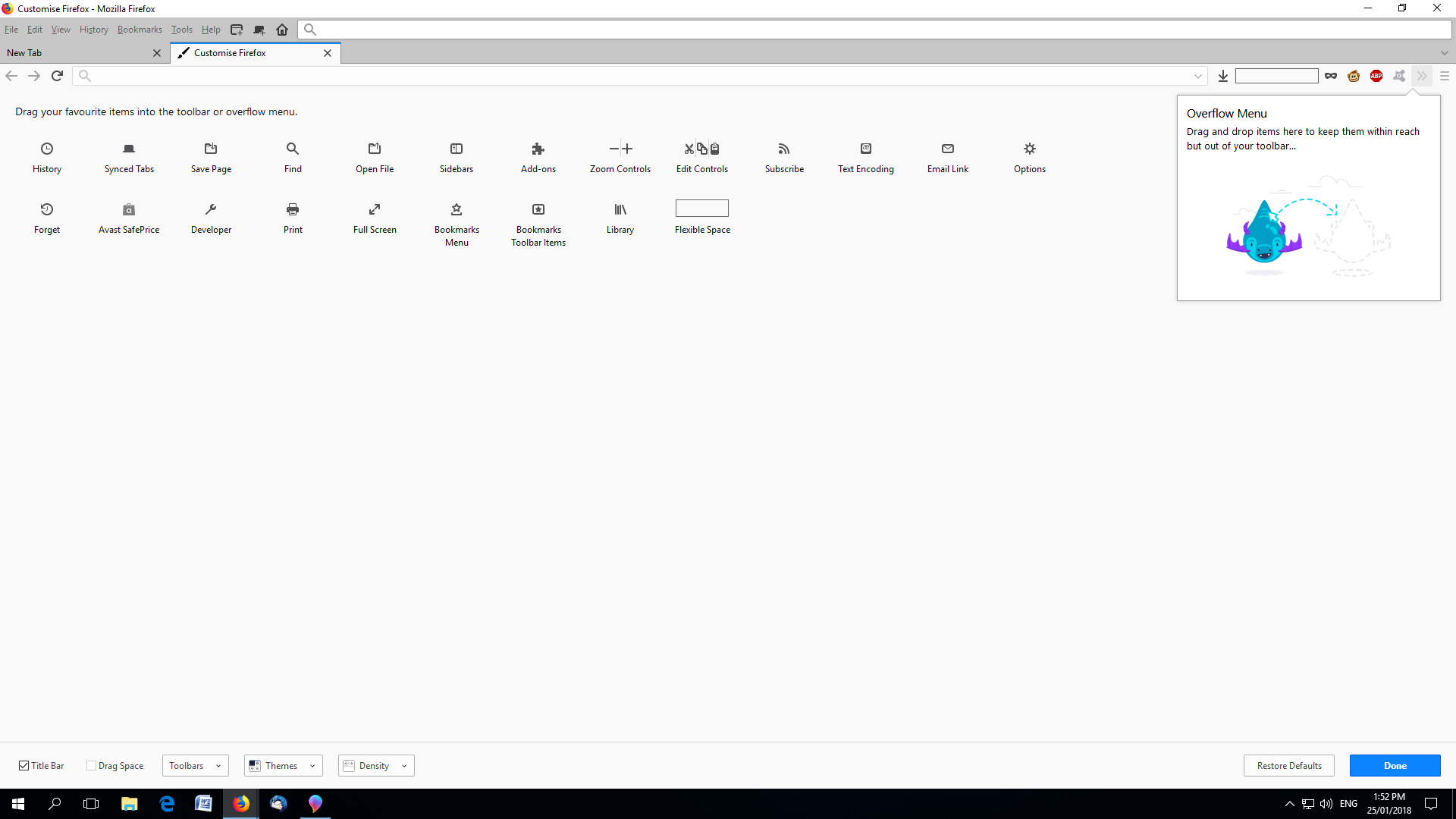
The second pic is what my browser looks like with a title bar.

And regardless of what theme I pick, the title bar always stays white. (pic 3)

I would like to have the title bar enabled, but I would like it to be a darker color.

Any ideas of how I can do this? Thanks in advance for your help.

I would like to change the color of the title bar to dark blue, but I'm unable to do so. The first pic is what my browser looks like without a title bar. The second pic is what my browser looks like with a title bar. And regardless of what theme I pick, the title bar always stays white. (pic 3) I would like to have the title bar enabled, but I would like it to be a darker color. Any ideas of how I can do this? Thanks in advance for your help.
Συνημμένα στιγμιότυπα

Όλες οι απαντήσεις (3)

Basically, I would like the title bar color to blend in with the color of the menu and rest of the top of the browser.

Τροποποιήθηκε στις από τον/την Rooster1

Επιλεγμένη λύση

Hi Rooster1, I think Firefox will follow Windows' lead on the title bar background color (settings for active and inactive windows).

There might be a style rule workaround (for a userChrome.css file). If you don't find one here, you could try the following board:

https://www.reddit.com/r/FirefoxCSS/

Thank you. Changing color for title bar in Windows helps,