


Solved
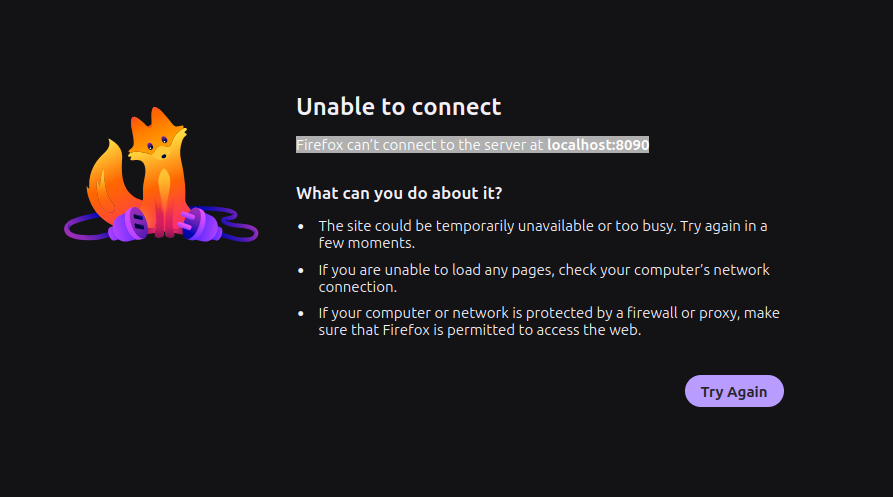
Firefox can’t connect to the server at localhost:8090

I get the error message "Firefox can’t connect to the server at localhost:8090" when I try to connect. All other Internet sites load with no problems.
Any suggestions for a fix will be greatly appreciated.
I get the error message "Firefox can’t connect to the server at localhost:8090" when I try to connect. All other Internet sites load with no problems.
Any suggestions for a fix will be greatly appreciated.
All Replies (2)
And is the server really running? What service is that supposed to be, and how you're managing it?
Ɖɔɖɔɖo si wotia
The service is the iSpy DVR and it was not running. The problem turned out to be that the Google Earth public key was not available which prevented the Google Earth APT repository from updating. Disabling the Google Earth repository allowed the installation to proceed and the service to run. What on Earth Google Earth has to do with iSpy is beyond me, but that was the problem.
Thanks for replying.