


I want to be able to go back to being able to save the open tabs when next starting Firefox.

It used to be really easy. I have Firefox set to open lots of tabs when starting. If I then decide I don't want some of those tabs any more I simply closed those tabs and then went to settings and there was a button to save my Homepage. Then I closed Firefox and next time I started it all my tabs, less those not required, would open. Now that doesn't seem to be possible.
How do I just get rid of the not required tabs? And, in the future, if I want to add more tabs how do I get them to open next time I start Firefox?
All Replies (3)
Ɖɔɖɔɖo si wotia
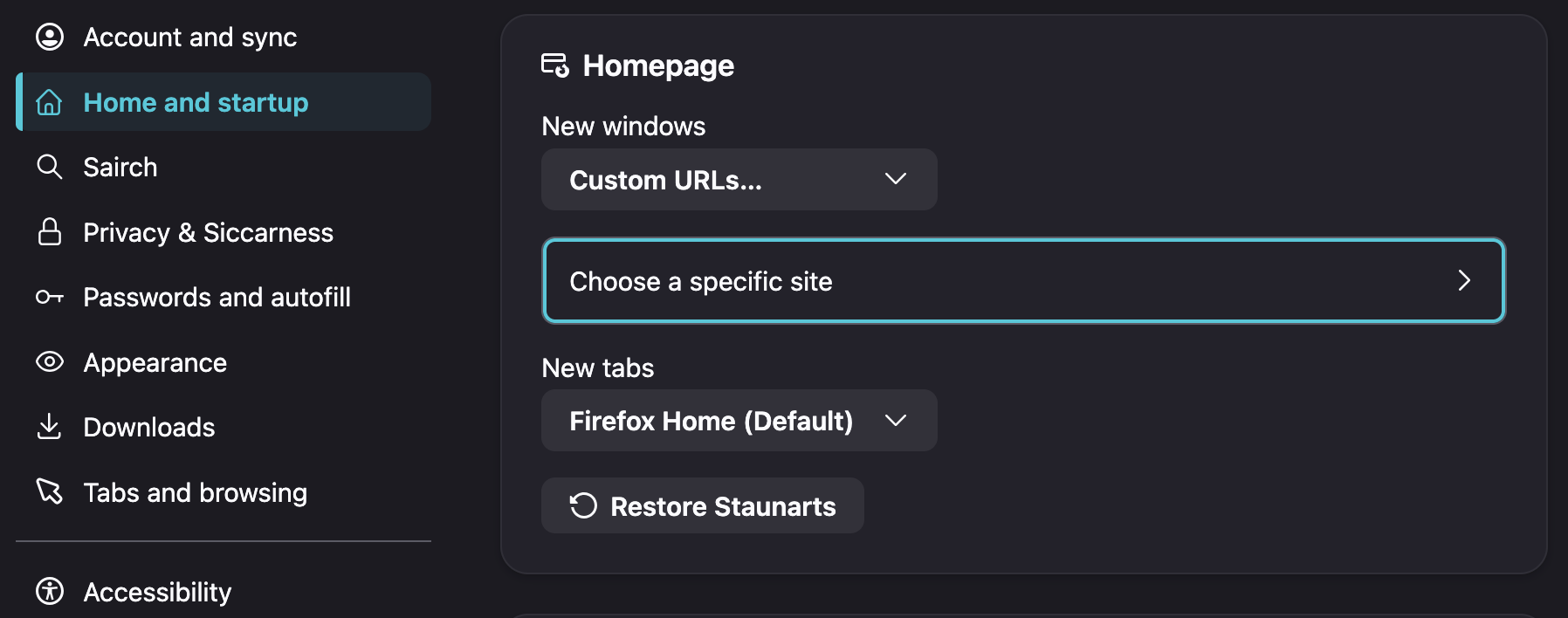
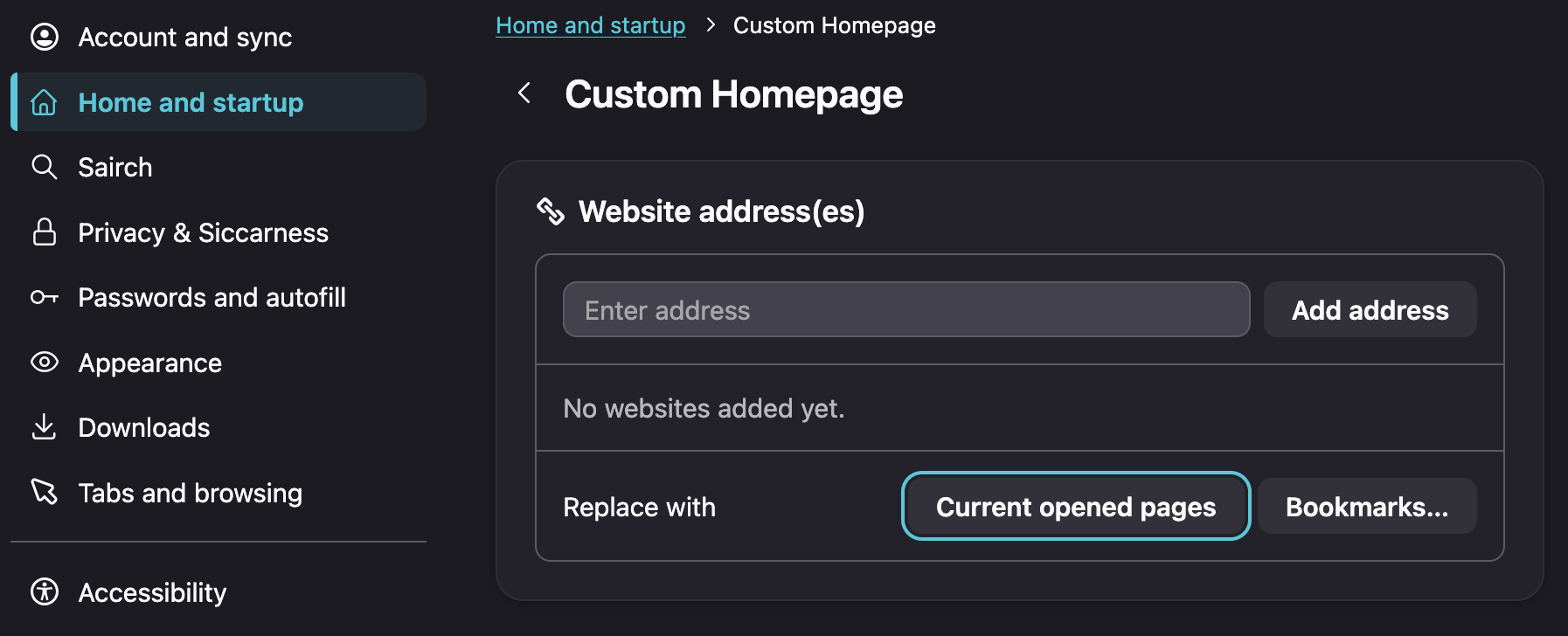
The setting might just have changed the wording or the location of the button.
It's here:
Many thanks jbr.
I just hope I remember next time I want to make change.
Lots of guessing and a lot of scrolling involved to find (I have 40+ tabs that open so I had to scroll down to the end of that list to make change).
This was meant to literally be a single click action — once you have the set of tabs you're happy with open currently, you just press the "Replace with: Current opened pages" button and you don't have to edit the list manually. (Fig. №2 above)
(I usually don't remember where the settings are and just use the search box there, this seems to respond well to terms as "replace" or "current" or "opened" pointing me towards that panel there.)