


unwanted pop-up

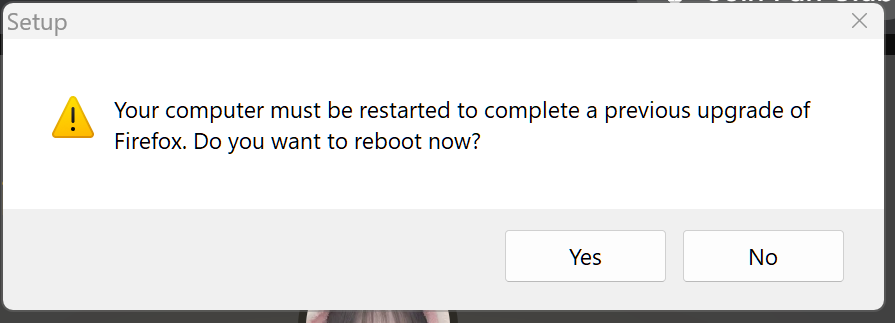
I'm getting the attached pop-up. I have not updated Firefox justifying this pop-up. How do I fix/stop this?
All Replies (9)
Hi Robert
Have you tried restarting your computer?
several times since the pop-ups started a couple of weeks ago. I've even deliberately updated Firefox. They appear randomly
I have received one response to my inquiry. His suggestion had already been tried several times before and since.
Just tried to update to version 153 from a download from Firefox. Got the same popup. Clicking NO caused the installer to immediately close.
Does anyone have other solutions besides rebooting?
Do you have any Windows updates that need to be applied?
I'm completely up to date win 11 pro. This is exceedingly frustrating. I've used Firefox for many years without problems.
If there is a pending file copy from a previous upgrade, we don't allow installing until the system is rebooted.
It can be something like "*.moz-upgrade" or "*.moz-delete" in the installation directory.
I did a search for both and found 68 instances of .mos-upgrade all dated 5/20/26 in the main install directory and several in different subdirectories. None of the other.
Do I just delete all of them?
Yes, protect your data (bookmarks) and delete these files. Another update may be needed afterwards.
Deleted all the .moz-upgrade entries. Firefox opened without any issues. Since these pop-ups occurred randomly, I can not state the problem is fixed. But it did no apparent harm. Thanks!