


Wócynjony
How can/Why can't I see when and where a fingerprinting attempt was blocked? (Version 160.0)

Firefox Version 160.0
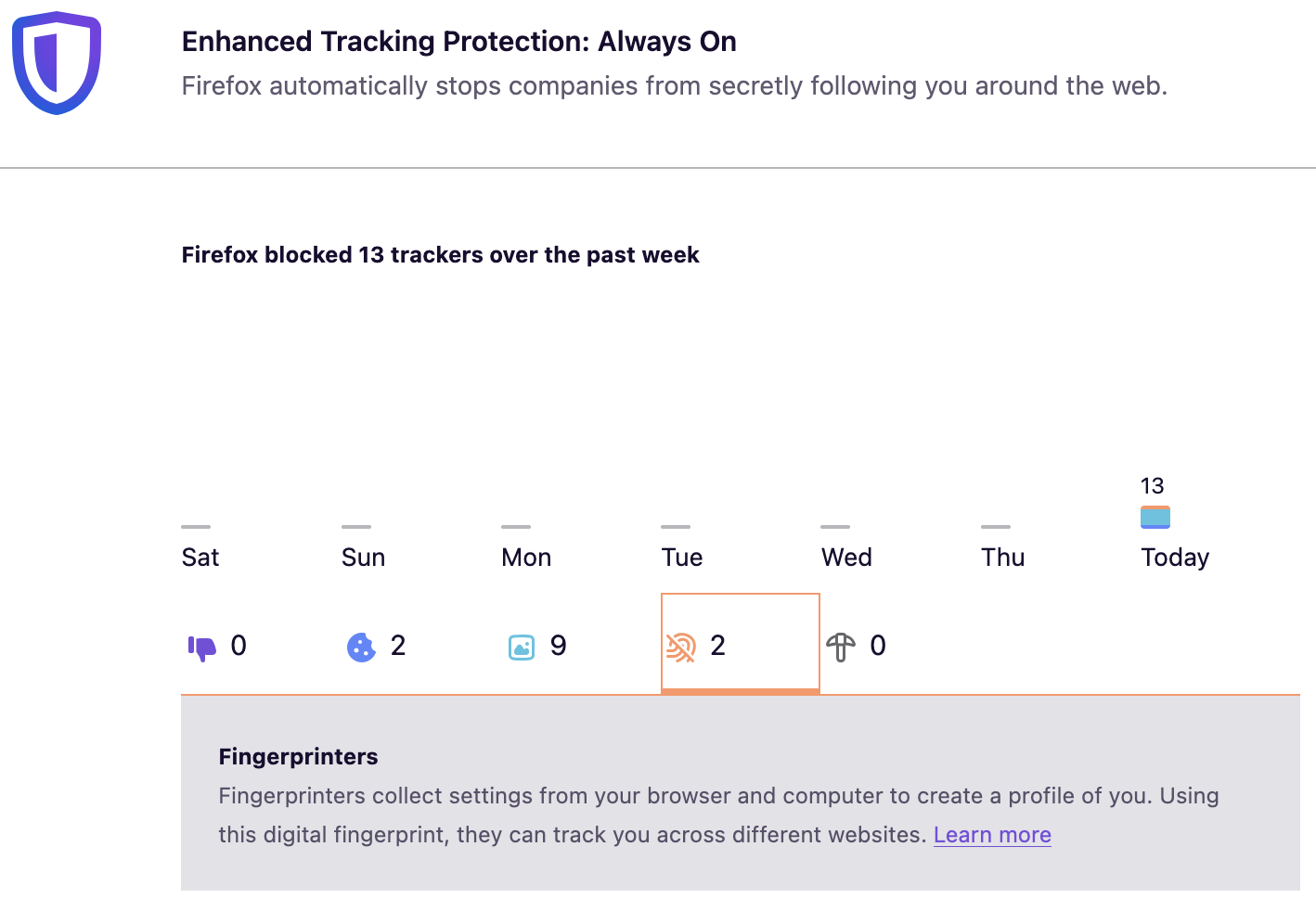
Protections Dashboard tells me it just blocked fingerprinters. In order to block it, Firefox must recognize it and I can't Imagine Firefox wouldn't be aware of the tabs and urls it happened at.
Hence, how do I inspect it? I want to know when and where the attempts came from.
A quick search online suggests there is no way of finding out these details with Firefox If this is true, why? I think I/we ought to know, since this concerns users personally.
''Firefox Version 160.0''
[http://about:protections Protections Dashboard] tells me it just blocked fingerprinters.
In order to block it, Firefox must recognize it and I can't Imagine Firefox wouldn't be aware of the tabs and urls it happened at.
Hence, how do I inspect it? I want to know when and where the attempts came from.
A quick search online suggests there is no way of finding out these details with Firefox
If this is true, why? I think I/we ought to know, since this concerns users personally.
Wšykne wótegrona (1)
As far as I know that data is not collected by Firefox. We collect only a number of events per day. You can only see blocked items during the page load in the Network panel of the Dev Tools.
Wót TyDraniu změnjony