Unable to view images to verify Google image captcha
Hi, I’m a new user of Firefox on iOS and after being impressed with Mozilla/Firefox privacy commitments,, I decided to use it as the default browser on my iOS mobile on the latest Apple’s software update but unfortunately, I’m unable to even visit safe and known websites mainly because everytime I fall prey to the endless google image verification captcha but never been able to see any of their images - bus, cars, hydrants or anything for that matter. This has resulted in disappointment for me as I tried even dialling down on my privacy controls to standard from strict but to no avail. I have consented for the technical team to share the analytics of what has happened and offer a solution. I am also posting it here as I could not see any features where I could directly drop an email to the Mozilla/firefox devs and technical teams . Keep up the hard work you are doing to keep us safe online but please try to get the browser spot on with iOS . Unfortunately I have now changed my default browser as safari and downloaded Firefox focus to offer some browser protection by toggling on the extension.
All have a nice day!
Moderator note: Moved from the Firefox Desktop forum to the Firefox for iOS forum.
Wót Denys změnjony
Wšykne wótegrona (3)
Hi, could you share a bit more about your device setup in general? Do you run a lockdown mode or something similar? Using a custom networking profile, VPN, system–level proxy settings, any special/custom DNS etc.?
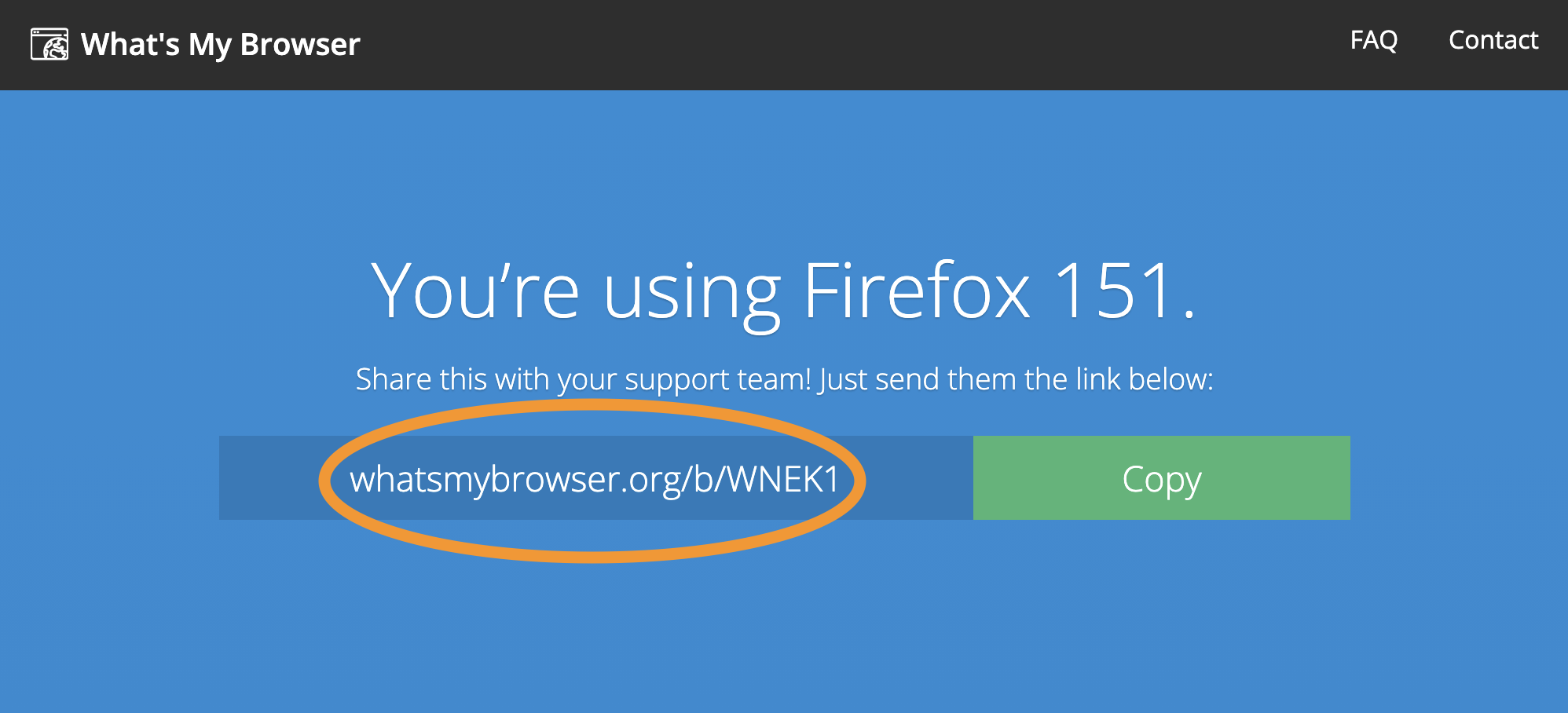
Why I'm asking is posting this question captured some user agent data, and even that looks suspicious — which browser did you use to post this question if you don't mind sharing? If it was Firefox iOS, would you be willing to visit www.whatsmybrowser.org using that same version, and pasting here the shortcode it gives you in the blue box at top? Thanks.
@jbr thanks for replying to my first post. Yes, I do use a VPN for my own safety and apart from the Firefox browser privacy co trols,I do not have any other system features enabled on my iOS device . I didn’t get what you meant that my user agent data in my initial post was suspicious . for sharing the whats my browser link.i used it and got the below message: Operating system iOS 18.7 IP address 138.199.7.182 help_outline Javascript enabled Yes Cookies enabled Yes Flash version Not installed Java version Not installed Websockets supported Yes WebGL supported Yes Language en-GB Browser size 250 x 467 Screen size 375 x 812 (Retina) Color depth 24 bit AdBlock enabled No
Apologies for the typos. I have also noticed that my letters when I type sometimes get in the wrong column due to a page flicker I get it only when using Firefox browser
I'd need to see the tiny grey fine print below this table that starts with "Your full user agent string is: Mozilla/5.0 (… "
(or you can just paste the link to that report that's generated for you when you visit the page)