

Toś ta nitka jo se archiwěrowała.
Pšosym stajśo nowe pšašanje, joli trjebaśo pomoc.

Archiwěrowany
Thunderbird Address book inport
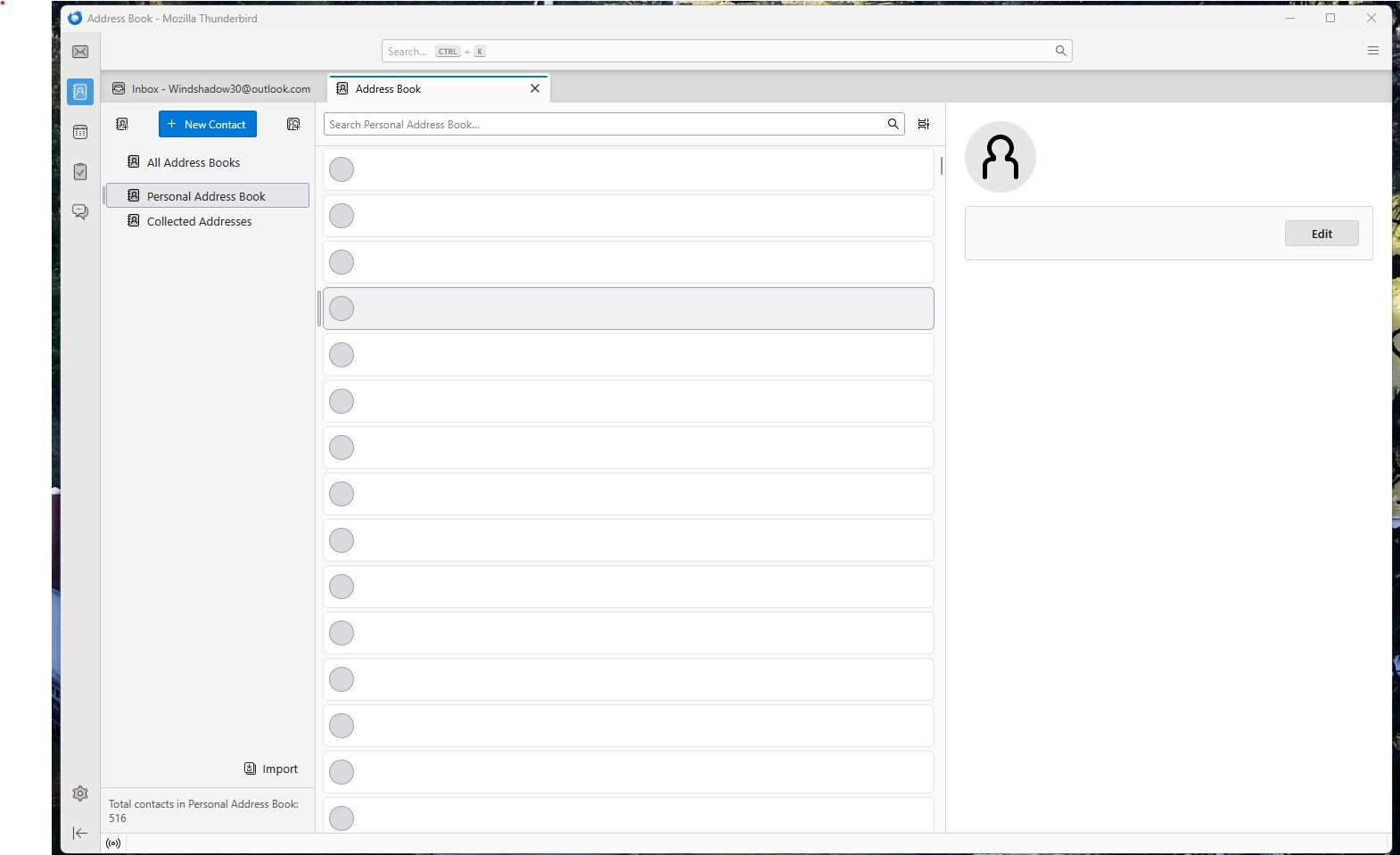
Address book import is not working after I import it. It says I have 516 contacts. All I see are big grey dots but no information inside them.
I'm exporting from Classic Outlook (2016) in .CSV format.
Address book import is not working after I import it. It says I have 516 contacts. All I see are big grey dots but no information inside them.
I'm exporting from Classic Outlook (2016) in .CSV format.
Wšykne wótegrona (2)
Try this:
- delete the invalid addresses for a fresh start
- enter one good email address with fields you normally use into thunderbird' addressbook
- click the three dots to the right of addressbook name and export in csv format. This will be your template
- open that export into a spreadsheet program
- note the top row. this shows the columns as thunderbird expects them to be
- open your exported outlook csv into spreadsheet and adjust columns to match, including the top row.
- save as csv
- import into thunderbird
Note: the import process does allow for manually adjusting columns during the import, but this is easier.
Windshadow30, did this work for you?