


downloading issues

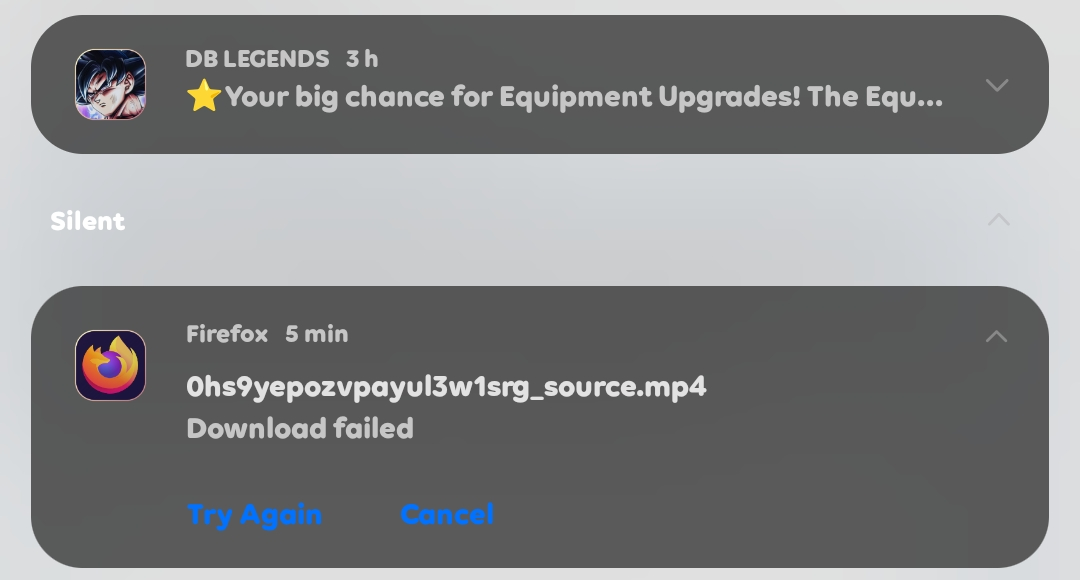
The download will stop and refuse to download and saw failed I can't monitor the download in the app only on the notification if ín clear it the download fails even without clearing it it will just stop at 46gb and refuse to download the rest 31.33mb refuse to download the rest it's not my network I'm a android user
Wšykne wótegrona (1)

Wubrane rozwězanje
I hear you — that can be super annoying when a big download in Firefox just stops and won’t finish. Since you’re on Android, here are a few things you can try:
Check Firefox’s settings
Open Firefox → go to Settings > Downloads (or “Files”) and make sure the download location has enough free storage. Sometimes if storage is nearly full, large downloads cut off.
Use “Always Ask” for Downloads
In settings, enable Firefox to always ask where to save. Choosing your phone’s internal storage (instead of SD card or external path) often prevents failed downloads.
Try another download manager
Sadly, Firefox mobile doesn’t have the best download manager. If the file is large (like your 46 GB one), it’s safer to use a dedicated app like ADM (Advanced Download Manager) or even your phone’s built-in browser. You can copy the download link from Firefox and open it there.
Clear app cache
Go to your phone’s Settings > Apps > Firefox > Storage > Clear Cache. Don’t clear data unless you want to reset everything.
Update or reinstall Firefox
If nothing works, update Firefox from the Play Store (or reinstall). Some older versions had bugs with large downloads.