Firefox connection slow to other websites

For about the last month, if I click on a link in an email or on a website that should connect to another website, there's a long delay in reaching that second site. This did not happen before. The delays are intolerable and do not occur on Chrome, for example. I prefer to use Firefox, but I feel I have no choice but to use Chrome instead. Can my issue with Firefox be fixed? Thank you for considering this issue.
For about the last month, if I click on a link in an email or on a website that should connect to another website, there's a long delay in reaching that second site. This did not happen before. The delays are intolerable and do not occur on Chrome, for example.
I prefer to use Firefox, but I feel I have no choice but to use Chrome instead. Can my issue with Firefox be fixed?
Thank you for considering this issue.
Wšykne wótegrona (3)

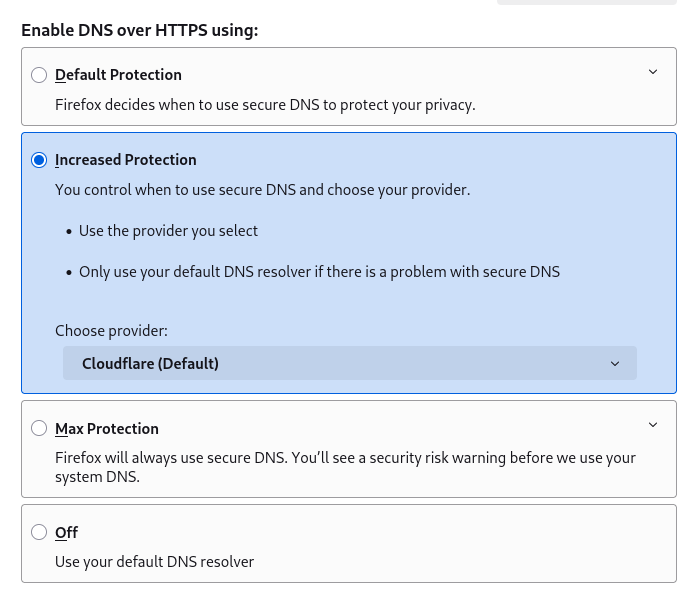
Does it make any difference if you change the "DNS over HTTPS settings" under "Privacy & Security" in Firefox?
For example, try with it set to "Off". Also try with it set to "Increased Protection", experimenting with the different providers available.