


Youtube not playing videos

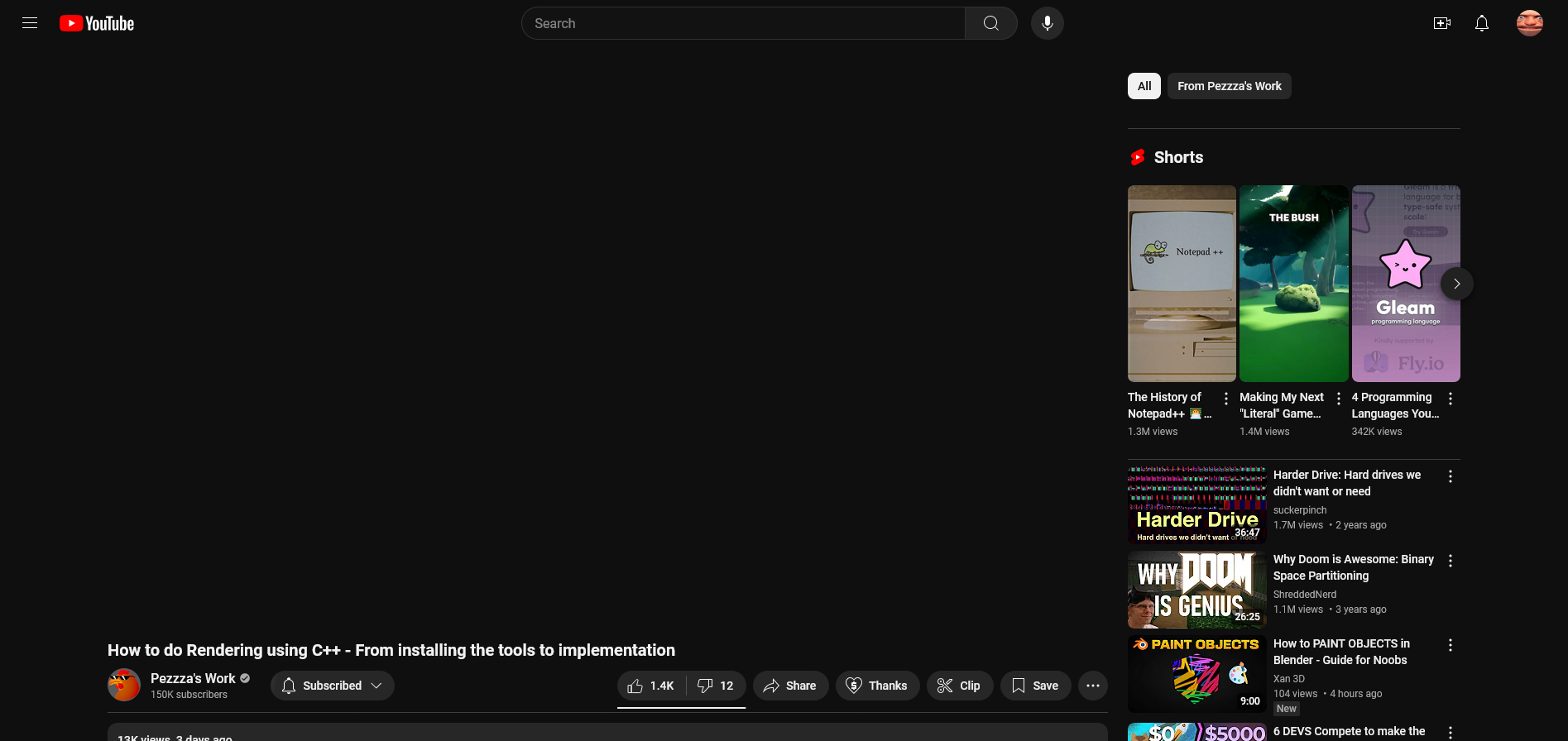
Can't pinpoint the date, but a while back Youtube won't play videos anymore. It just shows a black screen in the player. Not even the player UI (pause button, volume, settings menu) shows. Just a black portion of the screen. Now when I went in to get a screenshot, it doesn't even show the black box.
Wubrane rozwězanje
Just started working again for no reason. Must have been something on Youtube's side.
Toś to wótegrono w konteksće cytaś 👍 0Wšykne wótegrona (3)
The obvious first thing to try is up-dating Firefox, unless you've a particular reason to keep 115. I'm not a routine up-dater but make an exception for browsers as the internet is constantly changing.
Other than that try it in Troubleshooting mode. To do that press Alt-h and choose it from the drop-down menu that appears. If it then works it's most likely a problem with one of your settings or an extension.
thepillenwerfer said
The obvious first thing to try is up-dating Firefox, unless you've a particular reason to keep 115. I'm not a routine up-dater but make an exception for browsers as the internet is constantly changing. Other than that try it in Troubleshooting mode. To do that press Alt-h and choose it from the drop-down menu that appears. If it then works it's most likely a problem with one of your settings or an extension.
Firefox says that it's up to date, and troubleshooting mode didn't work.
Wubrane rozwězanje
Just started working again for no reason. Must have been something on Youtube's side.