


Windows 10 reached EOS (end of support) on October 14, 2025. If you are on Windows 10, see this article.

Pomoc pśepytaś

Glědajśo se wobšudy pomocy. Njenapominajomy was nigda, telefonowy numer zawołaś, SMS pósłaś abo wósobinske informacije pśeraźiś. Pšosym dajśo suspektnu aktiwitu z pomocu nastajenja „Znjewužywanje k wěsći daś“ k wěsći.

Dalšne informacije
Toś ta nitka jo se archiwěrowała. Pšosym stajśo nowe pšašanje, joli trjebaśo pomoc.
Archiwěrowany

Dark Mode gets forced to light mode

cor-el wótegronjony
RoguePug

My windows 10 pc is set to dark mode, my win 11 pc is set to dark mode, my firefox theme on both pc's is set to dark mode, my phone is on light mode. On my windows firefox which is updated on both devices the top bar will stay dark in dark mode (default firefox theme) but after certain pages it resets itself to light, is this because of my phone being on light mode and themes are syncing over? its extremley annoying and after using the debug: page to try and force darkmode i had to reset firefox due to debug causing issues, now im using an untouched firefox version and it keeps changing from dark mode to light mode!

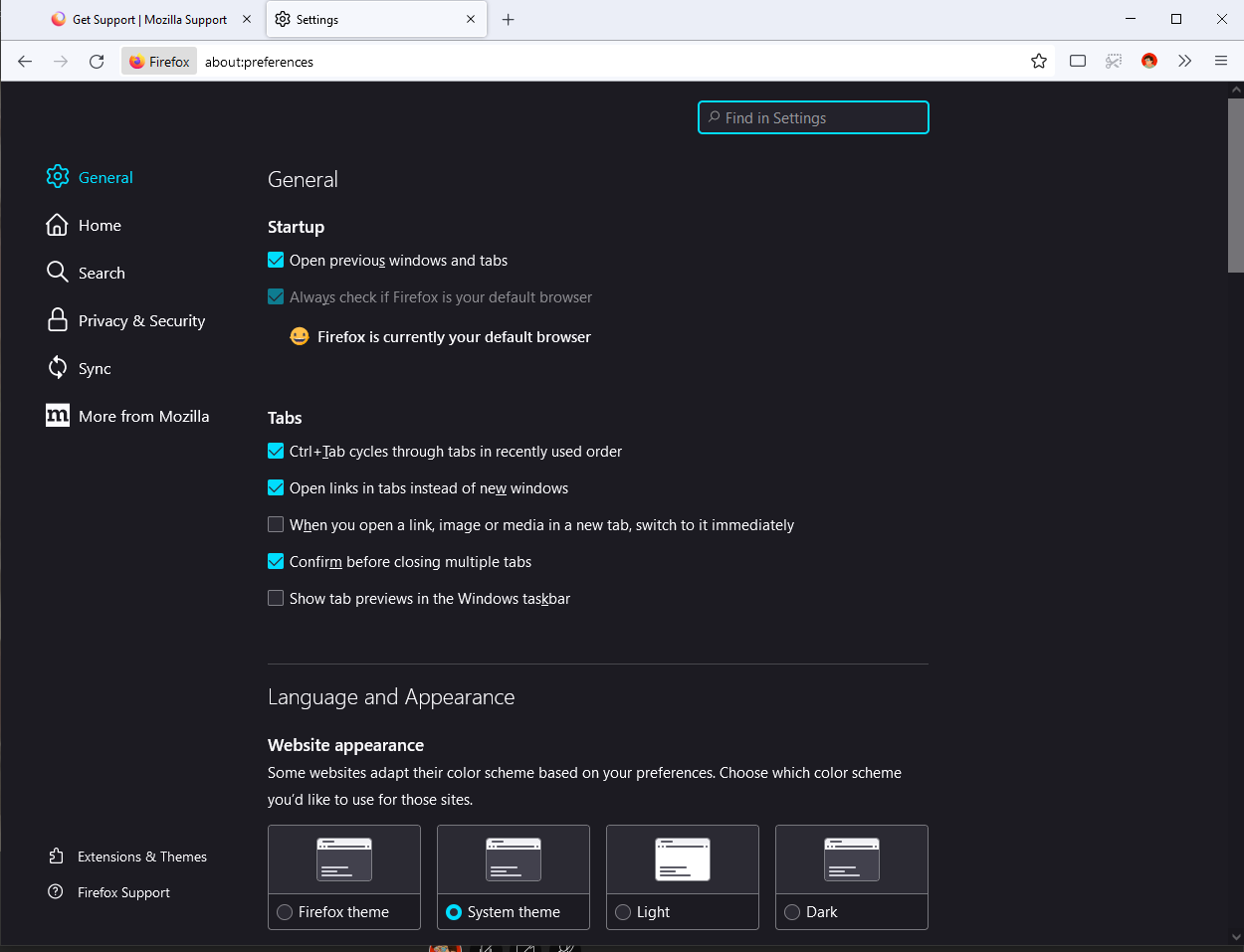
My windows 10 pc is set to dark mode, my win 11 pc is set to dark mode, my firefox theme on both pc's is set to dark mode, my phone is on light mode. On my windows firefox which is updated on both devices the top bar will stay dark in dark mode (default firefox theme) but after certain pages it resets itself to light, is this because of my phone being on light mode and themes are syncing over? its extremley annoying and after using the debug: page to try and force darkmode i had to reset firefox due to debug causing issues, now im using an untouched firefox version and it keeps changing from dark mode to light mode!
Pśipowjesone fota wobrazowki

Wšykne wótegrona (1)

You can exclude the selected theme from Sync by setting this pref to false on the about:config page.

  • about:config => services.sync.prefs.sync.extensions.activeThemeID = false

You can open the about:config page via the location/address bar. If you get the warning page, you can click the "Accept the Risk and Continue" button.

Wót cor-el změnjony