


Daily prompt that "Thunderbird can't update to the latest version" but alredy running latest version

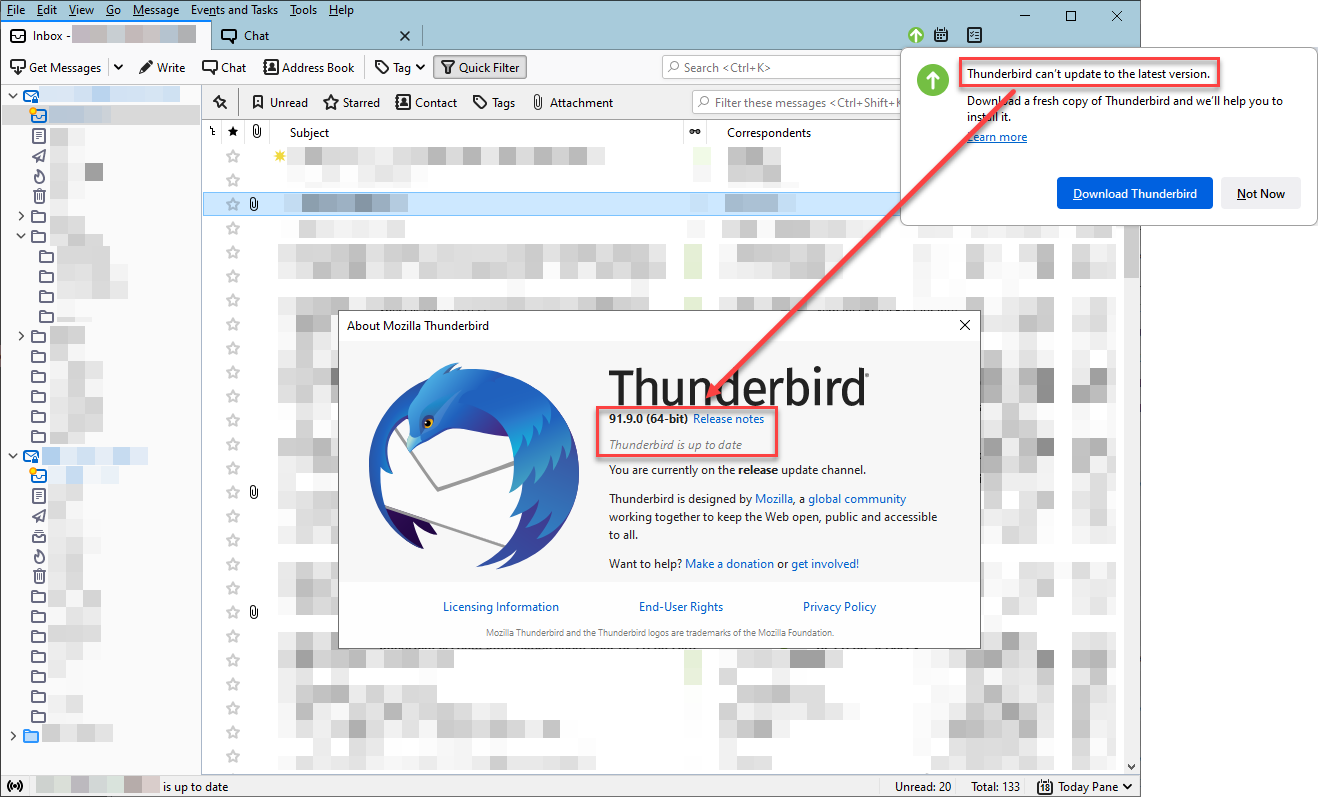
Every morning when I open Thunderbird I receive the notice that "Thunderbird can't update to the latest version." but I am already running the latest version (91.9.0 as of this writing, screen capture attached).
None of the following have worked to resolve this issue yet:
- Download and install from "Download Thunderbird" link in notice.
- Uninstall and re-install from fresh download.
Any thoughts what I'm doing wrong, or what else I can try?
Thank you.
Wšykne wótegrona (6)
Hello there srshowers We have read your message. We try to help you.
Check if you are running a second version on your desktop from your pc - laptop.
Delete these double versions of the Thunderbird software.
Also delete your current version of Thunderbird even if there isn t a double version but one version try to delete them.
Take this version of Thunderbird.
https://www.thunderbird.net/en-US/thunderbird/91.9.0/releasenotes/ Or the newer version of the Software. https://www.thunderbird.net/en-US/thunderbird/91.9.1/releasenotes/
https://support.mozilla.org/en-US/kb/thunderbird-software-update-failed
Greetings Firefox volunteer.
Wót Googlethunderbird. změnjony

Wubrane rozwězanje
See if this helps. https://support.mozilla.org/en-US/questions/1269873#answer-1259076

I ran the troubleshooter in Thunderbird and deleted the cache and that seems to have cured the problem. I have not been asked to update since.

I have the same problem on two computers and the chosen solution ( https://support.mozilla.org/en-US/questions/1269873#answer-1259076 ) doesn't work for me.
After that, I deleted Thunderbird completely, whit al the folders I could still find after the deleting. Freshly installed Thunderbird (91.10.0), but next day same pop-up was there again....... annoying. Any suggestions?
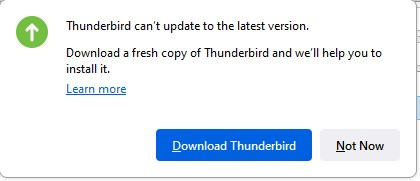

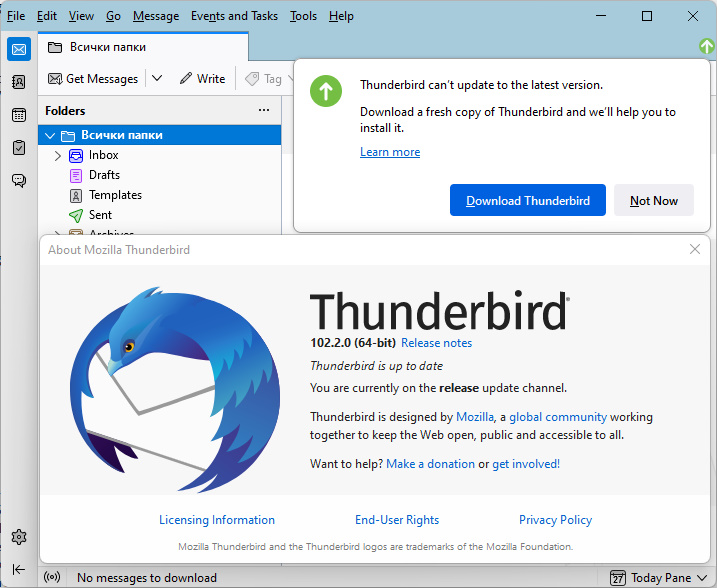
Since 91.x up to now 102.2.0 (64-bit) I am getting the "…can't update…" prompt and nothing that I found here seems to correct this misbehavior. There is only one Thunderbird installation on this PC. All cache, temporary files, all remains of older and 32-bit installations are deleted. There are no beta or daily parallel installations.
How do I make Thunderbird work correctly with updates?
You're posting to a 'Solved' topic. Please start a new topic for your problem. https://support.mozilla.org/questions/new
Wót christ1 změnjony