

Toś ta nitka jo se archiwěrowała.
Pšosym stajśo nowe pšašanje, joli trjebaśo pomoc.

Rozwězany
Archiwěrowany
Downloads Progress Button
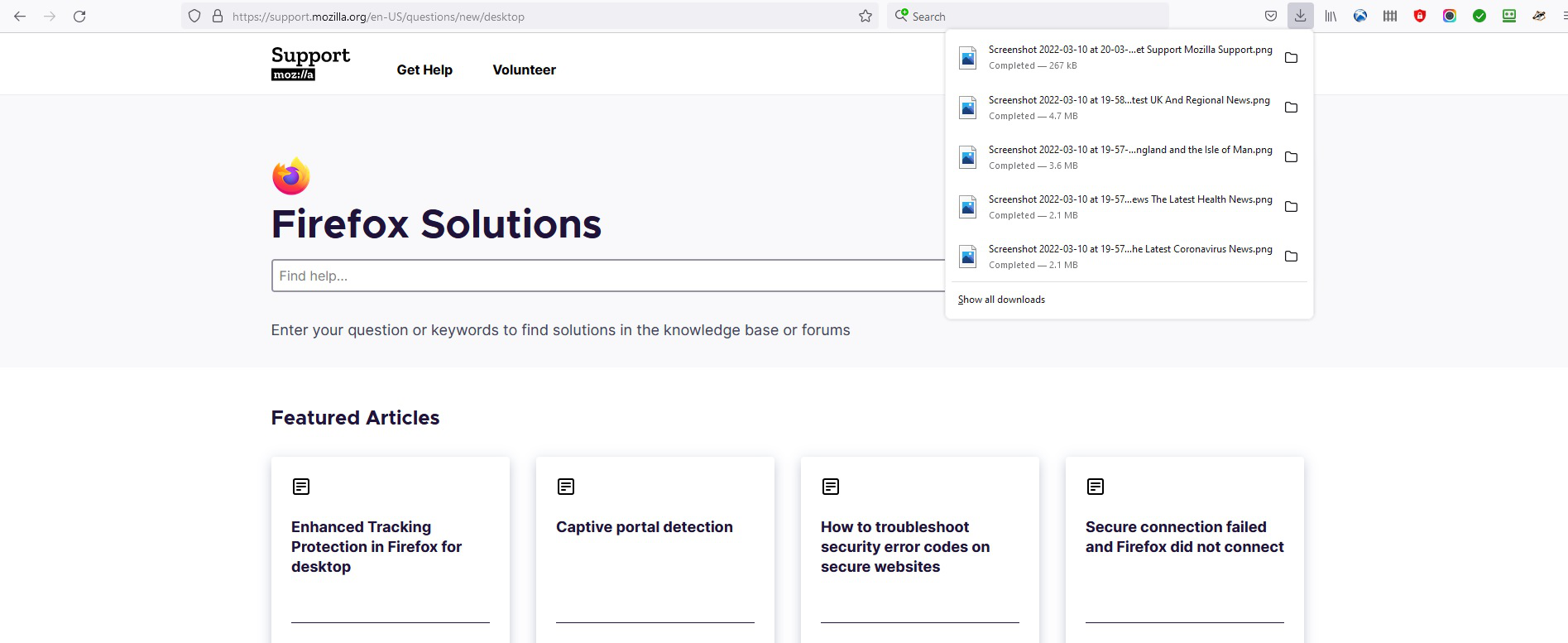
Since a recent Firefox update, the download button/icon in the task bar now shows the files(s) every time a 'Take A Screenshot' is used. It is becoming very annoying and the icon usually lights up in blue and the arrow becomes a circle when downloading. Can the window which opens with a list of files and 'Show All Downloads', when not selected to do so, be disabled? Thanks.
Since a recent Firefox update, the download button/icon in the task bar now shows the files(s) every time a 'Take A Screenshot' is used. It is becoming very annoying and the icon usually lights up in blue and the arrow becomes a circle when downloading. Can the window which opens with a list of files and 'Show All Downloads', when not selected to do so, be disabled? Thanks.
Wšykne wótegrona (3)
Wubrane rozwězanje
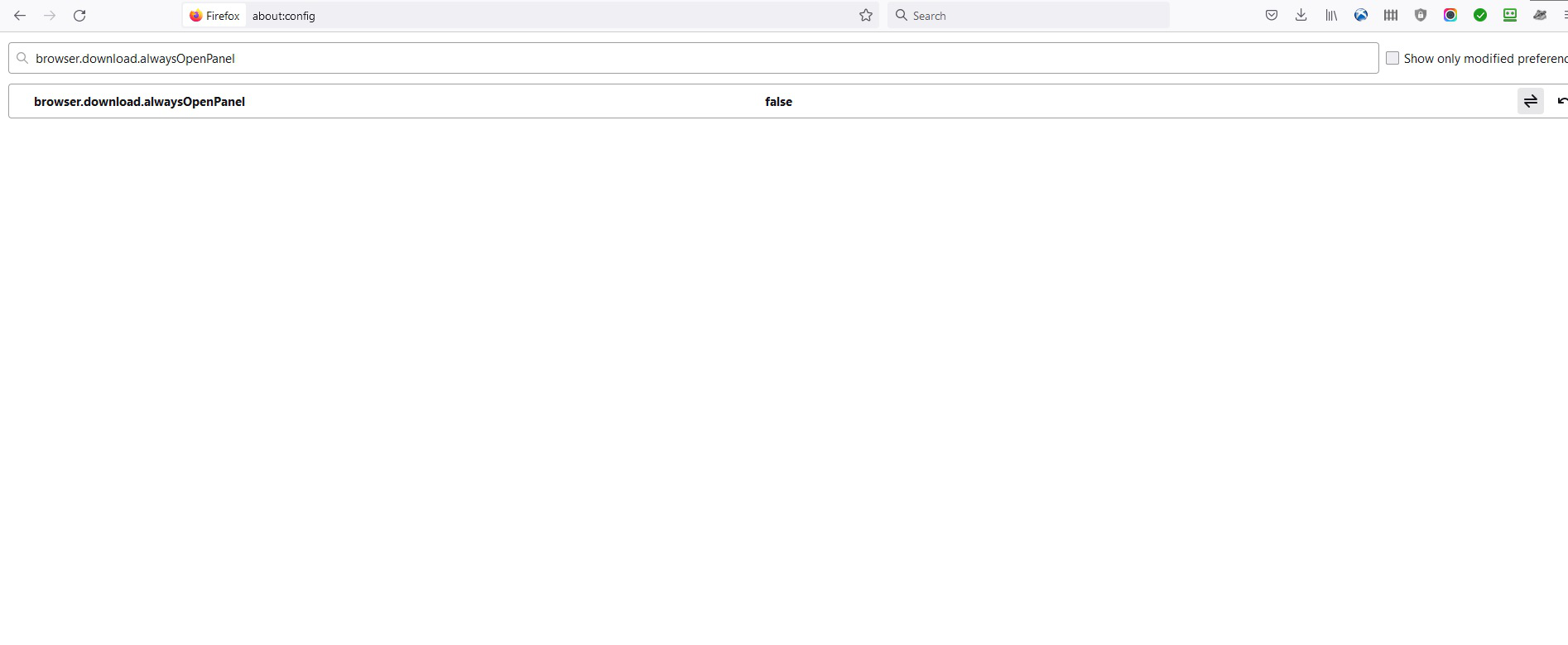
Oh crap... Please enter about:config in the URL bar and set browser.download.alwaysOpenPanel = false.
Ah, yes, forgot about that. Done as you described (see file) and, it worked - problem solved. It was a tiny issue but very annoying. Thank you very much
In Firefox 97 and 98+ there have been changes to the download panel. See also: