


my columbia.edu email account

For many years I have opened my email account at Columbia.edu from the book mark containing its internet address; for the last couple of days, I always get the same answer:
"Bad Request Your browser sent a request that this server could not understand."
also, the tab of the page says: "400 Bad Request"
The account works well with other browsers.
Can you help me to fix it?. thanks so much, Juan

Wubrane rozwězanje
Juan Oliver said
thanks so much; this is what I see that works on Safari but not on Firefox https://cuit.columbia.edu/email/lionmail
Yes, that link gets you 1 click away from login. So no browser issue, just link issue. Let's mark this issue resolved and you get back to your books. ;-))

Wšykne wótegrona (11)

It's possible the link you were using was retired. Starting from the website's main page, work your way to where you want to be. Then replace the bookmark.
Thanks FredMcD but this doesn't solve it. The link works with Safari, for example.
What is the url in your bookmark?
Which one are you using for email? see screenshot
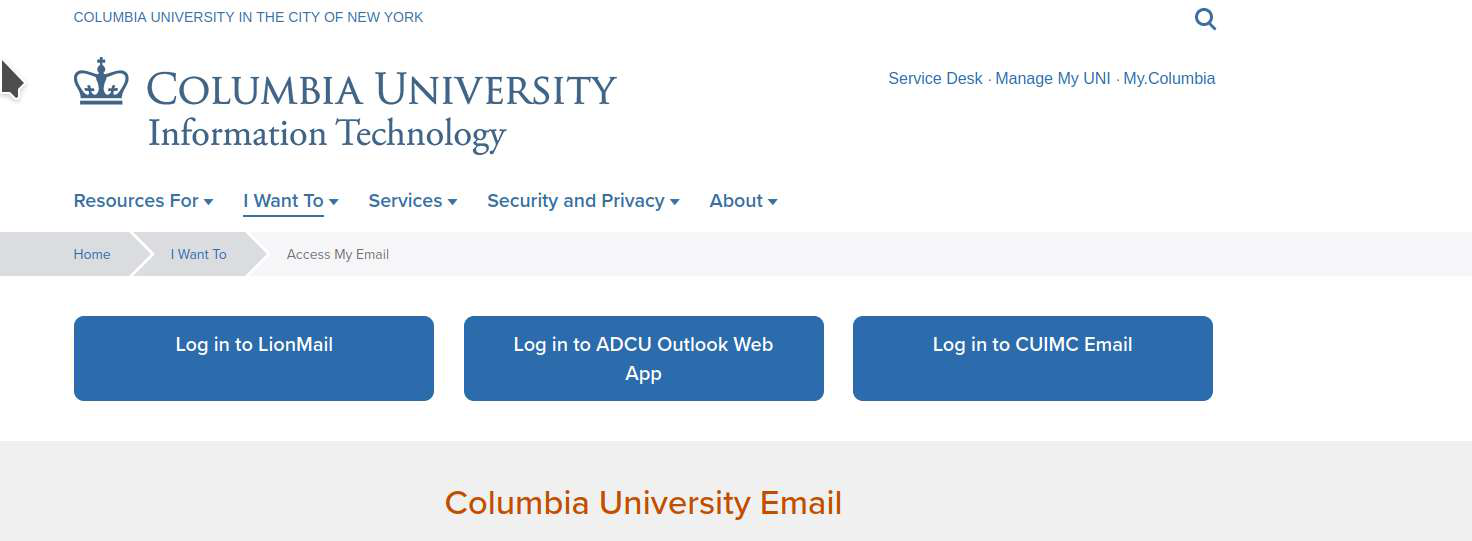
I use LionMail
I would keep it simple and use this https://cuit.columbia.edu/email as the bookmark url and then click on Lion email.
thanks so much; this is what I see that works on Safari but not on Firefox
I have several versions of Firefox and had no problem.
Delete browsing, search and download history on Firefox {web link}
Remove a single website from your history {web link}
Open the History Manager <Control> (Mac=<Command>) <Shift> H. In the search bar, enter the name of the site. Right-click on one of the listings and select Forget About This Site. This should remove all information, including any site settings And Passwords.
Wubrane rozwězanje
Juan Oliver said
thanks so much; this is what I see that works on Safari but not on Firefox https://cuit.columbia.edu/email/lionmail
Yes, that link gets you 1 click away from login. So no browser issue, just link issue. Let's mark this issue resolved and you get back to your books. ;-))
thanks so much!