

Toś ta nitka jo se archiwěrowała.
Pšosym stajśo nowe pšašanje, joli trjebaśo pomoc.

Archiwěrowany
PDF no longer opening from website

Opening PDF files from websites always worked, but now for some reason this no longer works. A new tab quickly opens, but immediately closes again. Could be the website, but how do I find out.
Simply downloading PDFs from another website works fine.
Opening PDF files from websites always worked, but now for some reason this no longer works. A new tab quickly opens, but immediately closes again. Could be the website, but how do I find out.
Simply downloading PDFs from another website works fine.
Wšykne wótegrona (2)

Just to test..
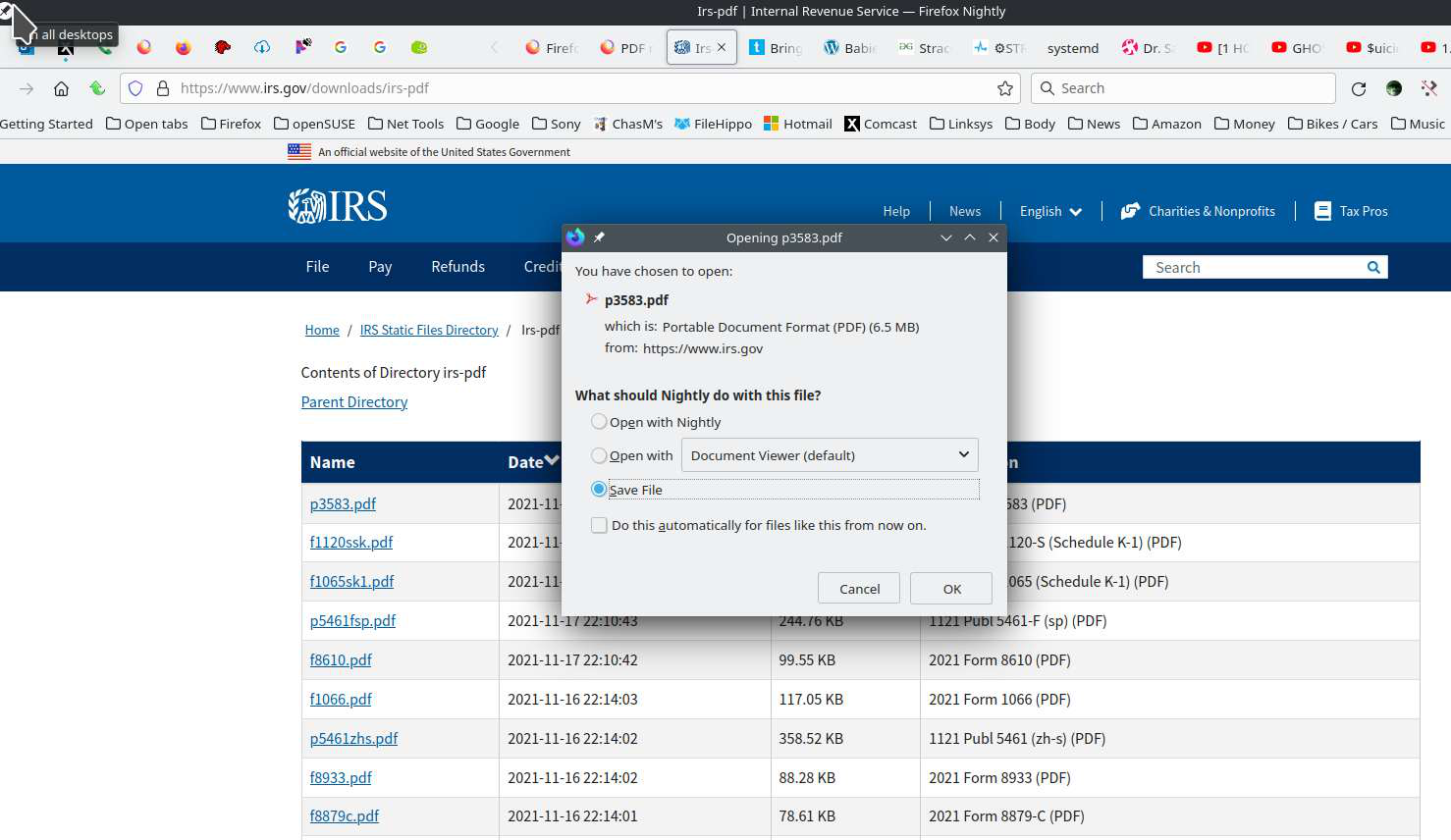
I go to this site --> https://www.irs.gov/downloads/irs-pdf Click on the 1st pdf and I get what you see in the 1st screenshot.
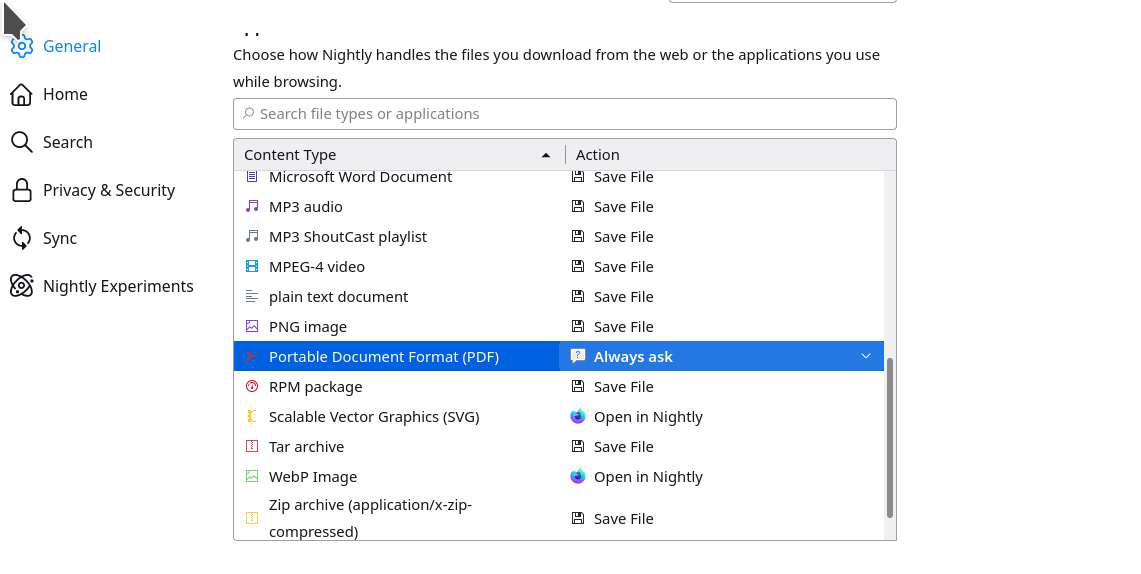
What do you have set in Firefox for PDFs? see 2nd screenshot What is set in Windows to handle PDFs?
If needed, can you also try the same steps in Safe Mode.
Does the Downloads toolbar button drop-down list show that the PDF was saved to disk automatically?
If not, does Ctrl+Shift+T (Reopen Closed Tab) bring the PDF back, or repeat the cycle?