


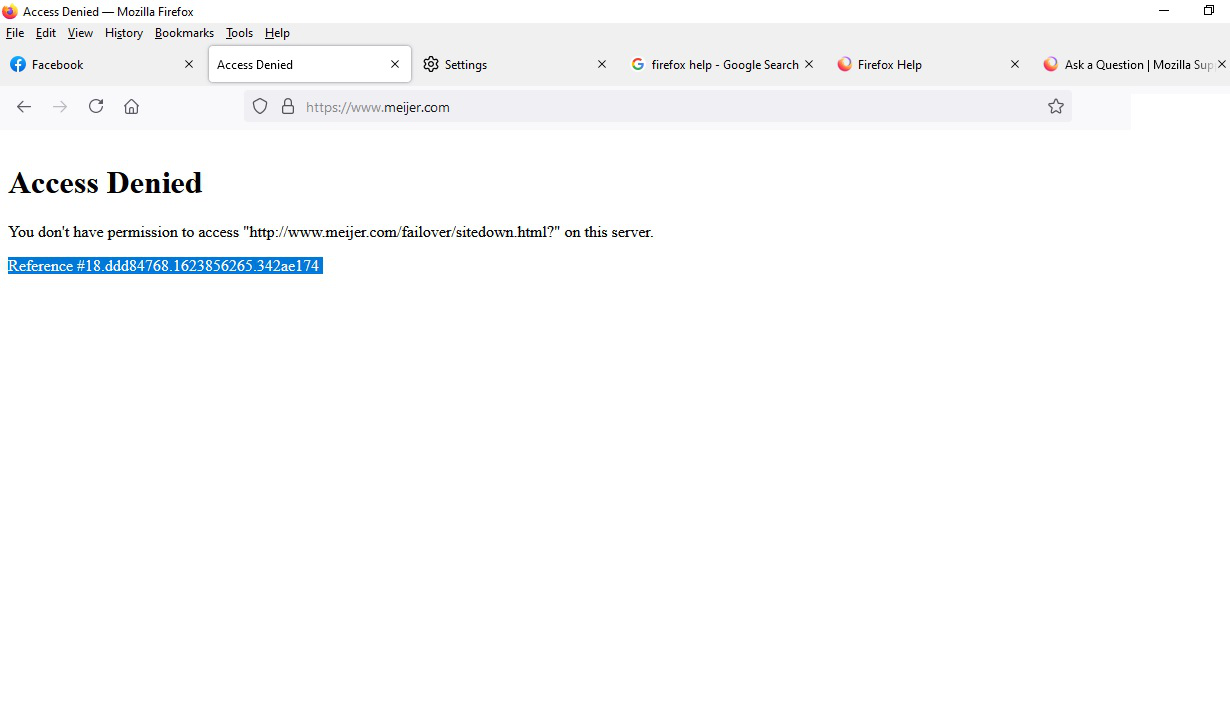
access denied to stores websites that I have successfully accessed before updates
Why is access denied to stores websites that I have successfully accessed before updates
Wšykne wótegrona (1)
You can remove all data stored in Firefox for a specific domain via "Forget About This Site" in the right-click context menu of an history entry ("History -> Show All History" or "View -> Sidebar -> History").
using "Forget About This Site" will remove all data stored in Firefox for this domain like history and cookies and passwords and exceptions and cache, so be cautious. If you have a password or other data for that domain that you do not want to lose then make sure to backup this data or make a note.
You can't recover from this 'forget' unless you have a backup of involved files.
If you revisit a 'forgotten' website then data for that website will be saved once again.