


Cannot change background color in Thunderbird

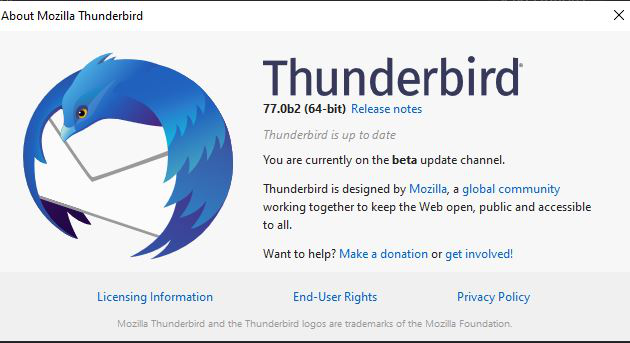
I am on windows 10, and just updted to the 64 bit beta of Thunderbird.
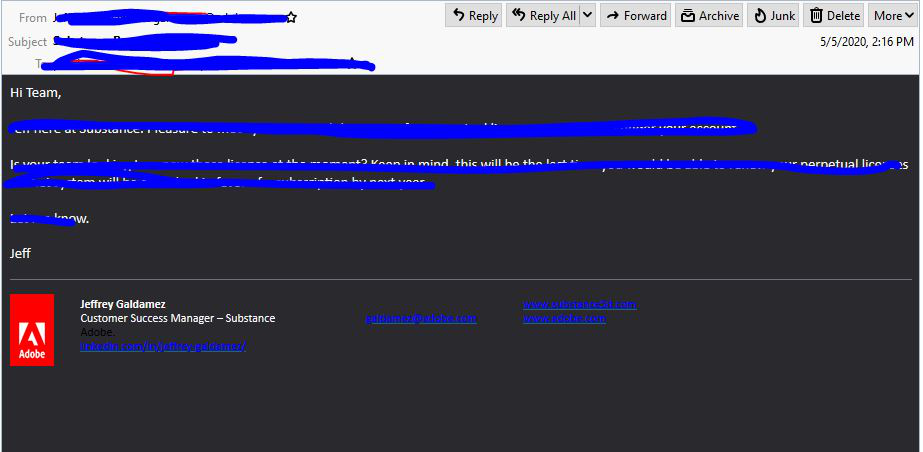
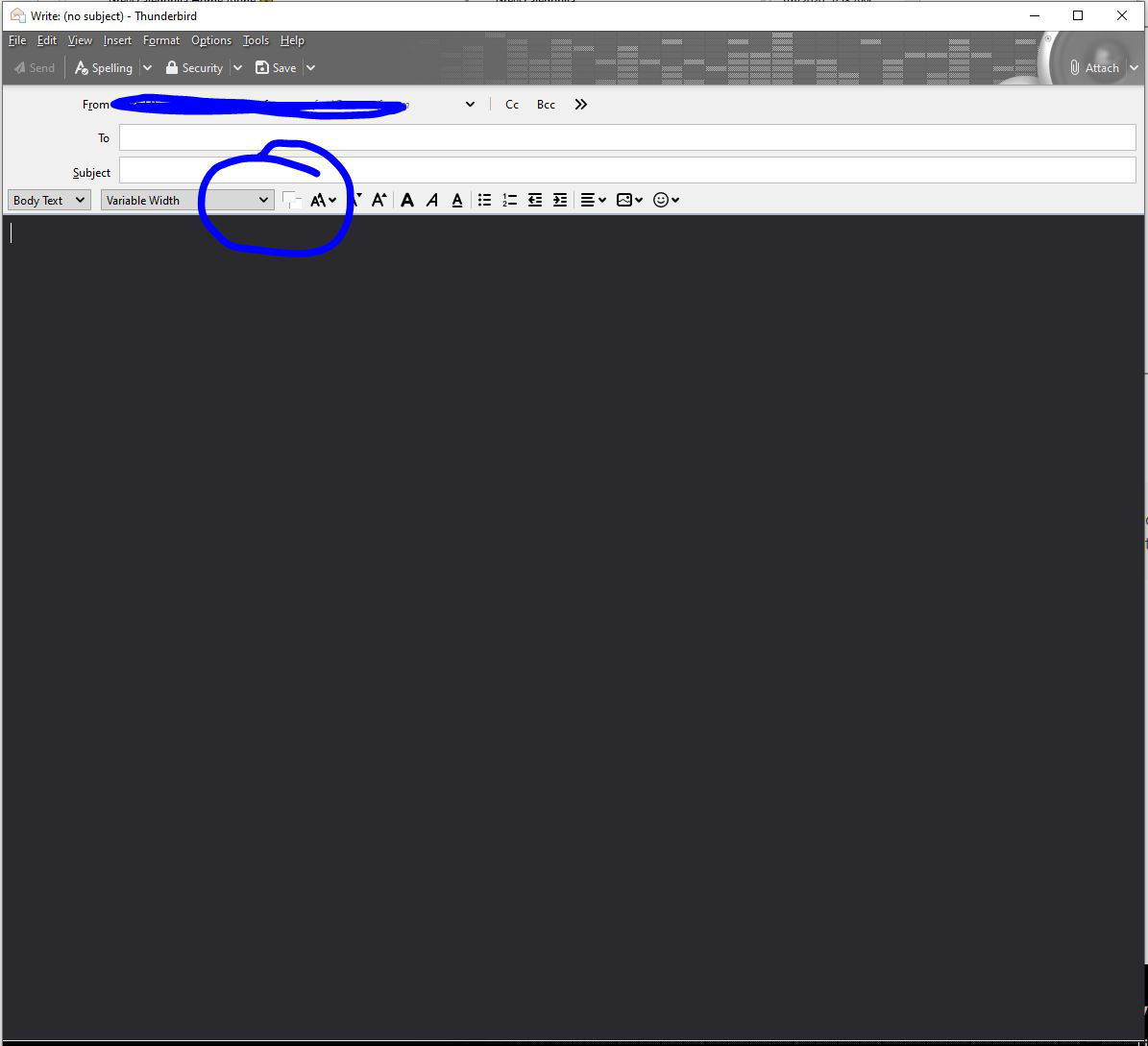
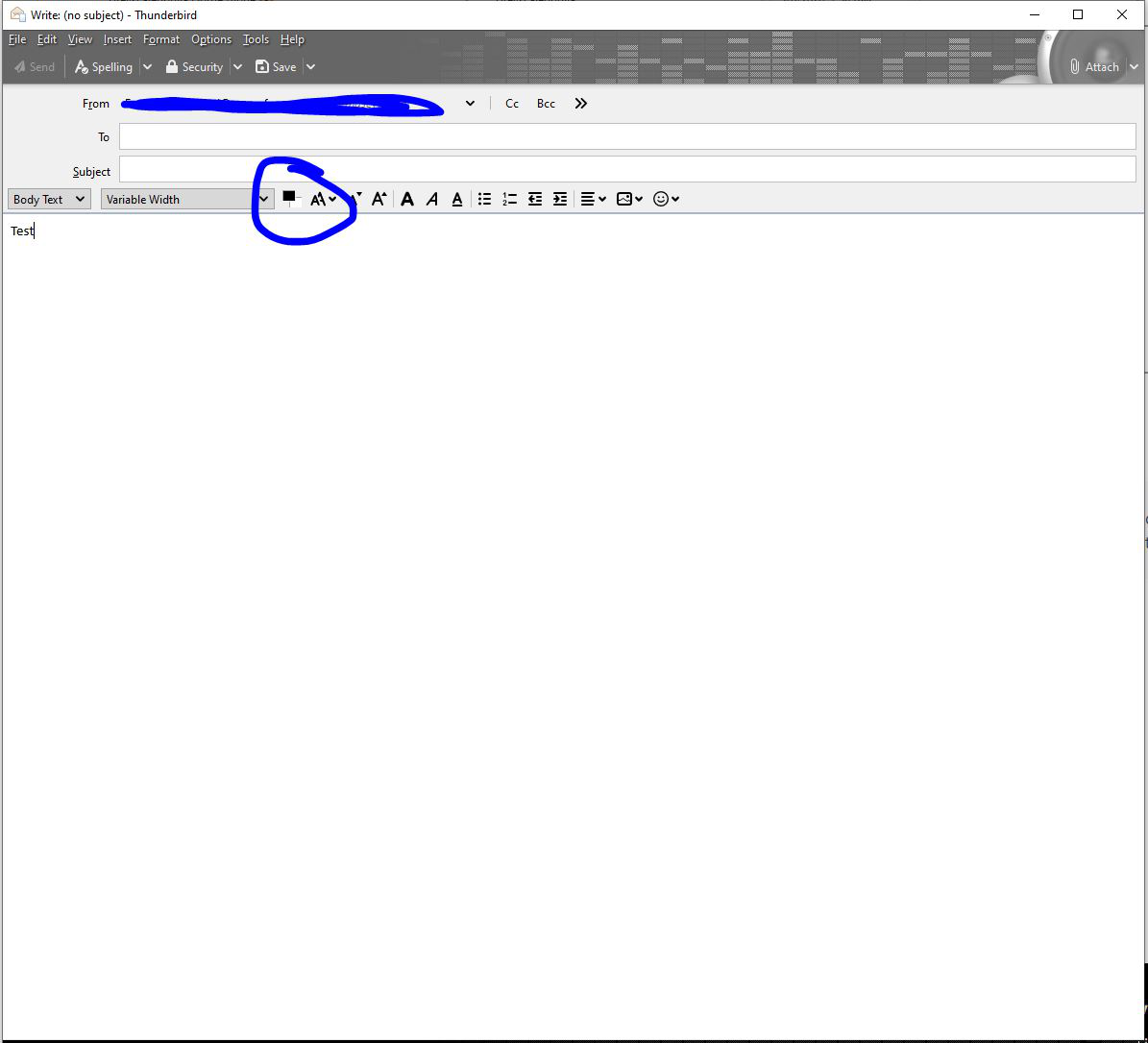
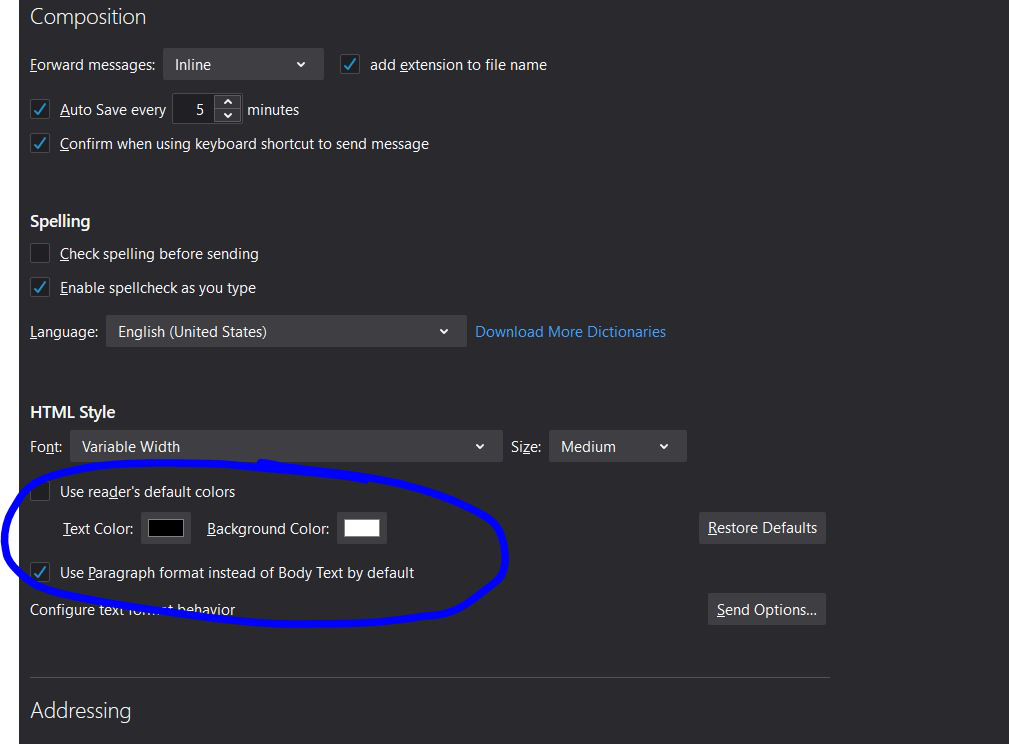
For some reason the email BG color is not set to Black, and I can't change it. If I change the BG to white in new email window, it reverts back to black next email. If I change the composition background color, it seems to have no effect.
My email BG in the email viewer pane defaults to black, and new messages default to black. I can't seem to change this.
Can anyone help me? I have also tried reeseting to default theme, picking a white theme, nothing changes this.
Wubrane rozwězanje
Sorry, didn't see you're on 77beta. The corresponding settings are in Options/General/Language & Appearance/Colors.
On my system, TB 77b has the normal white appearance if the default Windows mode is Dark or Light, but only if the default app mode is Light.
There is some discussion in this topic: https://support.mozilla.org/en-US/questions/1282492
Toś to wótegrono w konteksće cytaś 👍 1Wšykne wótegrona (4)
In W10 Settings, Personalization, Colors, what is the default Windows mode and app mode? What are the settings in Options/Display/Formatting/Colors?
I do not see an Options/Display/Formatting/Colors menu anywhere. is this supposed to be in Thunderbird? In Thunderbird I only see Options/General, Option/Composition, and Options/Privacy.
I did find the Win10 Personalization which was set to Dark Mode. If I change this to light mode, then Thunderbird has a white background. This is interesting, but I prefer to have dark mode in windows and light mode in thunderbird, if that is at all possible...
Wubrane rozwězanje
Sorry, didn't see you're on 77beta. The corresponding settings are in Options/General/Language & Appearance/Colors.
On my system, TB 77b has the normal white appearance if the default Windows mode is Dark or Light, but only if the default app mode is Light.
There is some discussion in this topic: https://support.mozilla.org/en-US/questions/1282492
OMG I just found the custom settings in windows and this solves it.
Setting it to Custom color, you can choose Dark mode for windows and light mode for apps.
Thank you for leading me in the right direction! SOLVED!
