


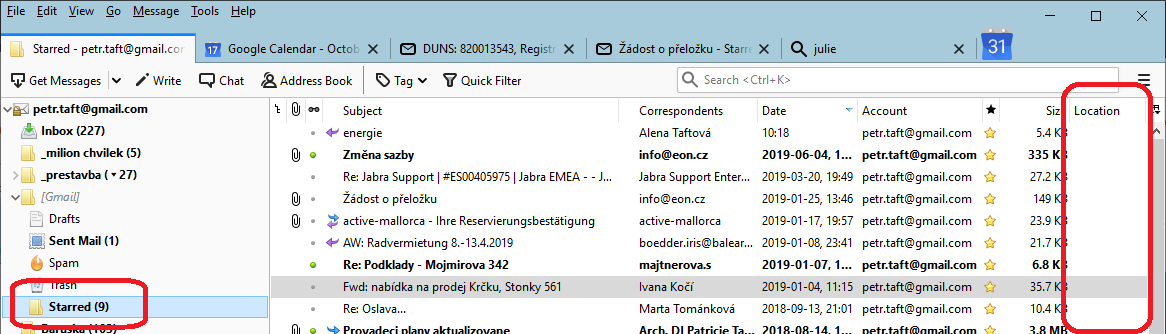
In the starred folder with messages is column "Location" empty. Where can I see, in which folder the starred message is located?
The "Location" column is everytime empty by starred messages. Is it a bug? If not, where can I find the location of starred messages?
Wšykne wótegrona (1)
Wubrane rozwězanje
Gmail stores all emails in the 'All Mail' folder and applies labels so they appear like a virtual view in any email with a label. eg: Inbox and in your case those starred emails also get an automatic label to make them also appear in the 'Starred' folder. As the starred emails are in the 'Starred' folder, it does not need to mention location because you are already viewing it. 'Location' does not list all the other potential folders/labels that are applied.
However, you can perform a search. Menu icon (3 lines) > Find > Search Messages Search on the account name. Select: Search subfolders Select: 'Match all of the following' Status is Starred click on 'Search' Results will display and the folder will be named.