


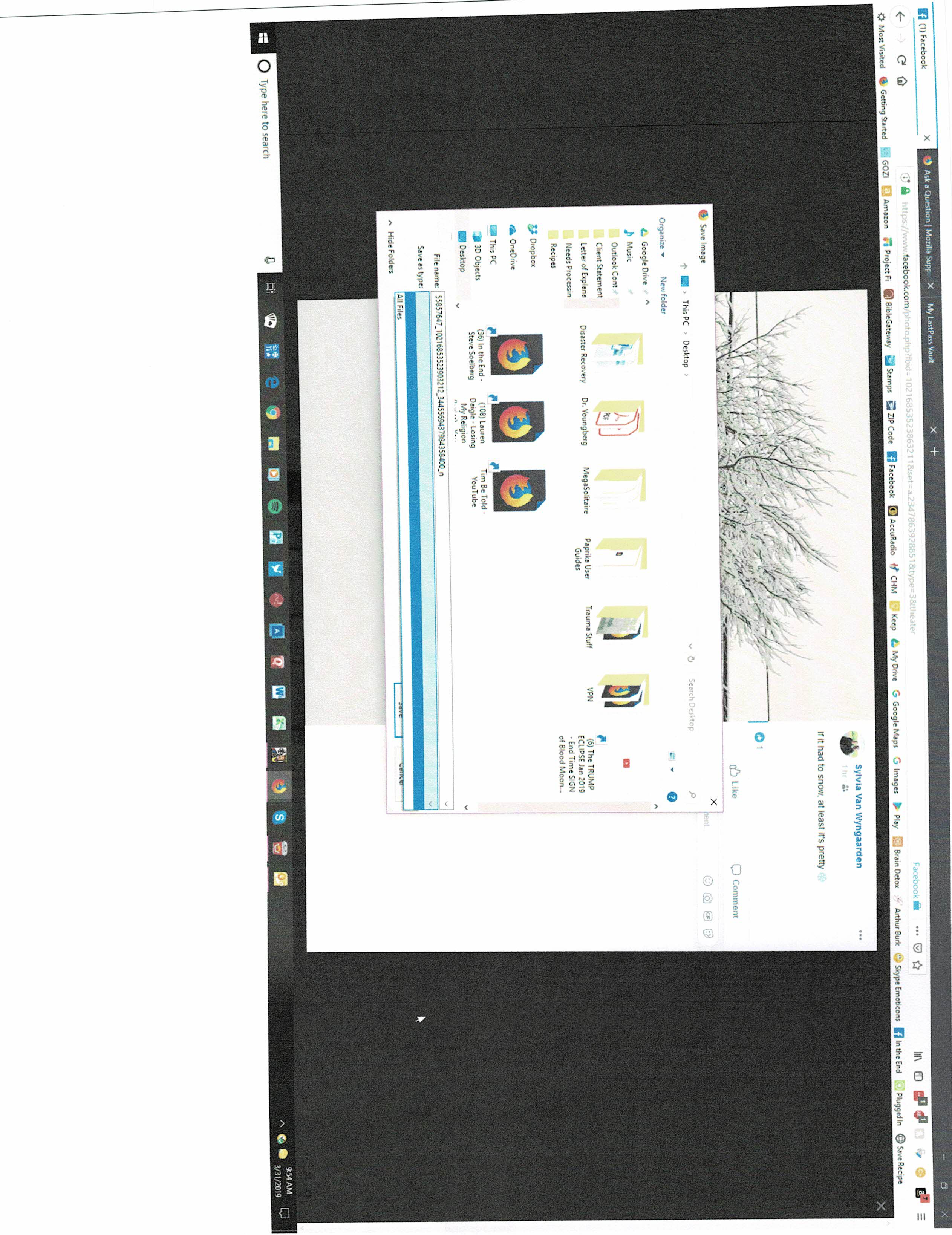
File Types missing from "Save Image As" - only option is "All Files"
When I right-click to get the "Save Image As" command the only file type available in the drop-down box is All Files - and pictures saved that way will not paste into other applications. How do I get Firefox to save the image in its native format (jpg, png, gif, tiff, etc.) so that it is usable?
Wšykne wótegrona (3)
Wubrane rozwězanje
You can add the correct file extension (e.g. .jpg or .png yourself) if Firefox doesn't add it.
This can be cause for the Windows feature to hide the file extension for known file types, so maybe check this in the Windows folder setting to see if that has effect.
Wót cor-el změnjony
Thank you for your response - I appreciate it. And yes, I can do that manually, but this behavior does not happen with other browsers such as Chrome or Edge so I do not believe it is an issue with Windows. Why do I have to manually add a file type in Firefox?
See:
- /questions/1242566 "Save image as" no longer works.